




Get Your Scanner Customized
The scanning experience in Dynamsoft Batch Barcode Scanner is fully customizable. Open the settings page, you can configure it in several aspects, for example:
- Camera
- Scanning
- Barcode Reading
- Upload
Camera
| Settings | Description |
|---|---|
| Resolution | The resolution of the camera preview. |
| Camera Type | Available for iOS, where you can select which camera to use. |
| Enable Video Decoding | Enable video decoding to provide live visual feedback. The barcodes decoded from the live video can also be used for the final result. It is enabled by default. Turn off this to save battery. |
Scanning
| Settings | Description |
|---|---|
| Scan Setting Name | The name of the scanning setting, which is used in the JSON template. |
| Scan Region | Specifies the scan region. |
| Stitch Level | Specifies how much effort to spend on stitching the images. |
| Layout | Specifies what layout analysis to enable. When enabled, it can highlight potential unrecognized barcodes based on layout. For example, a 20x20 grid. It is disabled by default. |
Barcode Reading
| Settings | Description |
|---|---|
| Barcode Setting Name | The name of the barcode reading setting, which is used in the JSON template. |
| Barcode Colour Options | Configure this to read inverted barcodes. |
| Barcode Decode Level | Preset templates to control how much effort to spend on decoding barcodes. |
| Barcode Formats | Specifies what formats of barcode to read and output. |
| Duplicate Filter | If enabled, it only outputs one of the many duplicate barcodes, which is suitable if one object has many barcodes with the same value. It is disabled by default. |
| Min Localized Barcode Confidence | The minimum confidence level of the localized barcode. If the value is lower than 100, it will draw barcodes which haven’t been recognized but localized on the result image in orange. The default value is 100. |
Upload
| Settings | Description |
|---|---|
| Storage Location | The location to save the result to using cloud storage services like OneDrive |
Import and Export
You can import and export the settings in JSON. The JSON template has more options and the settings specified with the UI has higher priority.
You can contact support to specify the default template for your account.
After the templates are set for your account, you can select which template (scenario) to use on home page (e.g. Scan 2D in the screenshot).
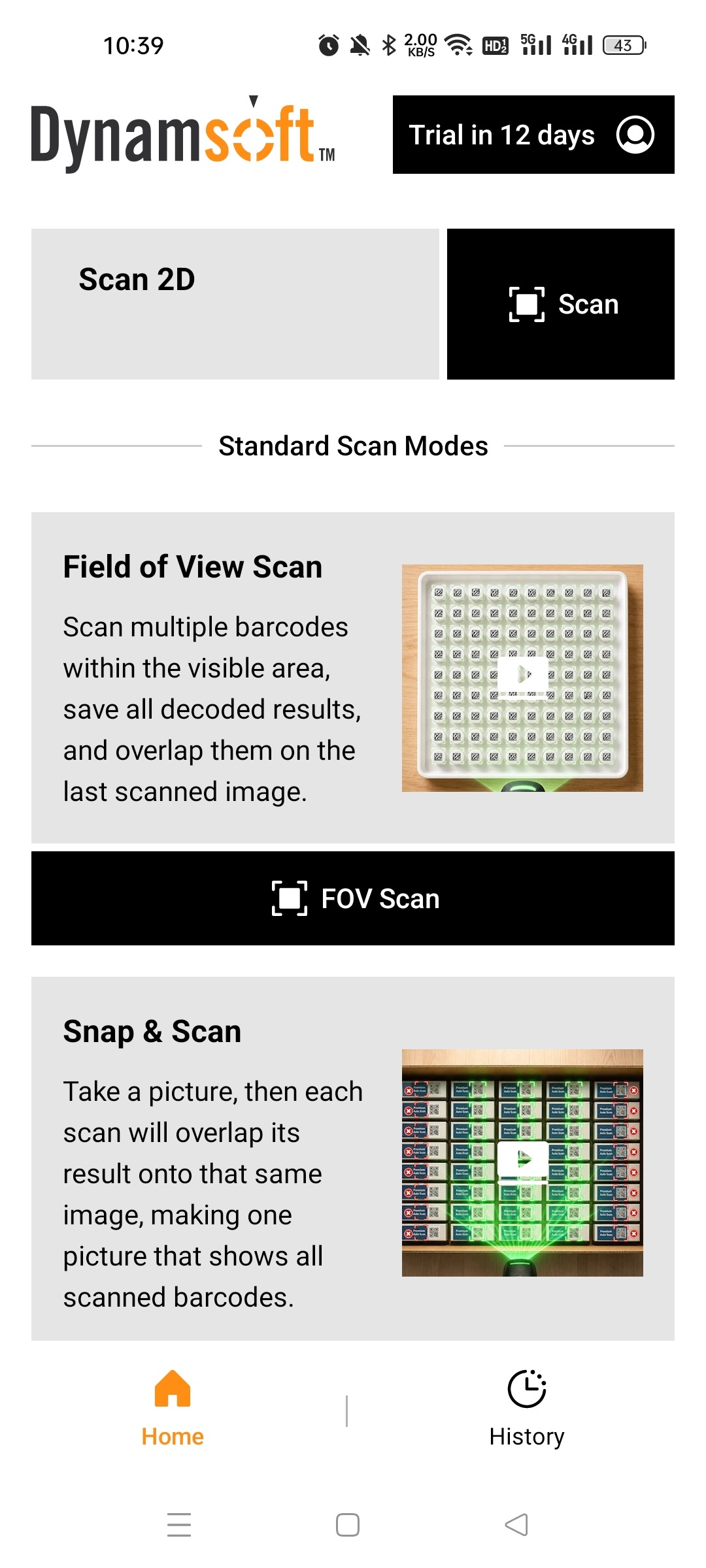
Read the parameters page to learn more about the JSON templates.
 Yes
Yes No
No