


Server-Side Barcode Scanning SDK
Accurately scans the toughest barcodes — damaged, blurry, or low-light — at enterprise scale, in just a few lines of code. Start your free trial today.
High-volume barcode scanning
Best-in-class accuracy
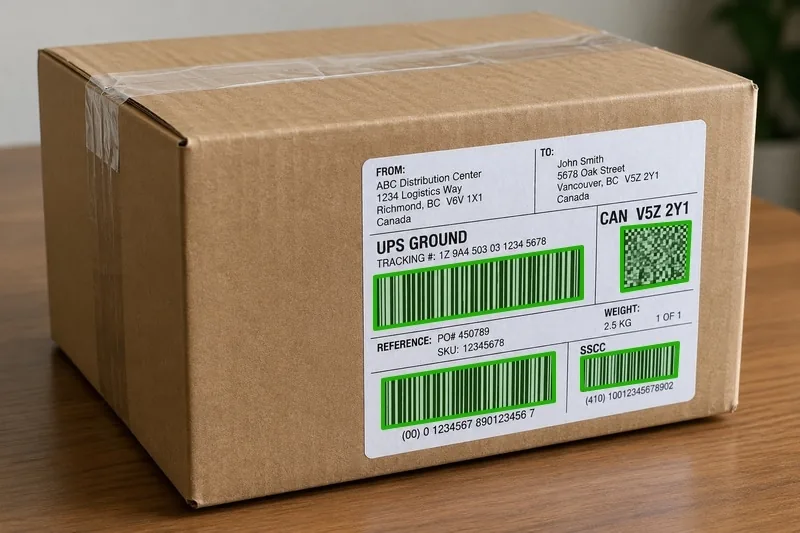
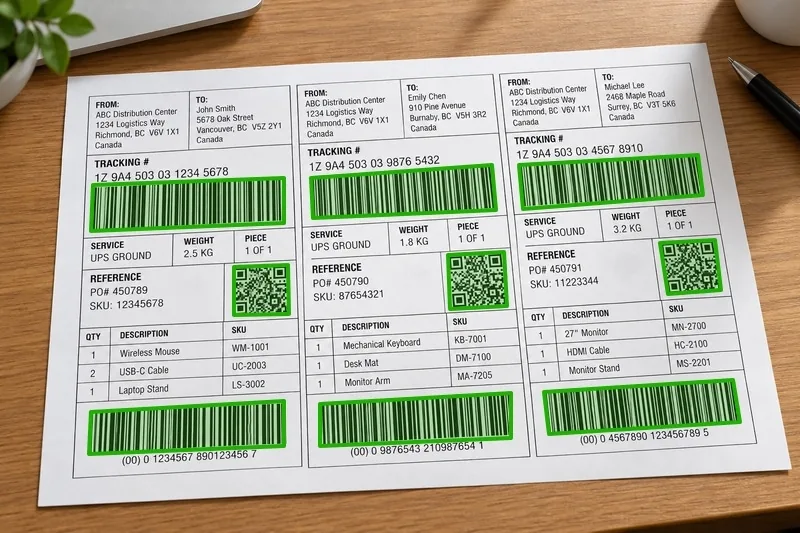
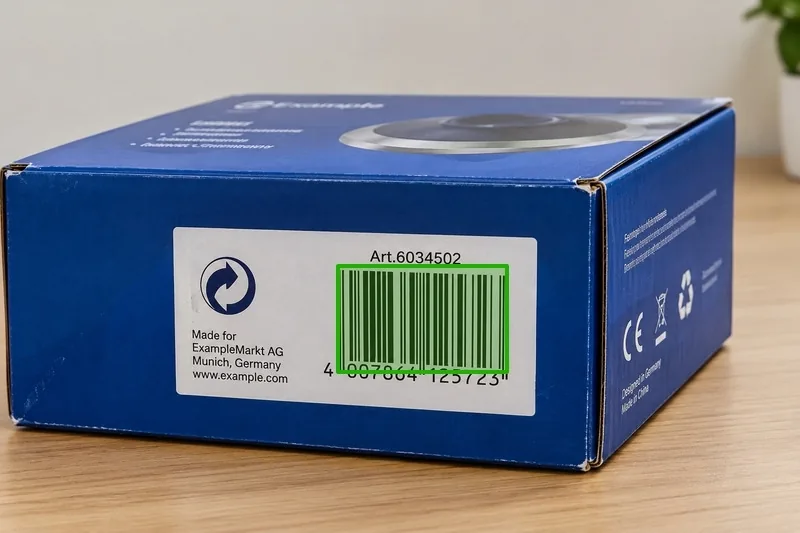
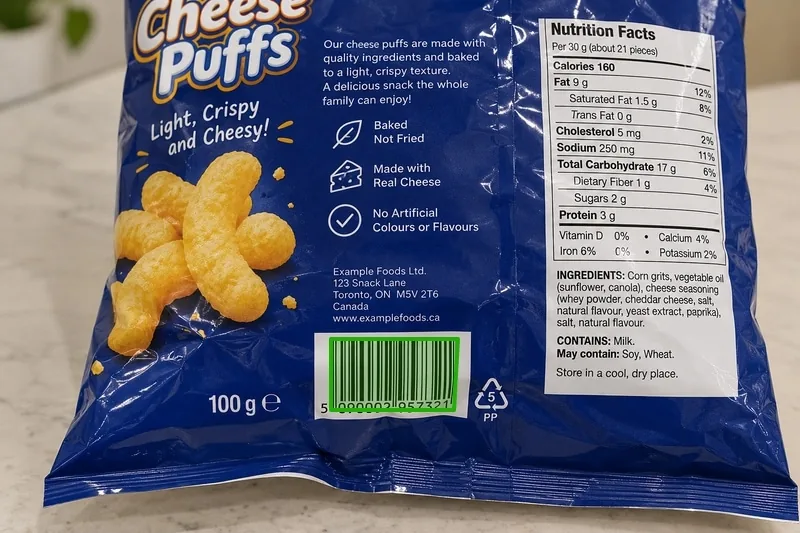
Multi-symbology support
30-day free trial
No-commitment consultation
Flexible licensing options
Trusted by 10,000+ companies worldwide - for over 20 years














Start Scanning in Minutes
Add production-ready barcode scanning to any server app with easy integration. Copy the code to get started, then explore our full documentation and samples for more.
code on your phone
- C++
- Python
- .NET (C#)
- Java
#include "DynamsoftCaptureVisionRouter.h"
using namespace dynamsoft::license;
using namespace dynamsoft::cvr;
using namespace dynamsoft::dbr;

int main() {
    // 1. Init license
    char errorMsg[512];
    int errorCode = CLicenseManager::InitLicense(
        "DLS2eyJvcmdhbml6YXRpb25JRCI6IjIwMDAwMSJ9", errorMsg, 512);
    if (errorCode != EC_OK && errorCode != EC_LICENSE_WARNING) {
        std::cout << "License init failed: " << errorMsg << std::endl;
        return 1;
    }

    // 2. Capture barcodes from an image file
    CCaptureVisionRouter* cvr = new CCaptureVisionRouter;
    CCapturedResult* result = cvr->Capture(
        "path/to/image.png", CPresetTemplate::PT_READ_BARCODES);

    // 3. Print decoded items
    CDecodedBarcodesResult* barcodes = result->GetDecodedBarcodesResult();
    if (barcodes == nullptr || barcodes->GetItemsCount() == 0) {
        std::cout << "No barcode detected." << std::endl;
    } else {
        for (int i = 0; i < barcodes->GetItemsCount(); ++i) {
            const CBarcodeResultItem* item = barcodes->GetItem(i);
            std::cout << item->GetFormatString() << ": " << item->GetText() << std::endl;
        }
    }

    if (barcodes) barcodes->Release();
    result->Release();
    delete cvr;
    return 0;
}
from dynamsoft_barcode_reader_bundle import *
# 1. Init license
errorCode, errorMsg = LicenseManager.init_license("DLS2eyJvcmdhbml6YXRpb25JRCI6IjIwMDAwMSJ9")
if errorCode != EnumErrorCode.EC_OK and errorCode != EnumErrorCode.EC_LICENSE_WARNING:
print("License init failed:", errorMsg)
else:
# 2. Capture barcodes from an image file
cvr = CaptureVisionRouter()
result = cvr.capture("path/to/image.png", EnumPresetTemplate.PT_READ_BARCODES.value)
# 3. Print decoded items
barcodes = result.get_decoded_barcodes_result()
if barcodes is None or len(barcodes.get_items()) == 0:
print("No barcode detected.")
else:
for item in barcodes.get_items():
print(item.get_format_string() + ": " + item.get_text())using Dynamsoft.DBR;
using Dynamsoft.Core;
using Dynamsoft.CVR;
using Dynamsoft.License;
// 1. Init license
int errorCode = LicenseManager.InitLicense(
"DLS2eyJvcmdhbml6YXRpb25JRCI6IjIwMDAwMSJ9", out string errorMsg);
if (errorCode != (int)EnumErrorCode.EC_OK
&& errorCode != (int)EnumErrorCode.EC_LICENSE_WARNING) {
Console.WriteLine("License init failed: " + errorMsg);
return;
}
// 2. Capture barcodes from an image file
using var cvr = new CaptureVisionRouter();
CapturedResult? result = cvr.Capture("path/to/image.png", PresetTemplate.PT_READ_BARCODES);
// 3. Print decoded items
DecodedBarcodesResult? barcodes = result?.GetDecodedBarcodesResult();
if (barcodes == null || barcodes.GetItems().Length == 0) {
Console.WriteLine("No barcode detected.");
} else {
foreach (var item in barcodes.GetItems())
Console.WriteLine(item.GetFormatString() + ": " + item.GetText());
}import com.dynamsoft.cvr.*;
import com.dynamsoft.dbr.*;
import com.dynamsoft.license.*;
import com.dynamsoft.core.EnumErrorCode;
public class ReadAnImage {
public static void main(String[] args) throws Exception {
try {
LicenseError licenseError = LicenseManager.initLicense("DLS2eyJvcmdhbml6YXRpb25JRCI6IjIwMDAwMSJ9");
if (licenseError.getErrorCode() == EnumErrorCode.EC_LICENSE_WARNING) {
System.out.println("License initialization warning: " + licenseError.getErrorString());
}
} catch (LicenseException e) {
System.out.println("License initialization failed: ErrorCode: " + e.getErrorCode() + ", ErrorString: " + e.getErrorString());
return;
}
// 2. Capture barcodes from an image file
CaptureVisionRouter cvr = new CaptureVisionRouter();
CapturedResult[] results = cvr.captureMultiPages(
"path/to/image.png", EnumPresetTemplate.PT_READ_BARCODES);
// 3. Print decoded items
for (CapturedResult r : results) {
DecodedBarcodesResult barcodes = r.getDecodedBarcodesResult();
if (barcodes == null) continue;
for (BarcodeResultItem item : barcodes.getItems()) {
System.out.println(item.getFormatString() + ": " + item.getText());
}
}
}
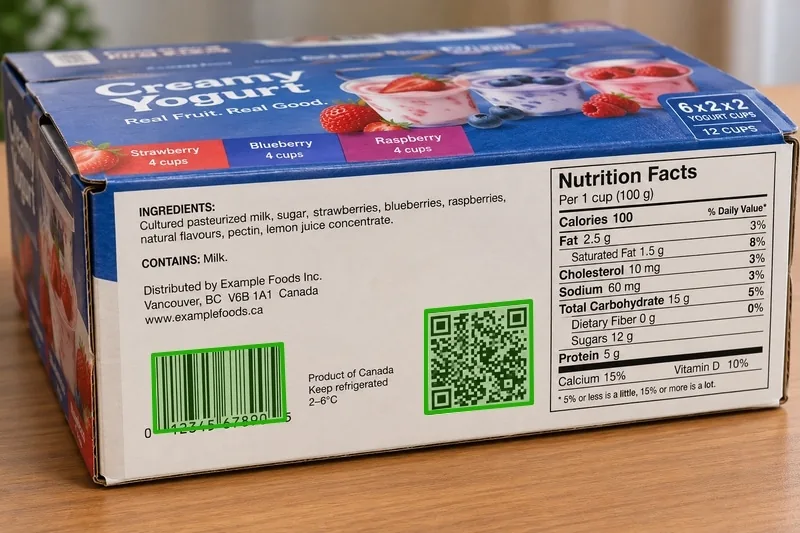
}Supports 30+ barcode symbologies — EAN-13/UPC-A, EAN-8/UPC-E, QR, Data Matrix, PDF417, Code 128, Code 39, and more
View allBuilt for high-volume backend workflows
From warehouse sorting to clinical data entry, seamlessly integrate automated barcode and document capture into your existing infrastructure.

Healthcare
Automated Document Routing
Pain Point
Manually sorting scanned documents wastes hours
Solution
Auto-classify and route documents by embedded barcode data

Manufacturing
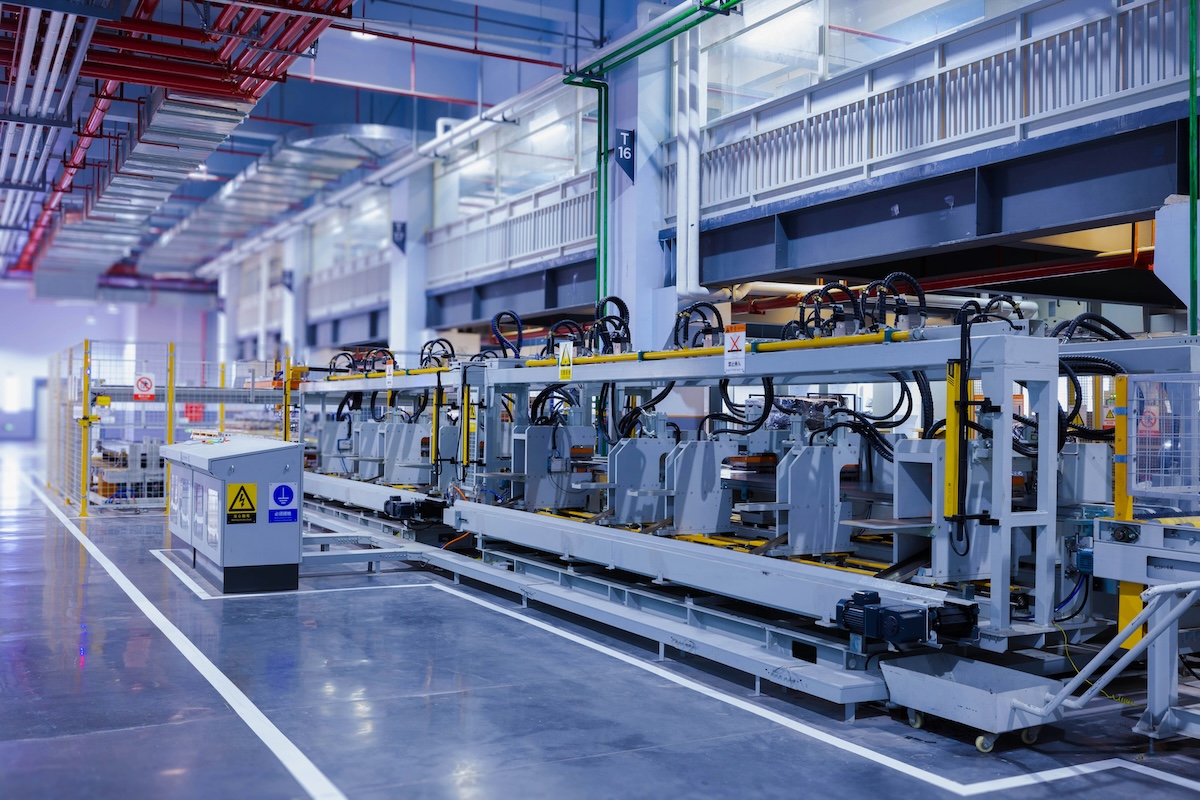
Production Line Tracking & QA
Pain Point
Manual part tracking and quality checks slow production and introduce errors
Solution
Integrate real-time barcode decoding into MES and production systems for part tracking, inventory, and quality assurance
Logistics
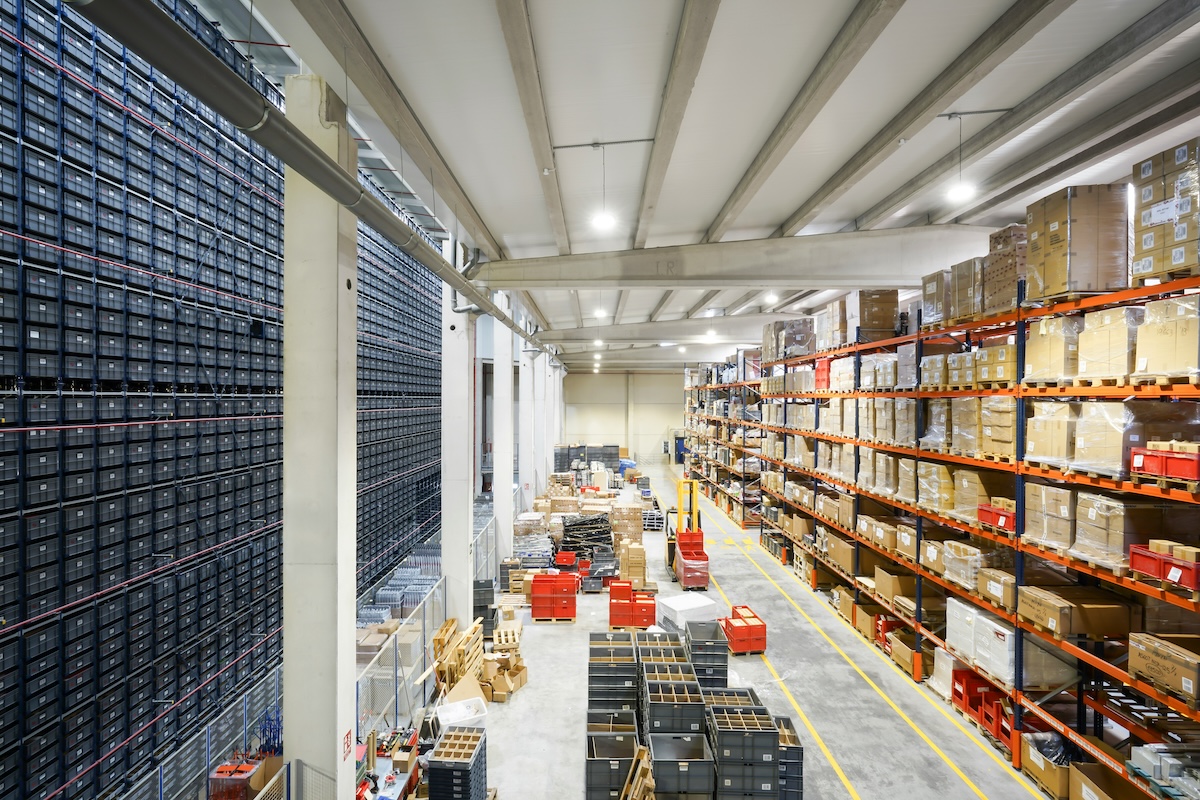
Logistics & Supply Chain
Pain Point
Warehouse and mobile images need server-side decoding at scale
Solution
Process high volumes of tracking/shipping barcodes with consistent throughput

Healthcare
Healthcare Records
Pain Point
Patient forms & lab labels need fast, accurate capture without slowing clinical workflows
Solution
Batch-decode barcodes across scanned records for EHR and LIMS ingestion

Financial
Financial Services Documents
Pain Point
Manually keying ID and form data into onboarding systems is slow & error prone.
Solution
Auto-extract data from forms and IDs server-side to populate account systems accurately.

Deployment Options
Deploy as a headless service in your server or cloud infrastructure, in a desktop application, or embedded in ARM-based edge devices. SDKs for C++, .NET, Java, and Python.
Deployment
Server & Cloud
Windows server
Linux server
C++, Java, Python, .NET
Integrates cleanly into your existing backend services, batch jobs or containers.
Desktop
Windows server
Linux server
macOS
C++, Java, Python, .NET
Integrates with desktop UI frameworks for interactive scanning.
Embedded & Edge
ARM32/ARM64
Raspberry Pi
Jetson Nano
C++, Java, Python
Embed in Linux edge hardware, handheld devices or industrial PCs.
Proven accuracy on the toughest industrial codes
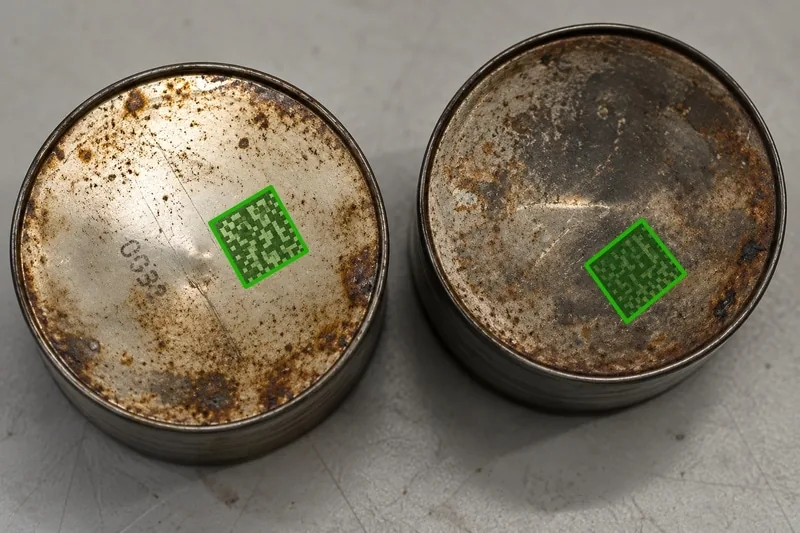
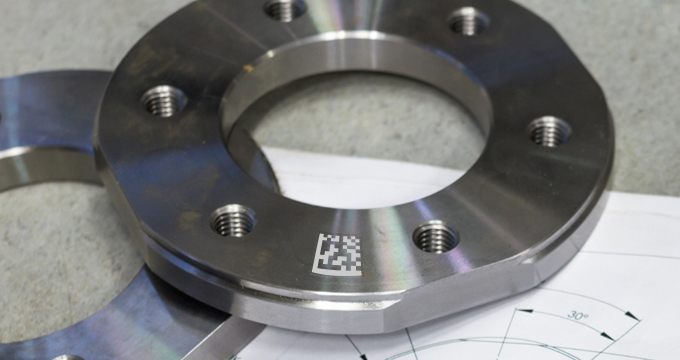
Perspective-skewed DataMatrix codes, captured at an angle on production lines and machine vision systems, is one of the hardest problems in barcode decoding. In an independent 42-image benchmark, Dynamsoft detected 51% more codes than Scandit, while processing 7% faster.
View full benchmark resultsTotal Barcodes Detected (+51%)
792
Dynamsoft
525
Scandit
Across 42 test images
Barcodes Detected Per Image (+51%)
18.86
Dynamsoft
12.50
Scandit
Avg. barcodes / image
Barcode Decode Speed (+7%)
371.8 ms
Dynamsoft
399.3 ms
Scandit
Avg. time / image
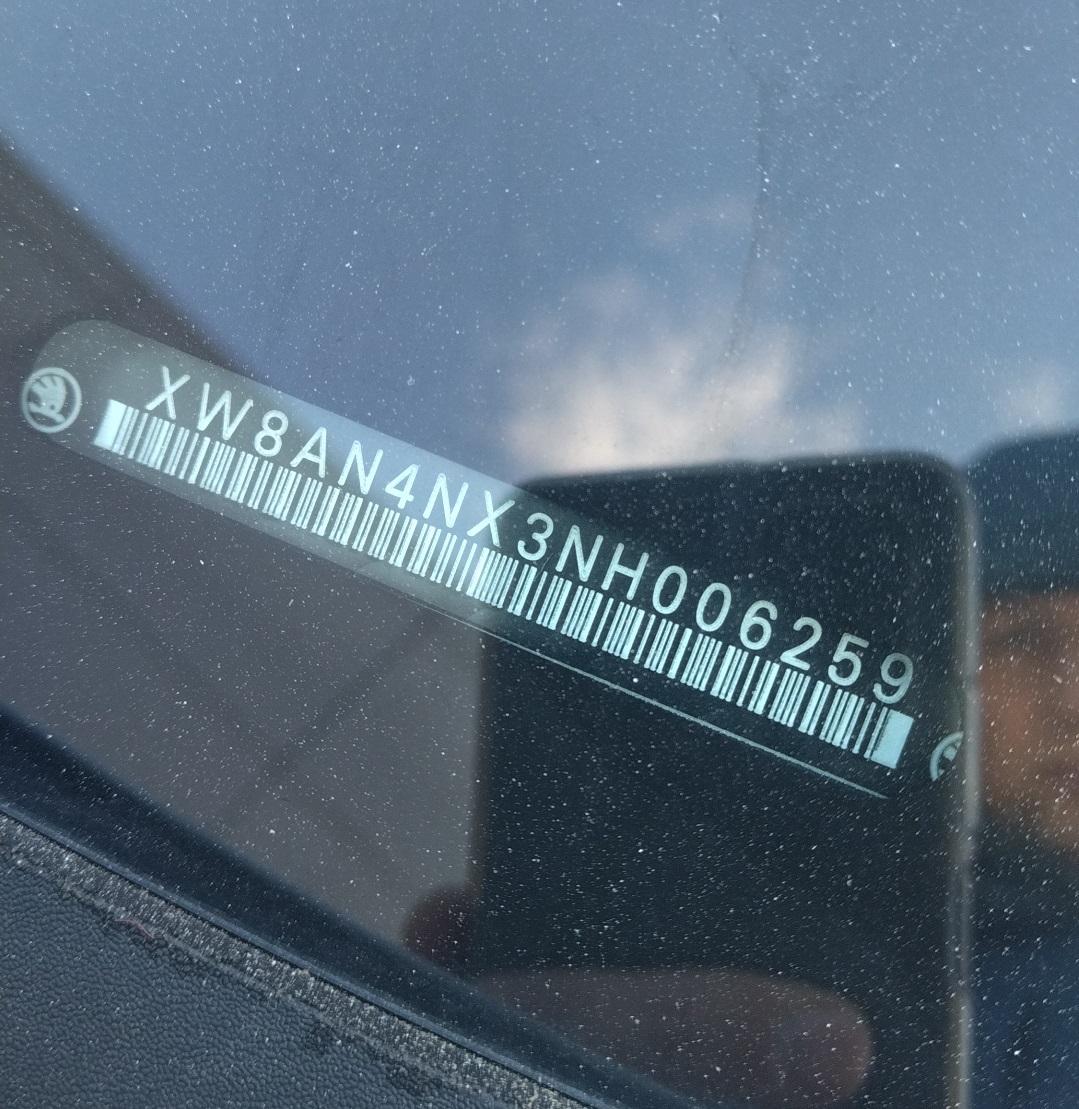
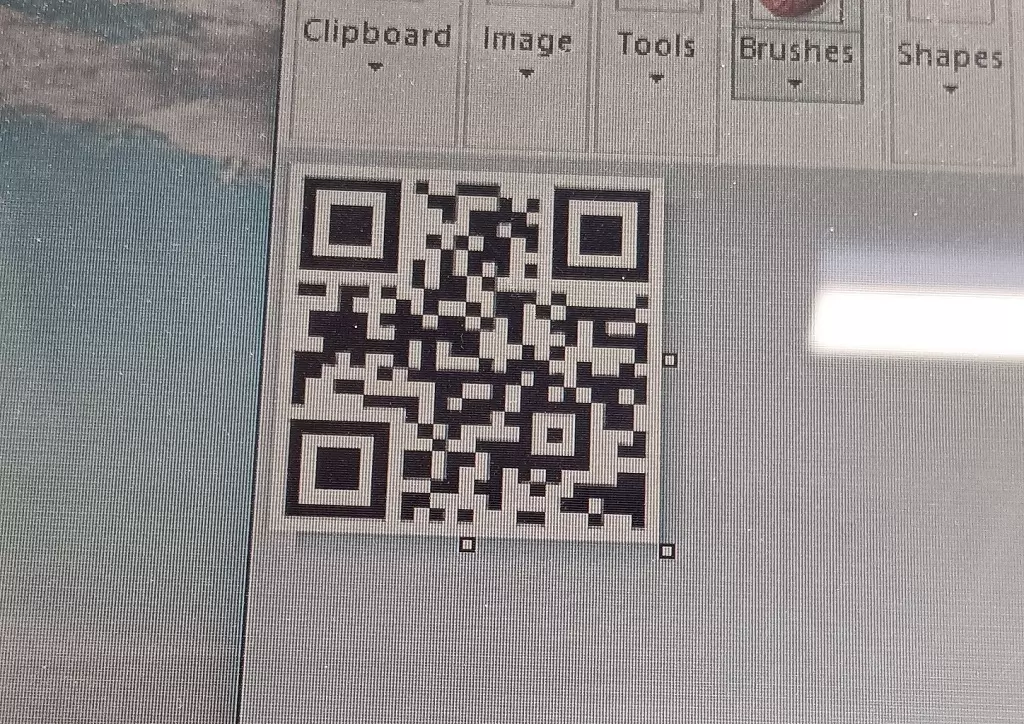
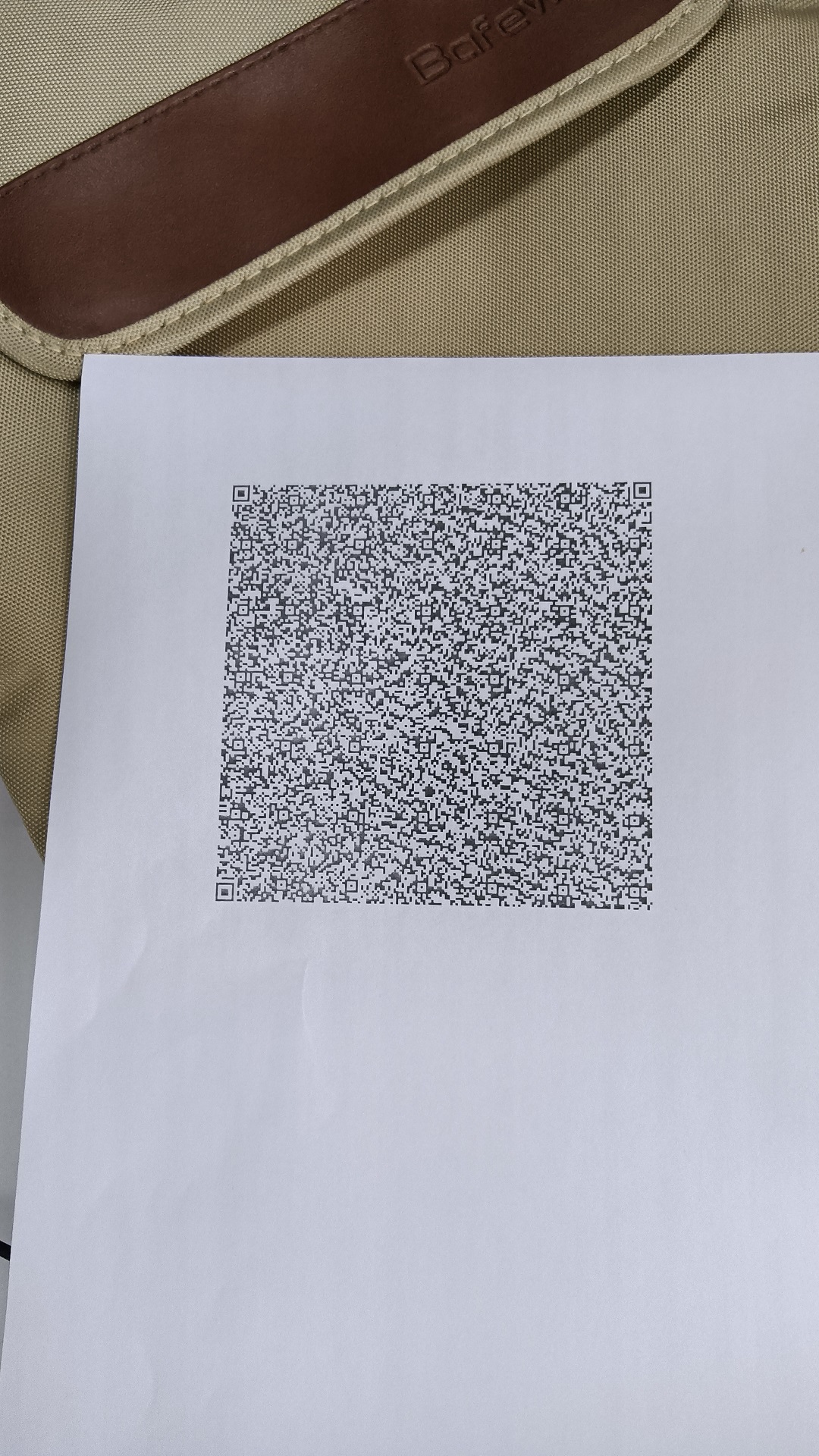
Boost performance with customized scan templates
Templates let you tune the full decode pipeline - image preprocessing, localization, and decoding - so you get maximum accuracy for the most challenging barcodes.
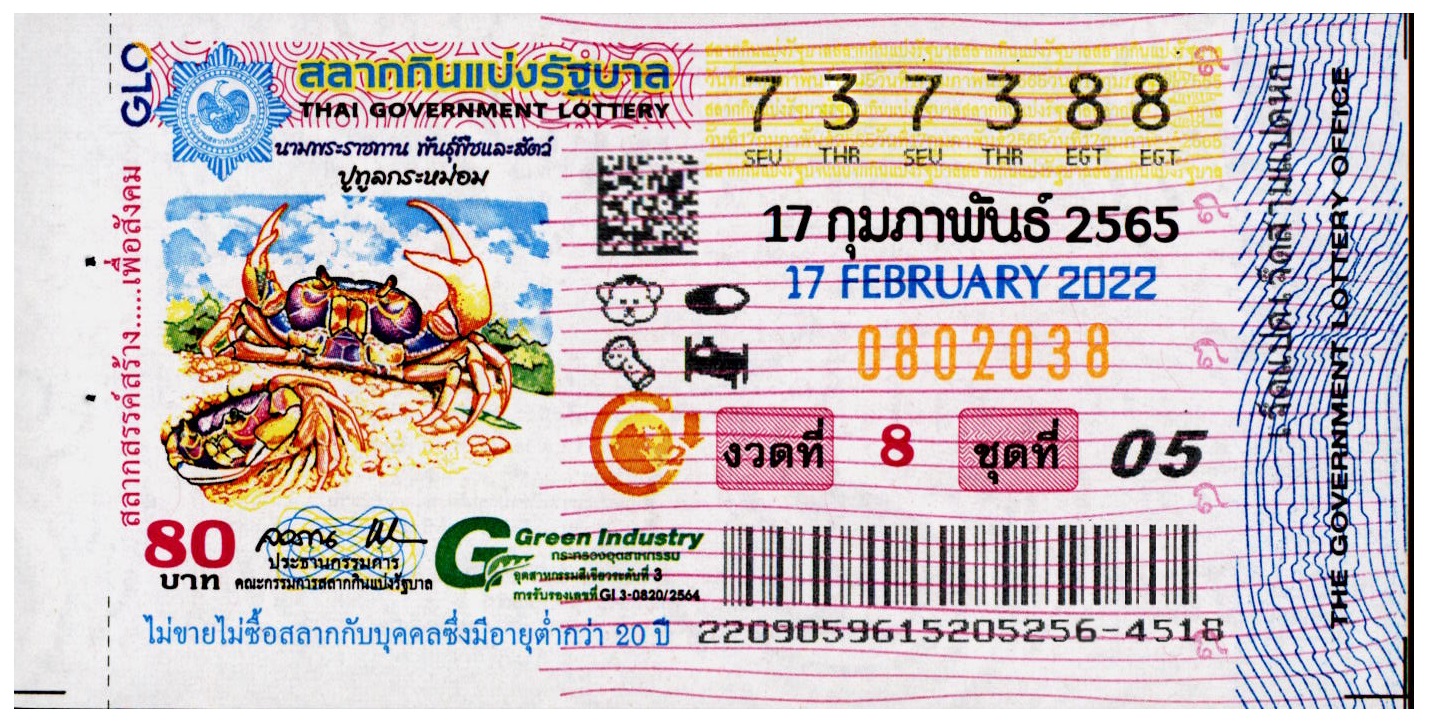
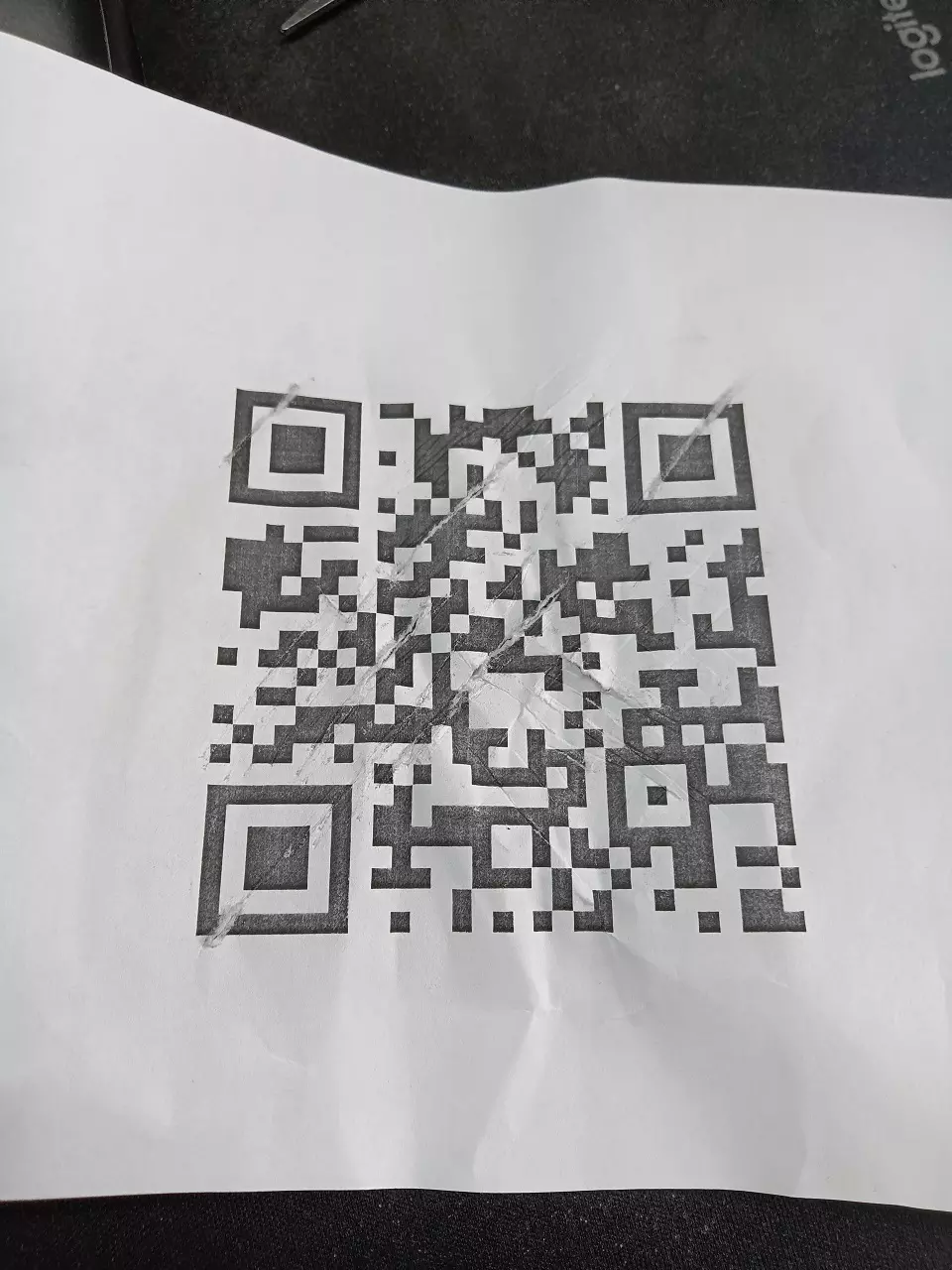
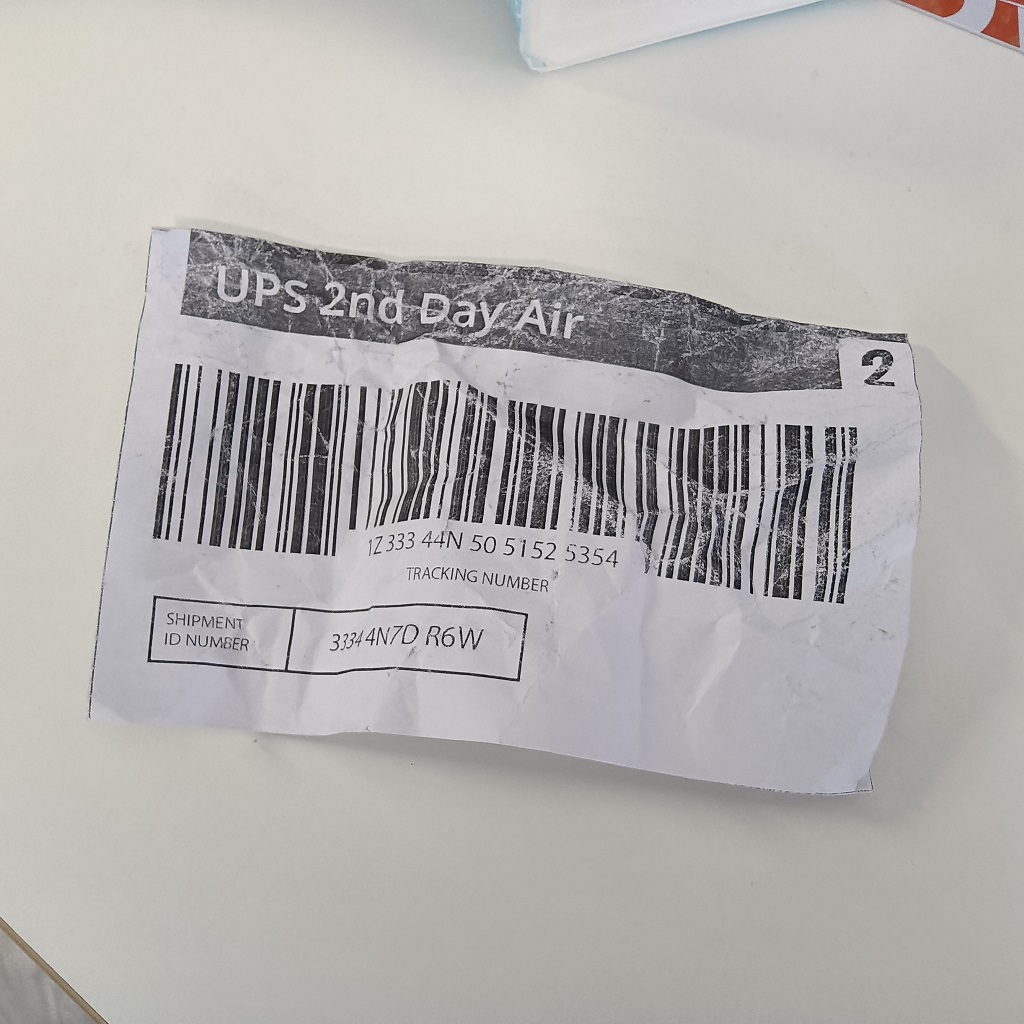
30+ barcode symbologies supported
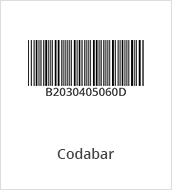
Linear, 2D, and specialty formats - including niche industrial and postal standards that most SDKs don't cover.
Linear Barcodes (1D)
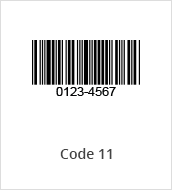
Code 11
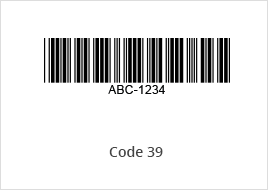
Code 39 & EXT
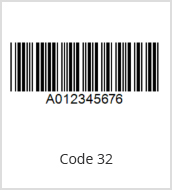
Code 32
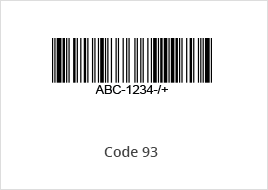
Code 93
Code 128
Codabar
Interleaved 2 of 5
Matrix 2 of 5
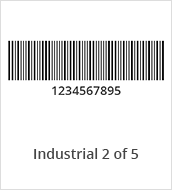
Industrial 2 of 5
MSI (Modified Plessey)
GS1 DataBar
Telepen
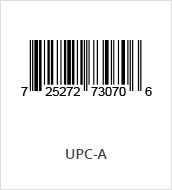
UPC-A
UPC-E
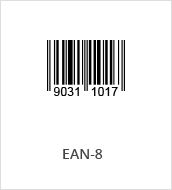
EAN-8
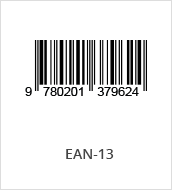
EAN-13
2D Barcodes
QR Code
Micro QR Code
Data Matrix
PDF417
Micro PDF417
Aztec Code
MaxiCode (mode 2-5)
USPS Intelligent Mail
Postnet
Planet
Australian Post
UK Royal Mail
KIX
DotCode
Others
Patch Code
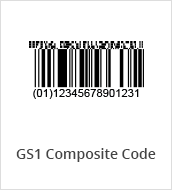
GS1 Composite Code
Pharmacode


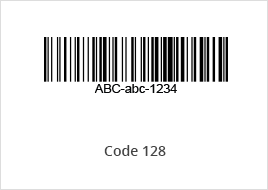
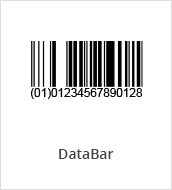
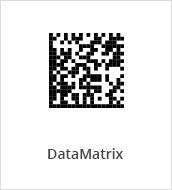
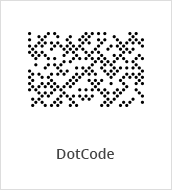
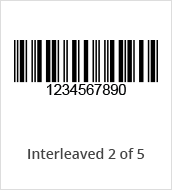
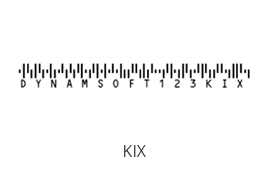
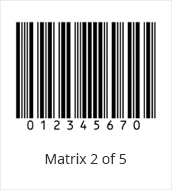
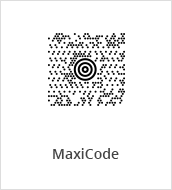
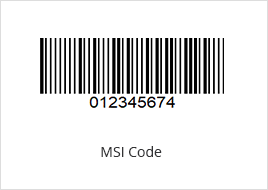
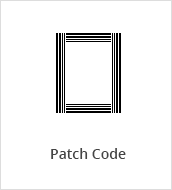
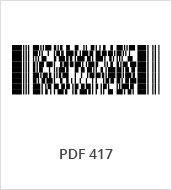
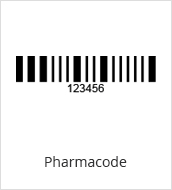
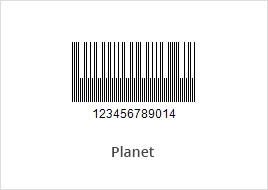
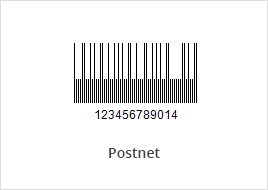
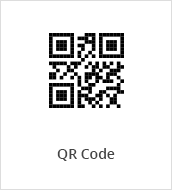
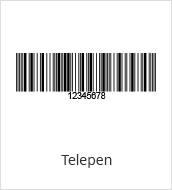

Trusted enterprise-grade solutions over 20 years
From early-stage evaluation to enterprise production - we support every stage of your development lifecycle.
23yrs
23yrs
Business since 2003
10K+
10K+
Customers worldwide
1M+
1M+
Active users

Built in Canada
ISO 27001 certified
Information security management certified to the global enterprise standard.

O-TTPS certified
Open Trusted Technology Provider Standard — supply chain integrity assured.

Proven strategies, real results.
Teams across manufacturing, healthcare, pharma, logistics, and retail use Dynamsoft to reduce scanning errors, accelerate integration, and meet compliance requirements.
"Using Dynamsoft means we bring our system from 90% to 100% scan rate."— Jorian Kalse, Lead PM

"With Dynamsoft Barcode Reader we can accurately read the barcodes with a higher success rate."– Elias Bertinat, Software Developer
"It was the comprehensive solution provided by Dynamsoft that outperformed all others."– Thorge Prochnow, Project Manager
From 40% to 100% QR code detection rate.
Streamlines production line process and increases productivity with Dynamsoft's barcode reader sdk.
"Fast 2D barcode reading which efficiently fits into our existing workflow"
What platforms and languages does Dynamsoft Barcode Reader support for server deployment?
PlatformDynamsoft Barcode Reader for server offers SDKs in C++, .NET, Java, and Python, running on Windows Server, Linux, and macOS ( C++, Python, and Java editions). Linux ARM64 is also supported for C++, Python, and Java, making it suitable for embedded and edge deployments alongside traditional server environments. All editions share a consistent API.
Can Dynamsoft Barcode Reader run in a headless or containerized environment?
PlatformYes. The SDK has no GUI dependency and runs as a library within backend services, batch jobs, or containers. It integrates cleanly into Docker-based Linux deployments for automated document and image processing pipelines.
Does the server edition also support desktop and embedded applications?
PlatformYes. The same SDK also supports desktop applications on Windows, Linux, and macOS, and embedded/edge deployments on ARM64 devices such as Raspberry Pi. This means teams can standardize on one SDK across backend infrastructure, desktop software, and edge hardware rather than integrating separate libraries for each.
How does Dynamsoft Barcode Reader perform on large batches of images or documents?
PerformanceIn independent benchmark testing on real-world industrial images, Dynamsoft Barcode Reader detected 51% more perspective-skewed DataMatrix codes than a leading competitor while processing 7% faster — with both SDKs tested at default settings on identical Linux hardware.
Is Dynamsoft Barcode Reader secure enough for regulated or sensitive data?
SecurityDynamsoft Barcode Reader is ISO 27001 and O-TTPS certified. The SDK processes images locally within your own infrastructure rather than sending them to an external service for decoding, which supports deployments handling sensitive records such as healthcare documents or financial forms.
Read Security White PaperWhat's included in the 30-day trial?
TrialNo feature restrictions for 30 days — full SDK access, all barcode formats, and complete API functionality. Our technical support team is available throughout your trial from day one.
Start your free trialTry the barcode reader SDK free for 30 days
Full functionality, direct engineer support, no commitment.
Fully Supported Free Trial
Real engineers available on live chat throughout your 30-day trial
No Credit Card Required
Download the SDK and start building immediately. No commitment
Flexible Licensing Options
Choose a licensing model that fits your deployment and scale.
We may reach out about products and services relevant to your trial. You can unsubscribe at any time - see our privacy statement for details.