




Extra Features
There are extra features for different use cases.
Watchlist
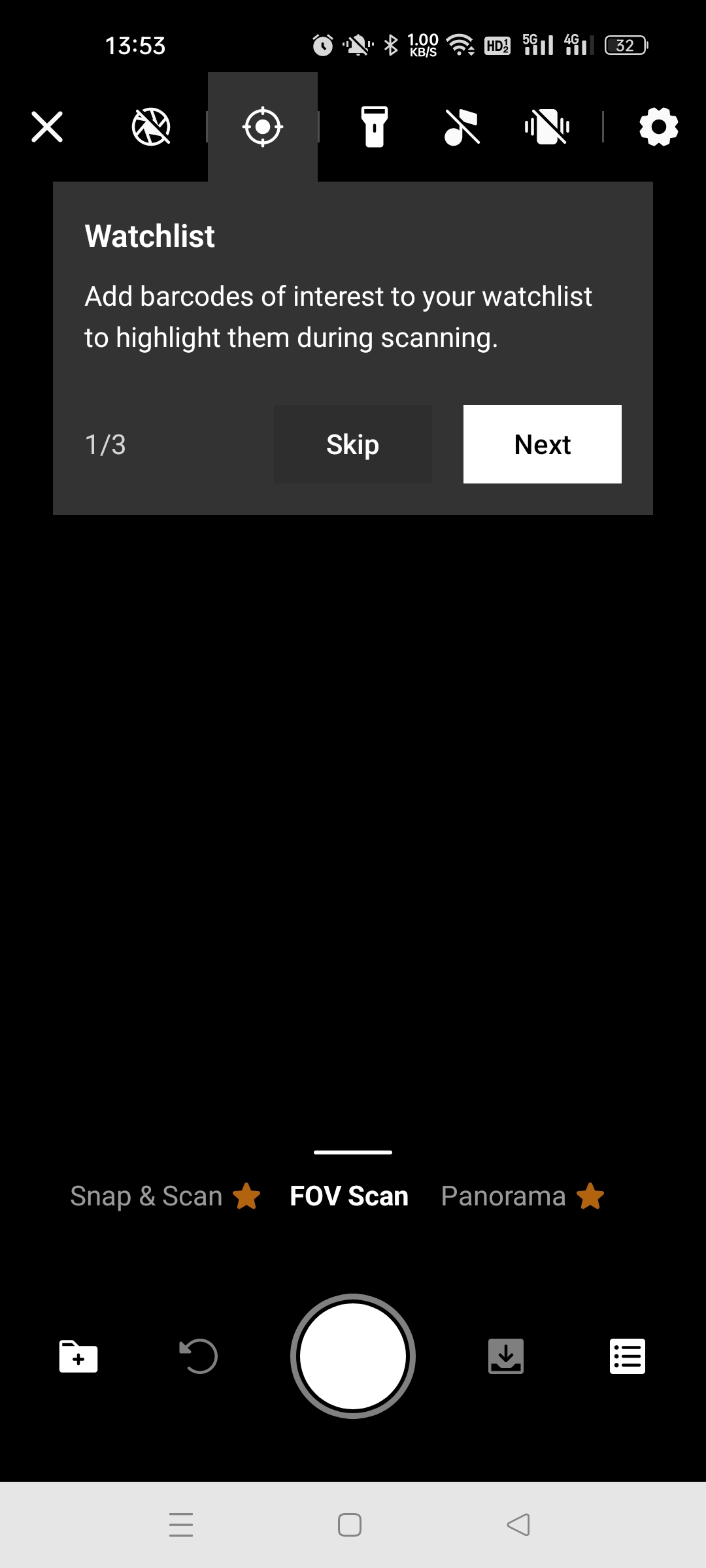
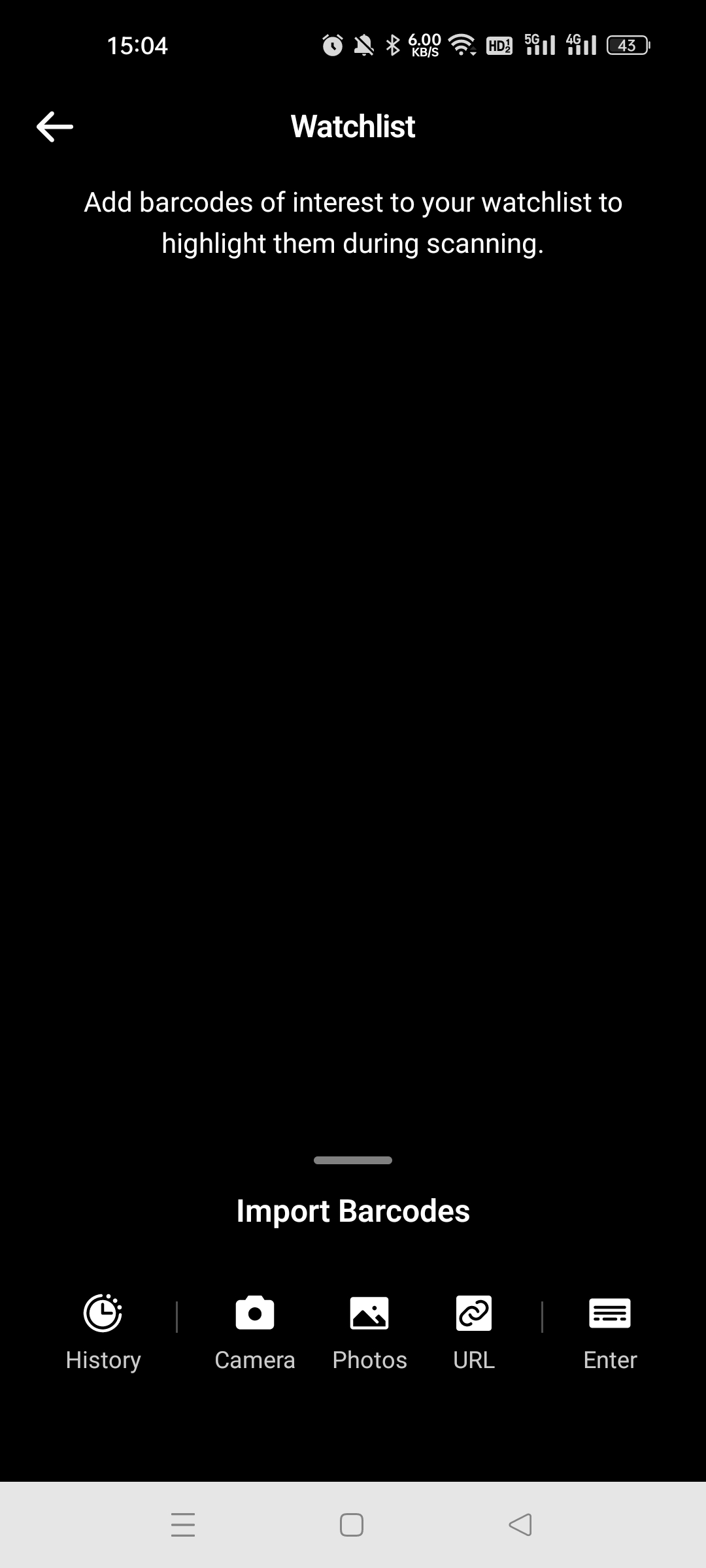
Put special barcodes in the watchlist and highlight them in a different color when live scanning.
In the camera interface, you can specify barcodes via manual input, selecting decoded barcodes on an image, etc.
In the scanning result, the watched barcodes will be marked in purple.
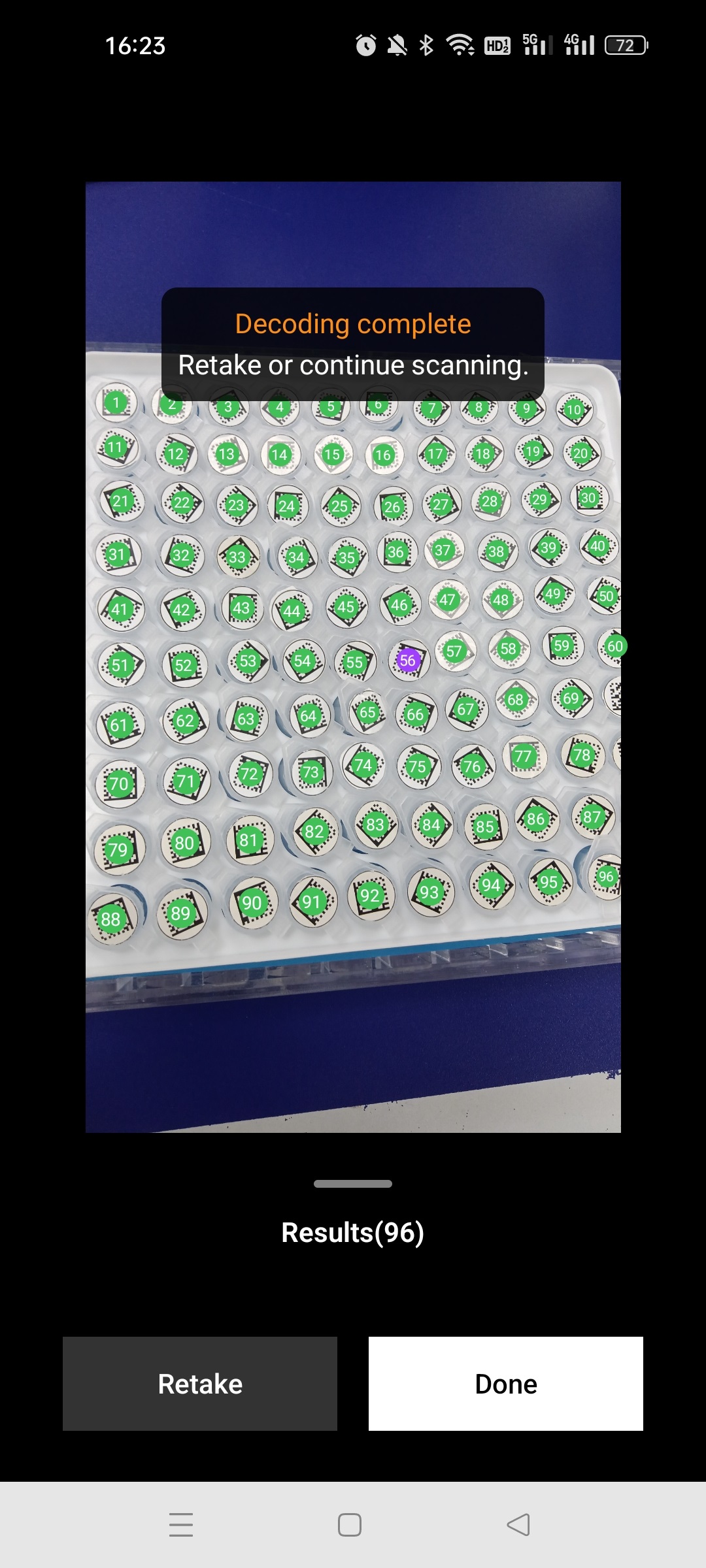
It is useful to scan and find barcode items.
Result Editing
You can add, edit and delete barcodes in the result.
You can modify the following barcode properties:
- Barcode format
- Barcode value
- Barcode location
- Barcode status
There are three types of barcode status.
- Decoded
- Not decoded
- Excluded (exclude all the barcodes in the barcode area)
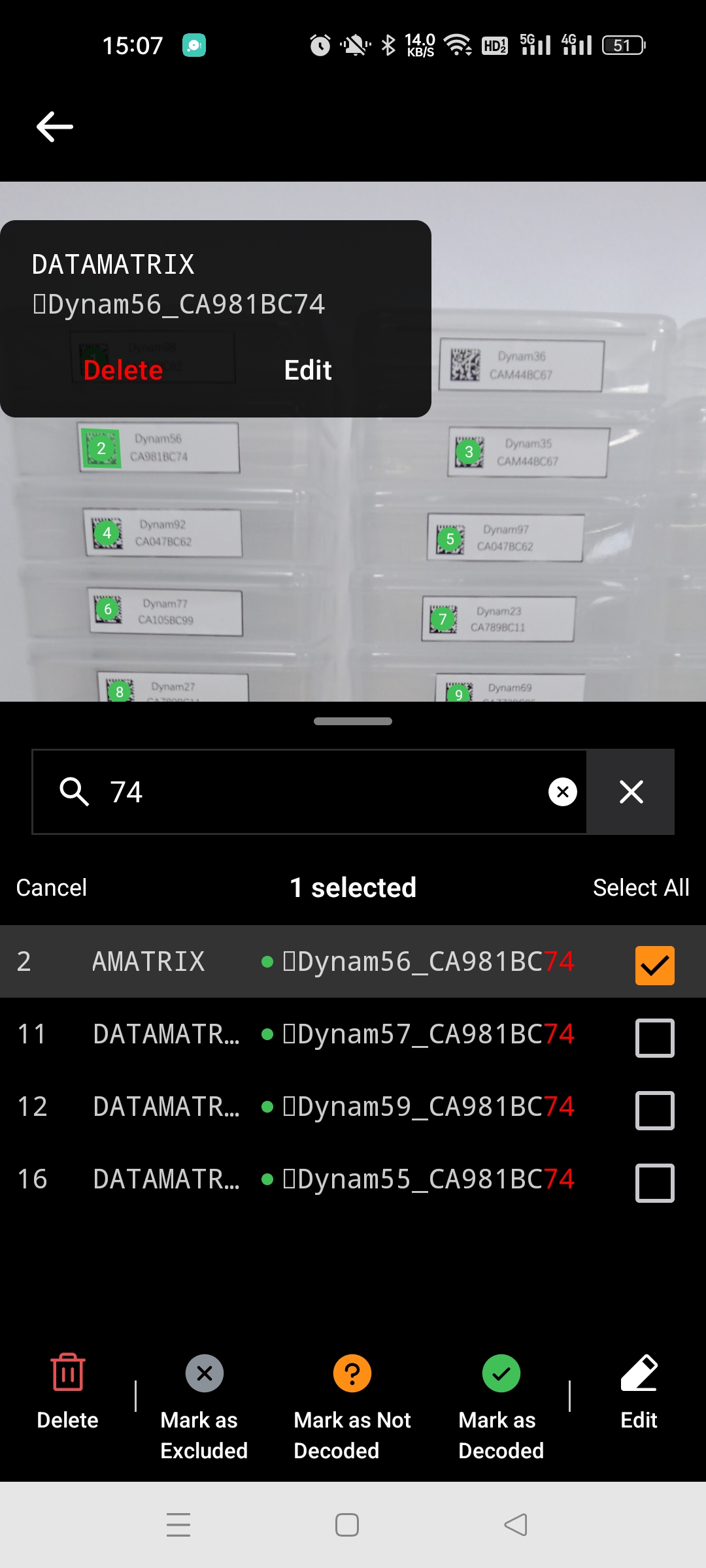
Search
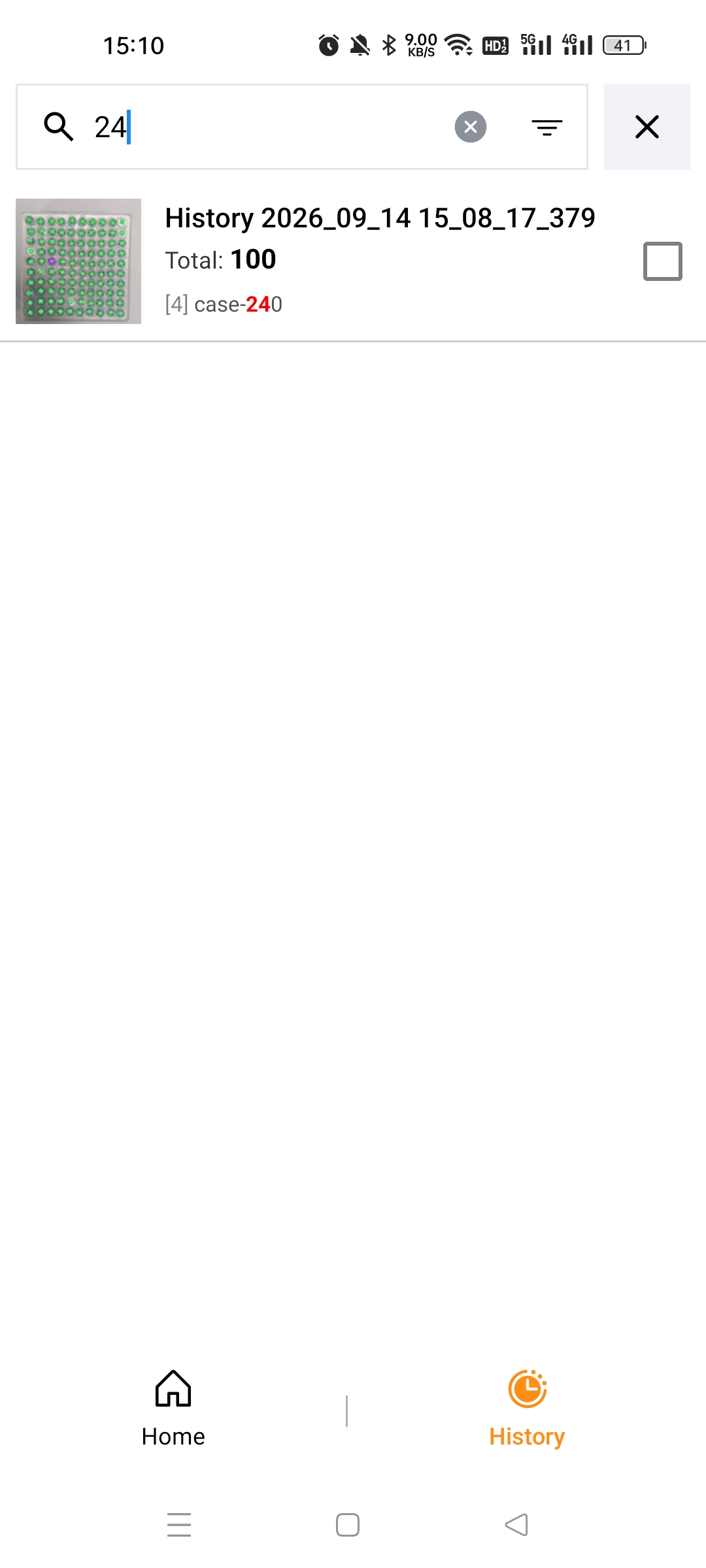
You can search in the result list via barcode values and search in the history list via barcode values, date and scenarios.
 Yes
Yes No
No