




How can I enable QR Code Model 1 support in BarcodeScannerX?
Most QR codes today follow the QR Code Model 2 standard. By default, BarcodeScannerX only supports QR Code Model 2. If you want to test QR Code Model 1, follow the steps below for either Android or iOS:
🔧 Steps to Enable QR Code Model 1
- Visit the Dynamsoft Barcode Reader Online Demo.
-
Click Advanced Settings.
- In the settings, check the option EnableQRCodeModel1 (you can modify any other settings as well).
-
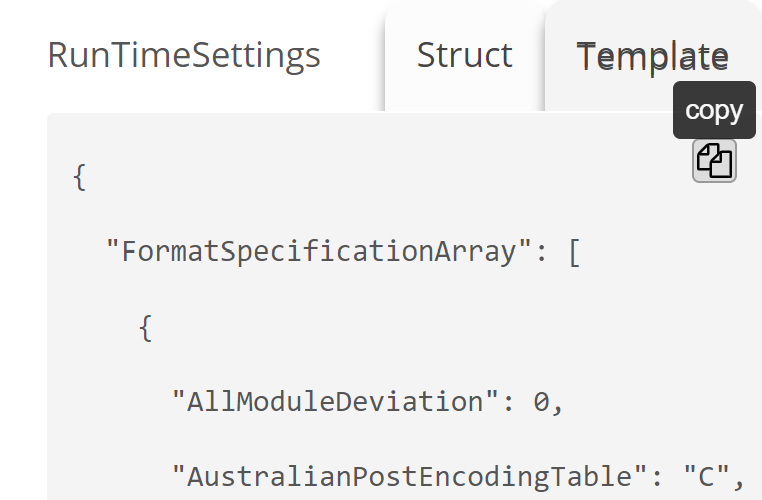
Click Save Template.
- Send your saved template to the Dynamsoft Support Team.
- Our team will generate and send you a unique link for the configuration.
- In the Any Codes of BarcodeScannerX (on Android or iOS), tap Import Template and paste the link.
- You’re now ready to scan QR Code Model 1!
If you run into any issues during setup or scanning, feel free to reach out to the Dynamsoft support team.
 Yes
Yes No
No