


Dynamsoft Agent Skills: Get Accurate Dynamsoft SDK Code from Any AI Coding Assistant
AI coding assistants often generate Dynamsoft SDK code that is outdated, mixes deprecated APIs with current ones, or defaults to limited wrapper components. The Dynamsoft Agent Skill fixes this at the source: it gives your AI assistant a curated, sample-first knowledge base for Dynamsoft Barcode Reader (DBR), Capture Vision (DCV), Dynamic Web TWAIN (DWT), and Document Viewer (DDV), so the code it generates follows the modern CaptureVisionRouter architecture on web, mobile, server, and desktop.
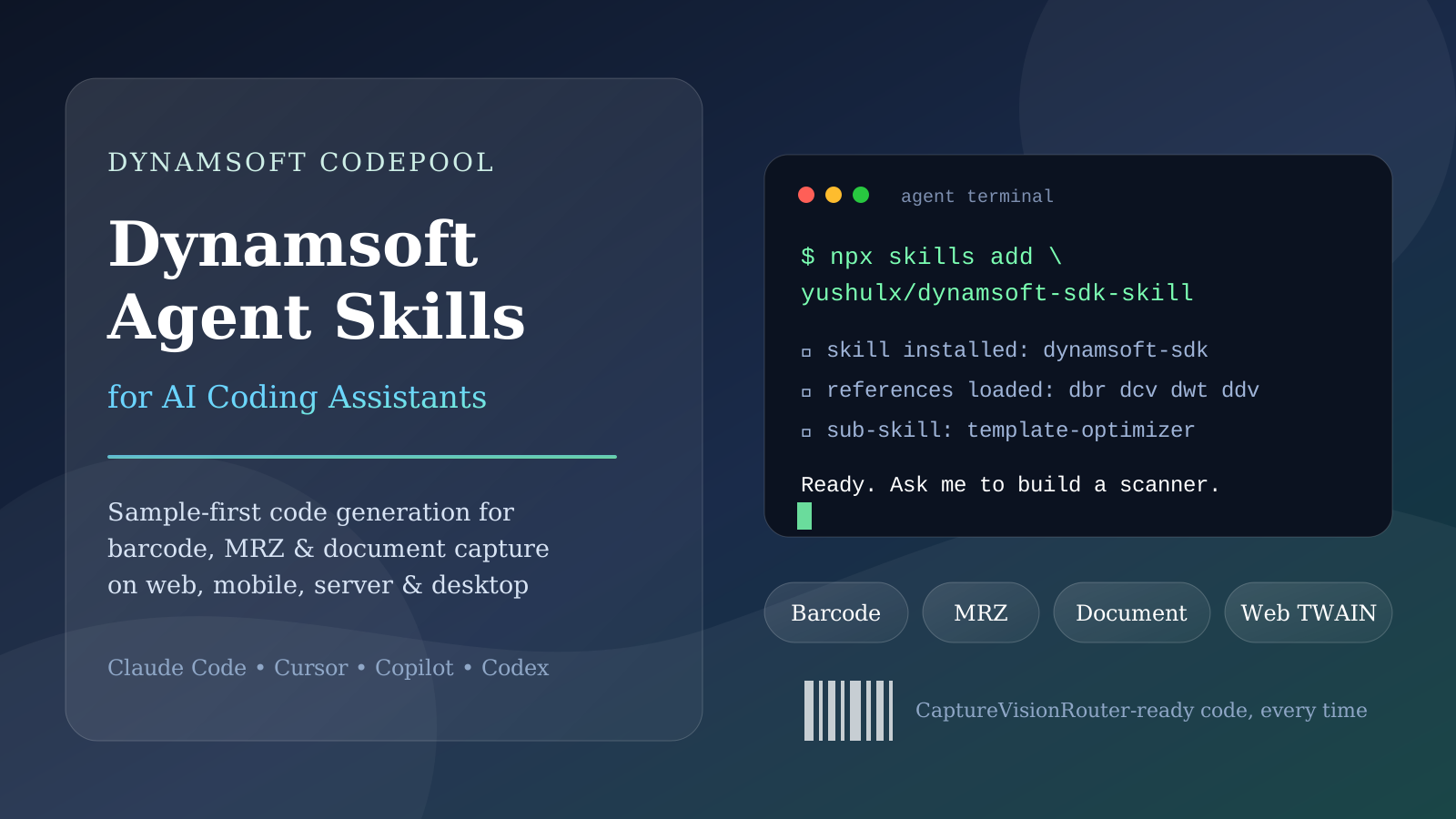
What you’ll build: A one-command setup that equips your AI coding assistant (Claude Code, Cursor, GitHub Copilot, and more) with expert-level Dynamsoft SDK knowledge, including barcode/MRZ/document capture patterns and a DBR template-optimization sub-skill.
Key Takeaways
- One command —
npx skills add yushulx/dynamsoft-sdk-skill— installs Dynamsoft SDK expertise into any compatible AI coding agent via the open Agent Skills standard. - The skill routes your request to curated references and official samples first, which prevents hallucinated APIs and outdated code patterns.
- A bundled template-optimizer sub-skill iteratively tunes DBR template JSON to maximize decode rates on difficult barcode images.
- Built-in migration playbooks help you replace ZXing, Google ML Kit, or Scandit with Dynamsoft while preserving your app architecture.
Common Developer Questions
How do I make my AI coding assistant generate accurate Dynamsoft SDK code?
Install the Dynamsoft Agent Skill with npx skills add yushulx/dynamsoft-sdk-skill. Once installed, your assistant follows a sample-first workflow: it identifies the closest official or community sample for your product, platform, and input source, then generates code based on that verified pattern instead of relying on training-data memory.
Which Dynamsoft products and platforms does the skill cover?
The skill covers four product lines: Dynamsoft Barcode Reader (barcode/QR, v11.x), Dynamsoft Capture Vision (barcode + MRZ + document detection, v3.x), Dynamic Web TWAIN (browser scanner acquisition), and Dynamsoft Document Viewer (web document viewing). Platform guidance spans web (JavaScript/TypeScript, React, Vue, Angular), mobile (Android, iOS, Flutter, React Native), and server/desktop (Python, C++, .NET, Java, Node.js).
Can the skill help me migrate from ZXing, ML Kit, or Scandit?
Yes. The skill ships dedicated migration playbooks that map each library’s core concepts — such as ZXing’s MultiFormatReader, ML Kit’s BarcodeScanner, or Scandit’s DataCaptureContext — to the equivalent Dynamsoft CaptureVisionRouter pattern, along with behavior-parity checklists and migrated starter code.
How do I improve decode rates on difficult barcode images?
Ask your assistant to optimize your DBR template, and it will route to the bundled template-optimizer sub-skill. The optimizer inspects the image, diagnoses the failure mode, tunes template JSON parameters one family at a time, and validates every change through CaptureVisionRouter so each iteration is evidence-based.
Why AI Assistants Get Dynamsoft Code Wrong Without a Skill
General-purpose AI assistants learn from public code, and Dynamsoft SDKs evolve quickly. Without grounding, an assistant will often:
- Mix pre-v9 DBR class names with current DCV APIs in the same snippet.
- Omit license initialization, static asset configuration, or camera lifecycle cleanup.
- Guess method signatures that no longer exist in the current major version.
The Dynamsoft Agent Skill eliminates these failure modes by giving the assistant explicit product boundaries, a routing table to the right reference file, and a hard rule to prefer verified sample code over memory.
What the Skill Teaches Your AI Assistant
Correct product boundaries
The skill draws a clear line between the four SDKs. DBR is the lightweight, actively maintained barcode-only package (dynamsoft-barcode-reader-bundle, v11.x) — a submodule of DCV, not a legacy product. DCV is the full bundle for barcode + MRZ + document pipelines. DWT handles physical scanner acquisition in the browser, and DDV handles document viewing and page manipulation. Your assistant picks the right package before it writes a line of code.
Sample-first code generation
Before generating code, the assistant matches your request against a curated sample index — official Dynamsoft repositories plus proven community integrations — across four dimensions: product, platform, input source, and output. Every generated answer links the sample it is based on, so you can always verify the pattern yourself.
Production-readiness checklist
Generated code includes the details tutorials often skip: license initialization, static asset and WASM path configuration for web, HTTPS/localhost camera requirements, mobile permissions, lifecycle cleanup for camera sessions and router instances, and no-result handling for batch decoding.
DBR template optimization
A dedicated sub-skill handles the hardest part of barcode integration: tuning template JSON for difficult images. It supports three modes — Optimize (iterative, evidence-based tuning), Educate (parameter explanations), and Report (visual HTML decode reports) — and ships with Python helper tools for single-image triage and dataset benchmarking.
Migration playbooks
Replacing an existing scanning library? The skill includes playbooks for ZXing, Google ML Kit, and Scandit that map each library’s concepts to Dynamsoft equivalents, produce migrated starter code based on the closest sample, and end with a behavior-parity checklist covering formats, result fields, threading, and lifecycle.
How the Skill Project Is Built
The skill is a plain Markdown repository — no build step, no runtime — because the consumer is an AI coding agent that reads files on demand. Every design decision is about how the agent should route a request to the right knowledge before writing code.
Repository layout
dynamsoft-sdk-skill/
├── SKILL.md                 # Front matter (name, description) + routing table
├── README.md                # Skill overview and developer guide
├── references/
│   ├── samples.md           # Sample-first index: official + community repos
│   ├── dcv.md               # Capture Vision core API (CaptureVisionRouter)
│   ├── dbr.md               # Lightweight barcode-only package
│   ├── dwt.md               # Dynamic Web TWAIN (scanner acquisition)
│   ├── ddv.md               # Document Viewer (web viewing/page UI)
│   ├── migration.md         # ZXing / ML Kit / Scandit → Dynamsoft playbooks
│   └── code-quality.md      # Generated-answer rules and checklist
└── template-optimizer/      # Self-contained DBR template-tuning sub-skill
    ├── SKILL.md             # Optimize / Educate / Report workflow
    ├── PROMPT.md            # Portable copyable prompt for any agent
    ├── KNOWLEDGE.md         # DBR parameter reference and proven tuning order
    ├── requirements.txt     # Python deps (dynamsoft-capture-vision-bundle)
    ├── tools/               # Single-image triage and validation scripts
    ├── resources/           # Batch harness + HTML report template
    └── templates/           # Example template + version-specific parameter refs
The SKILL.md contract
Every Agent Skill is identified by a single file with YAML front matter:
---
name: dynamsoft-sdk
description: Generate and review accurate code for Dynamsoft SDKs — Dynamic Web
  Twain (DWT), Document Viewer (DDV), Barcode Reader (DBR), and Capture Vision
  (DCV) — using sample-first guidance ...
---
Agents and directories such as skills.sh read this front matter to discover and index the skill. The description field is what gets shown when an agent decides whether a skill is relevant, so it lists every product and trigger surface (integration, migration, template tuning, troubleshooting) rather than marketing copy.
Routing instead of one giant file
The body of SKILL.md is a routing table, not a knowledge dump. When the user asks for web barcode code, the skill tells the agent to read references/dcv.md and references/samples.md; for scanner control it routes to references/dwt.md; for template tuning it hands off to the bundled template-optimizer/SKILL.md. This keeps each reference file focused on one product and lets the agent load only what the request needs.
Sample-first design
references/samples.md is the load-bearing file. Before generating code, the agent matches the request against a curated index across four dimensions — product, platform, input source, and output — then points the generated snippet at the sample it is based on. The architectural rule underneath this is “do not invent APIs”: when an API name is uncertain, the agent states the assumption and links the sample rather than fabricating a call.
A sub-skill that runs real code
The template-optimizer/ directory is itself a complete Agent Skill (its own SKILL.md with front matter) plus a Python toolkit. It is not just documentation — it ships triage scripts that load a template into CaptureVisionRouter and validate it against a real image, a batch harness for dataset benchmarking, and an accumulated KNOWLEDGE.md of proven parameter orders. This is what lets the agent turn template tuning from guessing into an evidence loop.
Distribution
Because the repository is plain Markdown with a SKILL.md at the root, it is installable by any agent that supports the open Agent Skills standard, and it is auto-indexed by skills.sh from the public GitHub repo — no packaging or publish step is required.
Prerequisites
- An AI coding agent that supports the open Agent Skills standard (Claude Code, Cursor, GitHub Copilot, OpenCode, and others).
- Node.js 18+ for the
npx skillsinstaller command. - Get a 30-day free trial license to run the generated code beyond the built-in 1-day trial key.
Step 1: Install the Skill in One Command
The skill follows the open Agent Skills standard and is indexed on skills.sh:
npx skills add yushulx/dynamsoft-sdk-skill
The installer fetches the skill from GitHub and registers it with your coding agent. After installation, the agent automatically loads the skill whenever your request involves a Dynamsoft product.
Step 2: Try These Prompts After Installing
Once the skill is active, ask your assistant naturally:
- “Help me build a real-time web barcode scanner using Dynamsoft Capture Vision core APIs (CaptureVisionRouter).”
- “Write a Python script to scan MRZ from a passport image using Dynamsoft Capture Vision.”
- “How do I scan documents from a physical scanner in Angular using Dynamic Web TWAIN?”
- “Migrate my Android app from ML Kit barcode scanning to Dynamsoft.”
- “Optimize my DBR template to improve the decode rate on these difficult barcode images.”
Common Issues & Edge Cases
- The skill does not trigger automatically. Some agents require an explicit hint on first use. Tell the agent to read the skill’s
SKILL.md, or start your prompt with “Use the dynamsoft-sdk skill to …” — after that, routing usually kicks in on its own. - The template-optimizer sub-skill is Python-only. It depends on the
dynamsoft-capture-vision-bundlePython package and OpenCV; web and mobile template questions still work, but the optimization workflow itself runs on Python. - The built-in trial key expires after 1 day. Generated snippets ship with a 1-day trial license by default. For longer evaluation, request a 30-day trial license as described in the Prerequisites section.
- SDK versions move fast. The skill pins guidance to the current major versions (DCV v3.x, DBR v11.x, DWT v19.x, DDV v4.x). If you are on an older major version, say so in your prompt and the assistant will flag version-specific differences instead of guessing.
- Camera features require HTTPS or localhost on the web. Generated browser code assumes a secure context; plain HTTP origins will fail camera permission requests, which is a browser restriction rather than an SDK limitation.
Conclusion
AI coding assistants are only as accurate as the knowledge you give them. The Dynamsoft Agent Skill packages up-to-date product boundaries, verified samples, architectural rules, migration playbooks, and a template-optimization toolkit into one installable unit — so every Dynamsoft code suggestion your assistant makes starts from a pattern that actually works. Star the GitHub repository, install the skill, and let your AI assistant write Dynamsoft code you can ship.