


Scan 100+
Barcodes at Once
Ready-to-use app for iOS and Android — with near 100% scanning accuracy.
99%+
Read Rate
95%
Time Saved
100+
Items scanned
What is batch barcode scanning?
Batch barcode scanning captures and verifies 100+ barcodes in a single pass using a mobile device. Purpose-built for high-volume inventory, logistics, pharma, and lab environments, Dynamsoft Batch Barcode Scanner delivers near 100% read rates on iOS and Android — cutting scanning time by up to 95%.
Powerful Multi-Barcode Decoding
Powered by Dynamsoft Barcode Reader, the app delivers robust decoding of multiple barcodes within a single image.
Continuous Scanning
Supports continuous decoding across multiple photos or video frames until all barcodes are successfully read.
Visual Feedback
Decoded and undecoded barcodes are highlighted in real time for easy identification and verification, delivering an enhanced AR experience.
Built-in visual proof for audit and compliance
Most barcode scanners tell you what was scanned. Ours gives you proof.
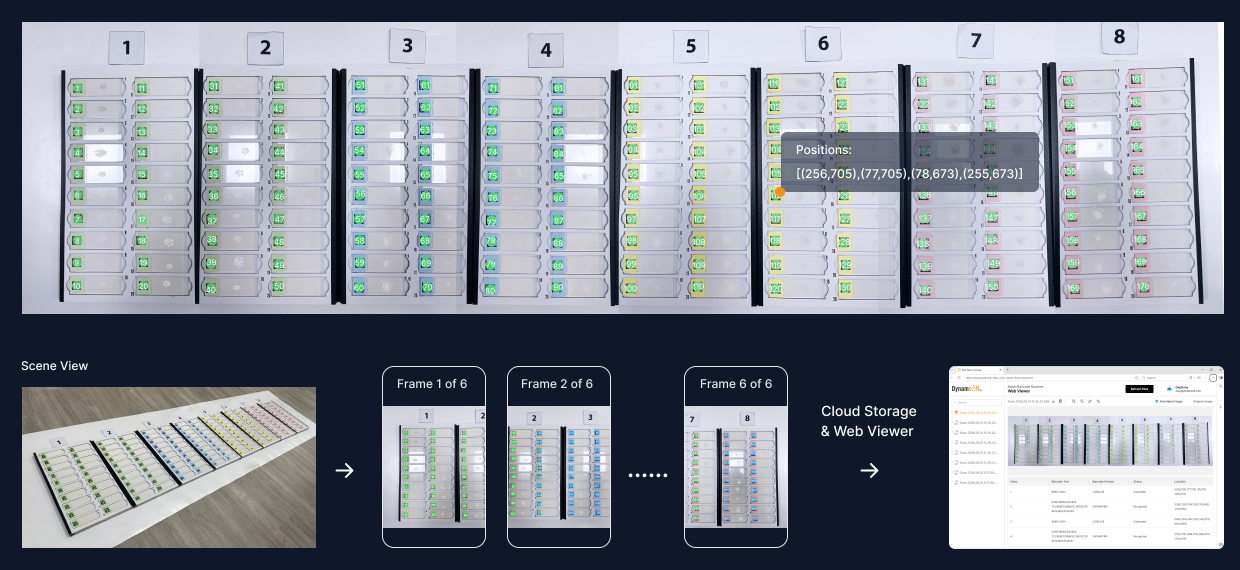
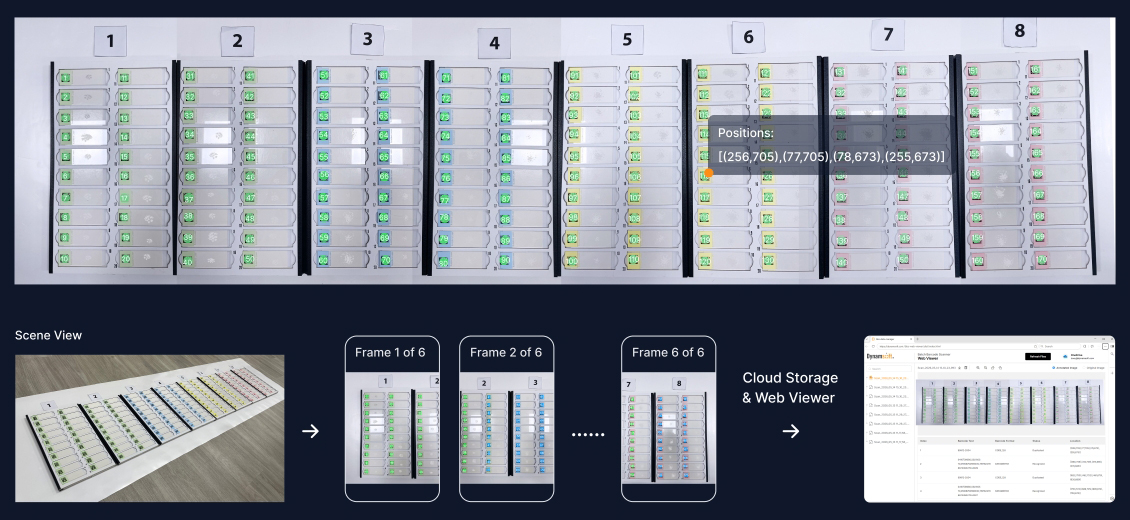
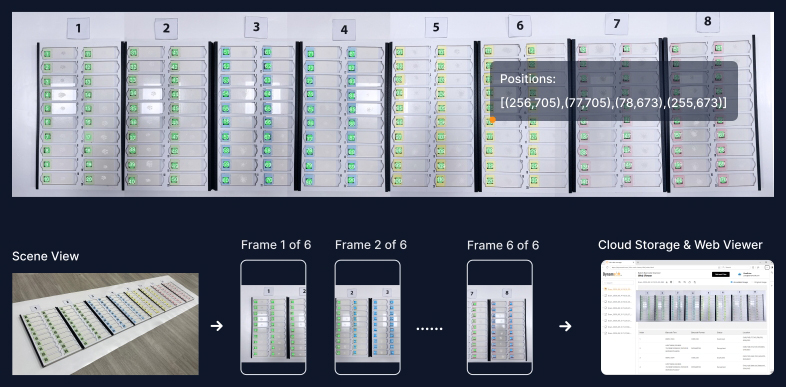
Panoramic Result Image
A single composite image shows your entire scan area – every barcode in context, exactly as scanned.
Barcode Positions Recorded
Each barcode's location within the panoramic image is recorded with spatial coordinates, exportable as CSV for integration with your ERP, WMS or LIMs system.
Cloud Storage & Web Viewer
Upload scan records to cloud storage and review them via web viewer. Share records with QA teams, auditors, or regulators on demand.
View in web viewerWhich batch scanning mode is right for your workflow?
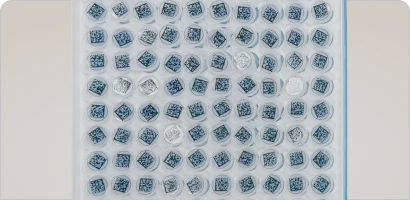
Field of View (FOV) Scan
Scan all visible barcodes within the camera view for fast inventory counting and verification.
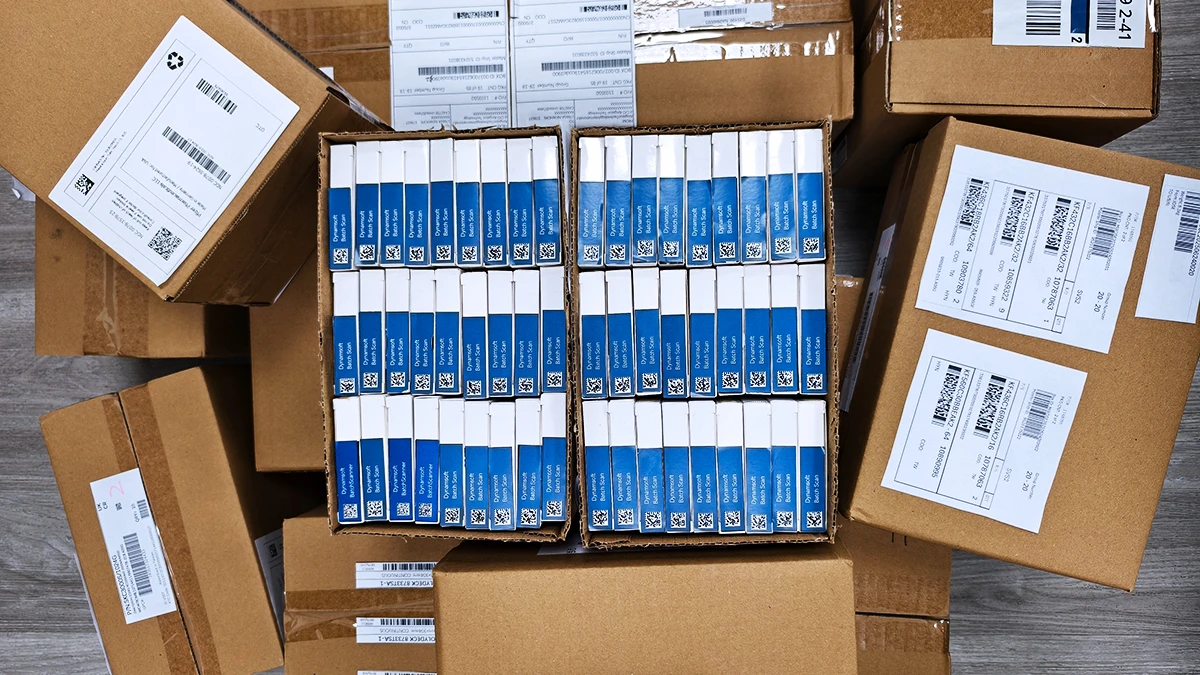
Snap & Scan
Define a target scan area and detect only barcodes within that region, ignoring surrounding codes.
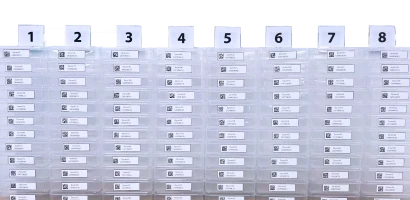
Panorama Scan
Scan large inventory batches beyond a single camera frame by stitching multiple images into one result.
| Field of View Scan Mode | Snap & Scan Mode | Panorama Scan Mode |
FOV Mode
|
|
|---|---|---|---|---|
| Best For | Fast general-purpose scanning | Fixed-area or selective barcode scanning | Oversized or wide-area barcode batches | |
| Barcode Detection Scope | All visible barcodes | Only barcodes inside selected region | Barcodes across multiple connected frames | |
| Target Scan Area | Smaller | Relatively larger than Field of View (FOV) scan. | Large | |
| Result Frame | Last captured frame | First reference frame | Stitched panoramic image | |
| How It Works | Scans all visible barcodes within the current camera view | Uses a pre-captured reference image and scans only codes inside that defined area | Combines multiple frames into one large scan area | |
| Typical Use Case | Clean and controlled scanning zones such as small inventory and shelf scanning | Areas with surrounding irrelevant barcodes such as picking verification | Bulk scanning such as warehouse racks, large inventory area |
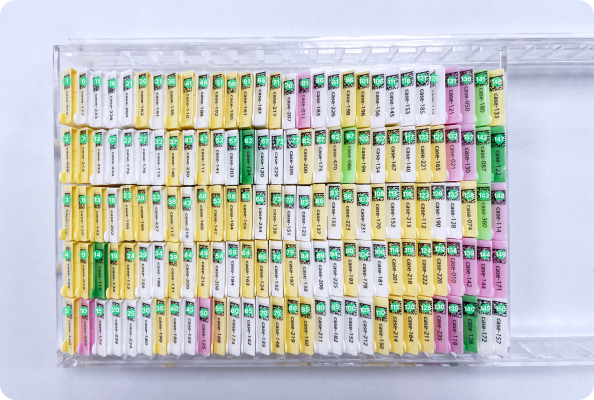
Save 95% of your time
Transform 5 minutes of manual scanning into 15 seconds with our intelligent batch processing technology.
“Within 20 seconds, we can scan up to 180 2D DataMatrix barcodes printed on tissue cassettes that are placed at a 45° angle to the iPhone lens with better than 99.9% accuracy.”
-Michael Yang, Sr. Engineering Project Manager
Read Story
Accelerate Operations
Process entire shelves and pallets in seconds, not minutes
Reduce Errors
Eliminate manual counting mistakes with automated verification
Scale Effortlessly
Handle growing inventory volumes without adding staff
Precision batch scanning for inventory, receiving and tracking
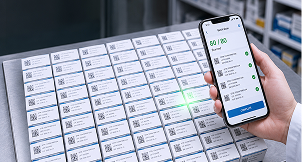
Pharmaceutical
Generate a visual proof-of-scan record for every batch. Supports serialization, traceability, and audit documentation in regulated pharma environments.
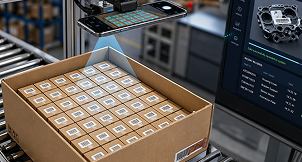
Warehouse/
Manufacturing
Scan stacked pallets and entire shelving units in one go. Ideal for high-volume distribution centers and fulfillment operations.
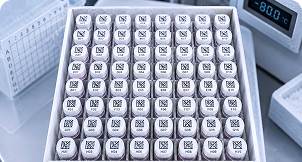
Lab Automation
Track vials, cassettes, and sample racks with precision. Handle tiny barcodes on laboratory equipment and consumables.

Electronics Traceability
Read tiny barcodes on circuit boards, components, and electronics packaging. Ensure complete traceability in manufacturing.
How many barcodes can be scanned in a batch?
CapacityEffectively unlimited, since we use overlapping and panoramic stitching techniques.
Can the App handle damaged, blurry, or low-light barcodes?
PerformanceYes, Batch Barcode Scanner is designed for challenging real-world conditions. It handles low-resolution images, motion blur, poor lighting, damaged or partially obscured barcodes, and codes at oblique angles. The multi-image capture approach also helps: if a barcode is missed in one image due to blur, it's typically captured in an adjacent overlapping image.
How does the free trial work — and what support is included?
Free TrialOur free trial gives you access to the app to try out the 3 scanning modes for your use case. FOV Scan mode is available to all. To try out Snap & Scan or Panorama modes, you just need to create a login.
Which platforms is Batch Barcode Scanner available for?
PlatformsThe batch barcode scanner is available for iOS and Android. You can use smartphones, tablets, or dedicated scanning devices depending on your operational needs and environment.
Batch Barcode Scanner vs. Dynamsoft Barcode Reader - Which do I need?
ComparisonEssentially Dynamsoft Barcode Reader reads from single frames and is recommended for a maximum of 10 barcodes per frame. Batch Barcode Scanner reads from multiple frames and is effectively unlimited. Read the blog with a detailed comparison chart.
Get the mobile app
Download our powerful batch barcode scanner app and start scanning on the go. Available for both iOS and Android devices.
- Instant setup, no configuration needed
- Works offline for uninterrupted scanning
- Regular updates with new features


Request a Customization
— Dynamsoft Batch Barcode Scanner
Get a solution tailored to your UI, output, or integration needs.
Fully Supported Free Trial
Get help from real engineers via live chat throughout the process.
No Credit Card Required
Request a customized demo and start exploring immediately. No commitment
Flexible Licensing Options
Choose a licensing model that fits your deployment and scale.
We may reach out about products and services relevant to your trial. You can unsubscribe at any time - see our privacy statement for details.