


 Blog
Blog
How to Deploy a Low-Latency Web Barcode Reader in JavaScript with Minimal Setup
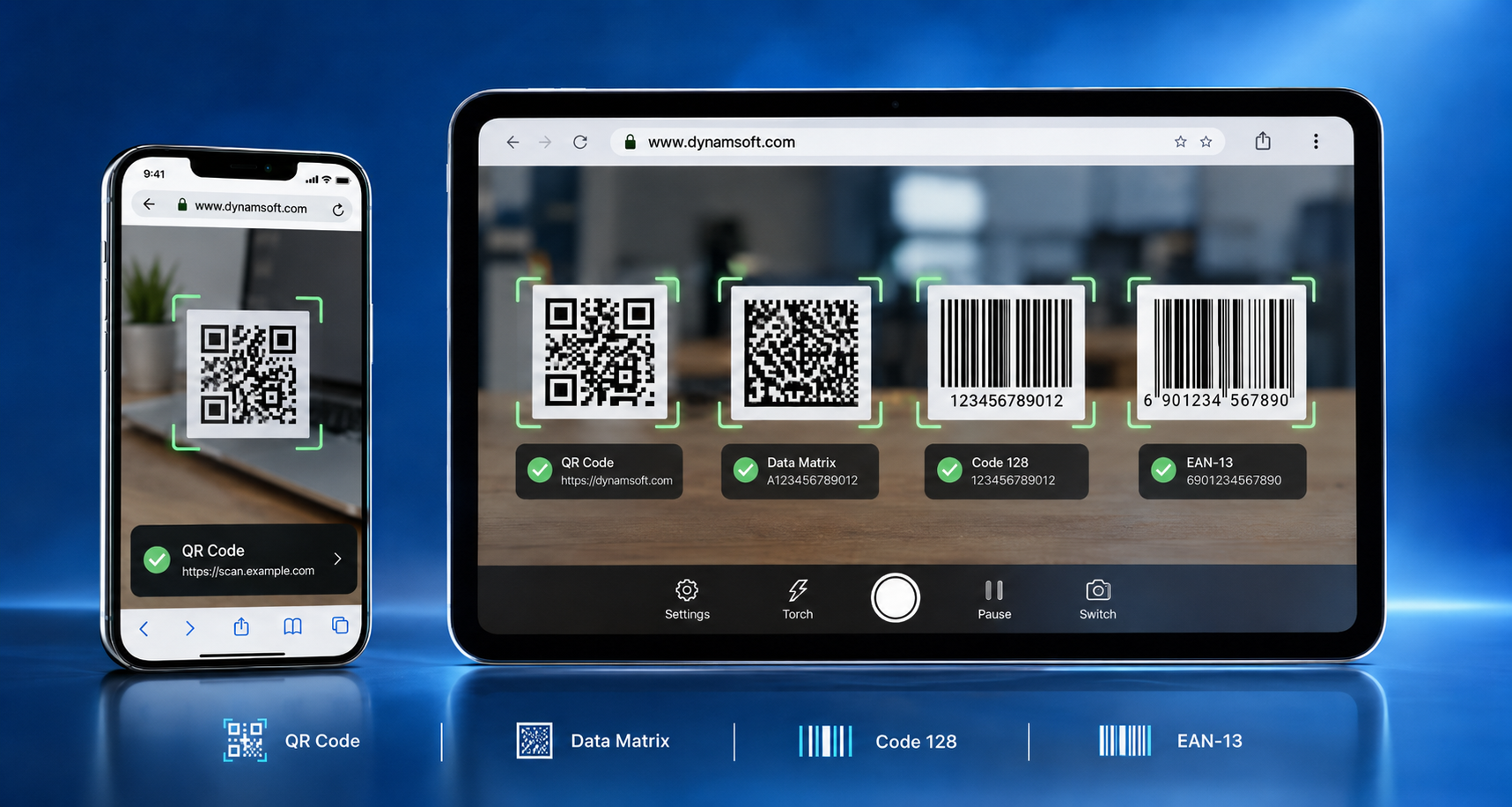
Web-based barcode scanning has become a standard requirement for many modern applications, supporting tasks from warehouse checks to patient intake. The primary challenge is delivering this functionality in the browser without native apps, plugins, or lag. Developers need a scanning setup that loads quickly, work across browsers, and maintains low latency in real production environments.
This guide explains how to deploy a low-latency WebAssembly barcode scanner in JavaScript with minimal setup and maintain fast performance in production.
Key Takeaways
- Browser-based scanning removes app-download friction and works across desktops, tablets, and smartphones.
- Server-side decoding incurs network round trips; a WASM barcode scanner decodes video frames directly in the browser.
- Low latency also depends on camera resolution, scan regions, and format selection — not just the engine.
- HTTPS is mandatory in production because browsers grant camera access only in secure contexts.
- Dynamsoft Barcode Reader JavaScript Edition can be integrated via a CDN or npm and launched with just a few lines of code.
Why use Browser-Based Barcode Scanning Instead of a Native App?
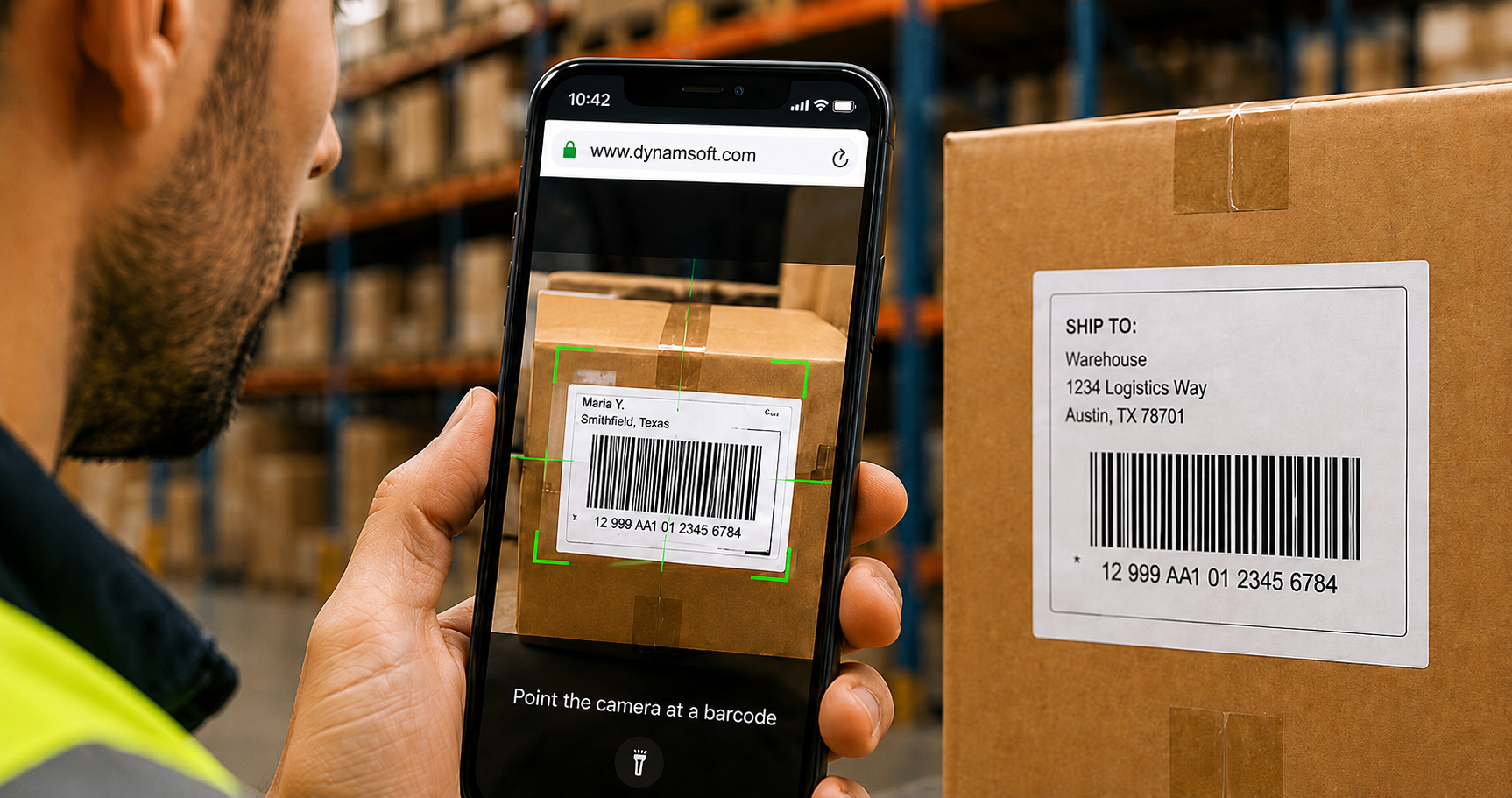
Understanding why teams increasingly choose browsers for scanning provides important context.
Native scanning apps require app store submissions, device provisioning, version management, and often encounter user resistance to downloads. A web-based scanner avoids these issues: users open a URL, grant camera permission, and start scanning. For businesses serving external users, removing the installation step increases adoption. Integrating scanning into browser-based dashboards also centralizes data entry for enterprise workflows.
What Causes Latency in Web Barcode Scanning?
Web barcode scanning can introduce latency because each frame must be captured, processed, decoded, and returned through the browser in near real time. Identifying where delays occur makes it easier for effective optimization.
Server-side decoding adds a network round-trip to every scan.
Earlier approaches captured a photo, uploaded it to a server, and returned the decoded result. Each scan required a network round trip, increasing latency, consuming bandwidth, and often failing in low-connectivity environments such as warehouses.
Plugins and legacy components are no longer supported by browsers.
Earlier browser-based scanning relied on plugins such as ActiveX or Flash. Modern browsers no longer support these technologies, making such workflows a security risk and unsustainable to maintain.
What is the modern fix? Client-Side WASM decoding.
WebAssembly (WASM) has transformed browser-based scanning. Compute-intensive decoding algorithms, originally written in languages such as C++, are compiled to WebAssembly and run in the browser at near-native speeds. JavaScript manages the camera stream, UI, and results. Frames are analyzed locally, removing the need for uploads, network round trips, and server infrastructure. As a result, a WebAssembly barcode scanner delivers virtually instant reads.
What are the Steps to Deploy a Low-Latency Barcode Scanner??
Once the architecture is in place, deployment requires only a few key steps.
- Serve the page over HTTPS. Browsers expose the camera through getUserMedia() only in secure contexts; localhost works during development.
- Load the SDK using a CDN or npm. Use a script tag from a CDN such as jsDelivr or install the npm package for framework-based projects.
- Initialize the license and launch the scanner. Modern SDKs combine camera control, user interface, and decoding into a single component, enabling deployment with only a few lines of JavaScript.
- Optimize for speed. Several configuration settings significantly affect perceived latency:
| Optimization | What It Does | When to Use It |
|---|---|---|
| Define a scan region | Restricts decoding to part of the frame | Fixed stations or guided UIs |
| Limit barcode formats | Skips detection for unused symbologies | You are only scanning QR and Code 128 |
| Expect a single barcode | Stops processing once one result is found | One-code-at-a-time workflows |
| Choose sensible resolution | Balances detail against processing time | Small or dense codes need more detail |
| Preload engine resources | Compiles WASM before the first scan | Pages where scanning is a primary action |
These adjustments do not require computer vision expertise. They are configuration choices that allow the scanner to read codes as soon as they appear in the frame.
How Do You Launch a Barcode Scanner in JavaScript (Code Example)
Here is a minimal JavaScript WebAssembly example. The WASM decoding engine loads in the background, keeping your JavaScript concise:
<script src="https://cdn.jsdelivr.net/npm/dynamsoft-barcode-reader-bundle@11.2.4000/dist/dbr.bundle.js"></script>
<script>
 (async () => {
   const scanner = new Dynamsoft.BarcodeScanner({
     license: "YOUR-LICENSE-KEY",
   });
   const result = await scanner.launch();
   console.log(result.barcodeResults);
 })();
</script>
This completes the setup: the script tag loads the SDK, the WASM engine compiles in the browser, and launch() opens the camera view and starts decoding. No server, plugin, or build process is required.
What are Real-World Use Cases for Web-Based Barcode Scanning?
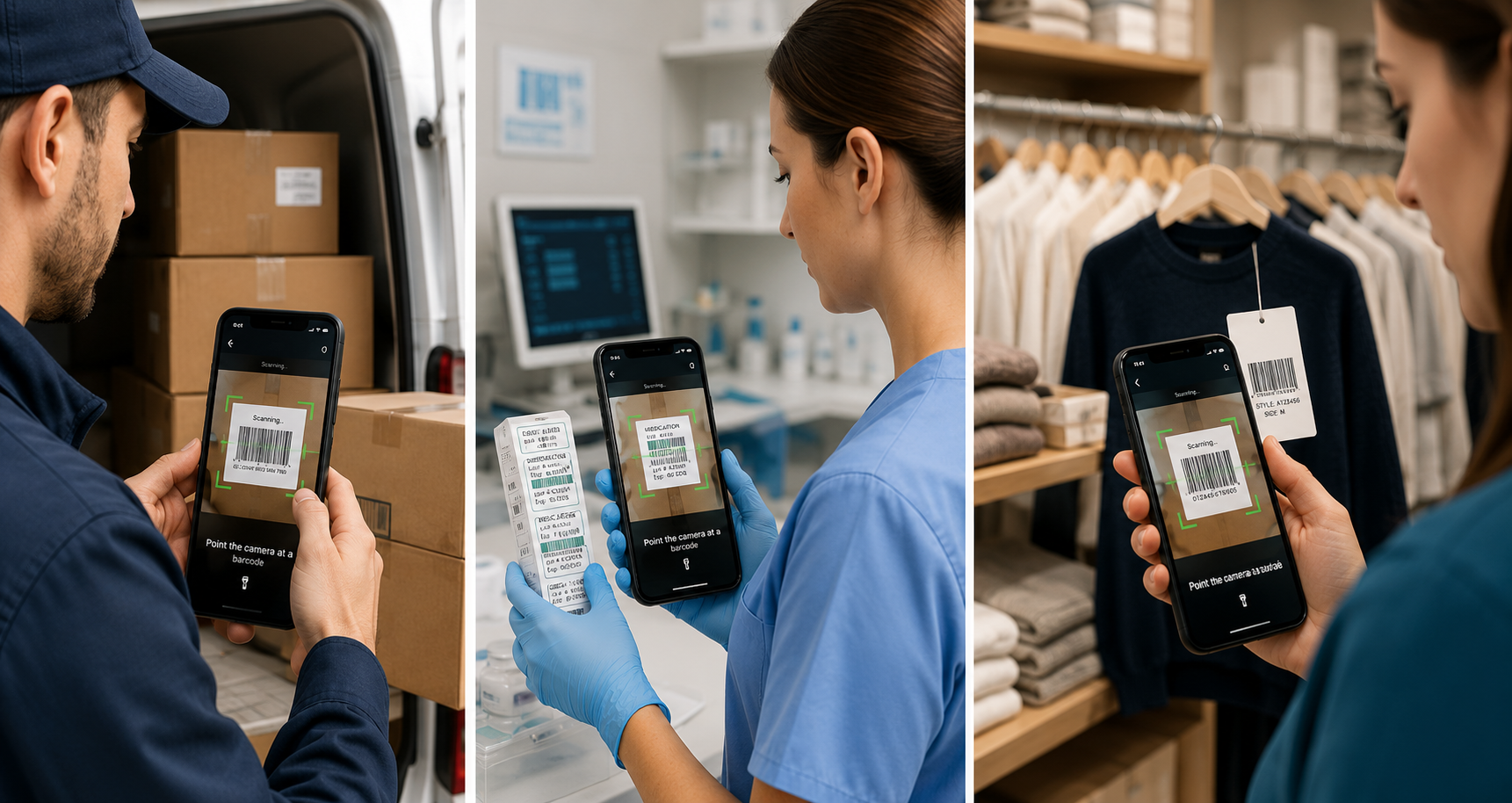
These approaches are used across industries. Logistics teams integrate browser-based scanners into dispatch portals, enabling drivers to confirm packages from any smartphone. Healthcare providers scan medication and specimen labels within web-based records systems. Retailers conduct stock checks on shared tablets. Key advantages include no installation, immediate availability, and on-device decoding.
A common and impactful use case is customer-facing product lookup: shoppers scan a product’s barcode through a retailer’s web app to instantly check product details, pricing, and stock availability, with no app download required. Dynamsoft customers have deployed this at scale.
Pantaloons, one of India’s leading apparel retailers, integrated a WebAssembly barcode scanner into its mobile website, allowing customers to scan EAN codes directly from merchandise tags and view product information online. The integration was deployed in just 2–3 weeks.
Do it Center also relies on browser-based scanning for fast, reliable product lookup across its retail operations.
A world-renowned luxury fashion brand built a browser-based scanning application used daily across hundreds of boutiques worldwide, demonstrating that this approach is effective at a global scale.
What is Dynamsoft Barcode Reader JavaScript Edition?
For teams seeking production-grade results without building a decoding engine, Dynamsoft Barcode Reader JavaScript Edition is a suitable solution.
The SDK operates on WebAssembly, ensuring all decoding occurs client-side without plugins or server-side processing. It supports major desktop and mobile browsers and reads over 50 barcode formats, including QR Code, Data Matrix, PDF417, Aztec, Code 128, and EAN/UPC. Its algorithms handle damaged, curved, angled, or low-light barcodes, which is especially important in real-world environments such as warehouses.
Setup is straightforward: the library is available via CDN or npm, and the BarcodeScanner class enables a functional scanner with a single line of code. Developers needing more control can use the Capture Vision Router APIs. WebGL-based GPU acceleration further reduces per-frame processing time in supported browsers.
To evaluate performance before implementation, use the online demo. When ready to integrate, download the 30-day free trial and review the SDK documentation.
Download Dynamsoft JavaScript Barcode Reader 30-day Trial
Try Online Barcode Scanner Demo
Frequently Asked Questions
What is a WebAssembly barcode scanner?
It is a scanner whose decoding engine is compiled to WebAssembly and runs inside the browser. JavaScript captures camera frames and passes them to the WASM engine, which decodes them locally at near-native speed. No server, plugin, or native app is involved. In short, a WebAssembly barcode scanner turns any modern browser into a scanning device.
Does a web barcode reader need an internet connection for every scan?
No. With WebAssembly, frames are processed locally in the browser. Once the page and engine files have loaded, scanning does not require a server round trip.
Why isn’t the camera opening on my deployed page?
This usually occurs because the page is served over HTTP. Browsers grant camera access only in secure contexts, so production deployments must use HTTPS.
Can it read barcodes from uploaded images as well as live video?
Yes. The same engine decodes both static image files and live camera streams, which suits workflows that accept photos or scanned documents.
Will it work inside React, Vue, or Angular applications?
Yes. The SDK ships as a npm package with official framework samples, so a WASM barcode scanner integrates like any other dependency.
How do I make scanning feel faster for users? Preload the engine, restrict barcode formats, define a scan region, and set the expected barcode count. These adjustments can significantly reduce the time to first read.
Conclusion: Build a Fast, Low-Latency Web Barcode Scanner with WebAssembly — No Native App Required
Deploying a low-latency web barcode reader no longer requires native apps, plugins, or server-side image processing. By decoding on the client with a WebAssembly barcode scanner, deploying over HTTPS, and optimizing scan settings, you can implement a reliable scanner quickly. For teams focused on delivering features rather than building computer vision infrastructure, Dynamsoft Barcode Reader JavaScript Edition provides a straightforward solution. Start with the free trial or contact an expert to discuss your use case.