


 Blog
Blog
Benchmarking MRZ SDKs: Accuracy and Speed Comparison in Real-World Scenarios
While some mature identity verification SDKs offer full feature sets—such as visual zone OCR, headshot extraction, and document classification—there are many scenarios where only the machine-readable zone (MRZ) matters.
If your application is focused on reading MRZ data quickly and accurately—such as in border control, visitor management, or mobile onboarding—Dynamsoft’s MRZ SDK stands out with exceptional performance in both still image and video stream conditions.
In this benchmark, we evaluate Dynamsoft’s MRZ SDK alongside several other established solutions, focusing specifically on MRZ zone extraction and recognition accuracy.
1. Static Image Dataset Results
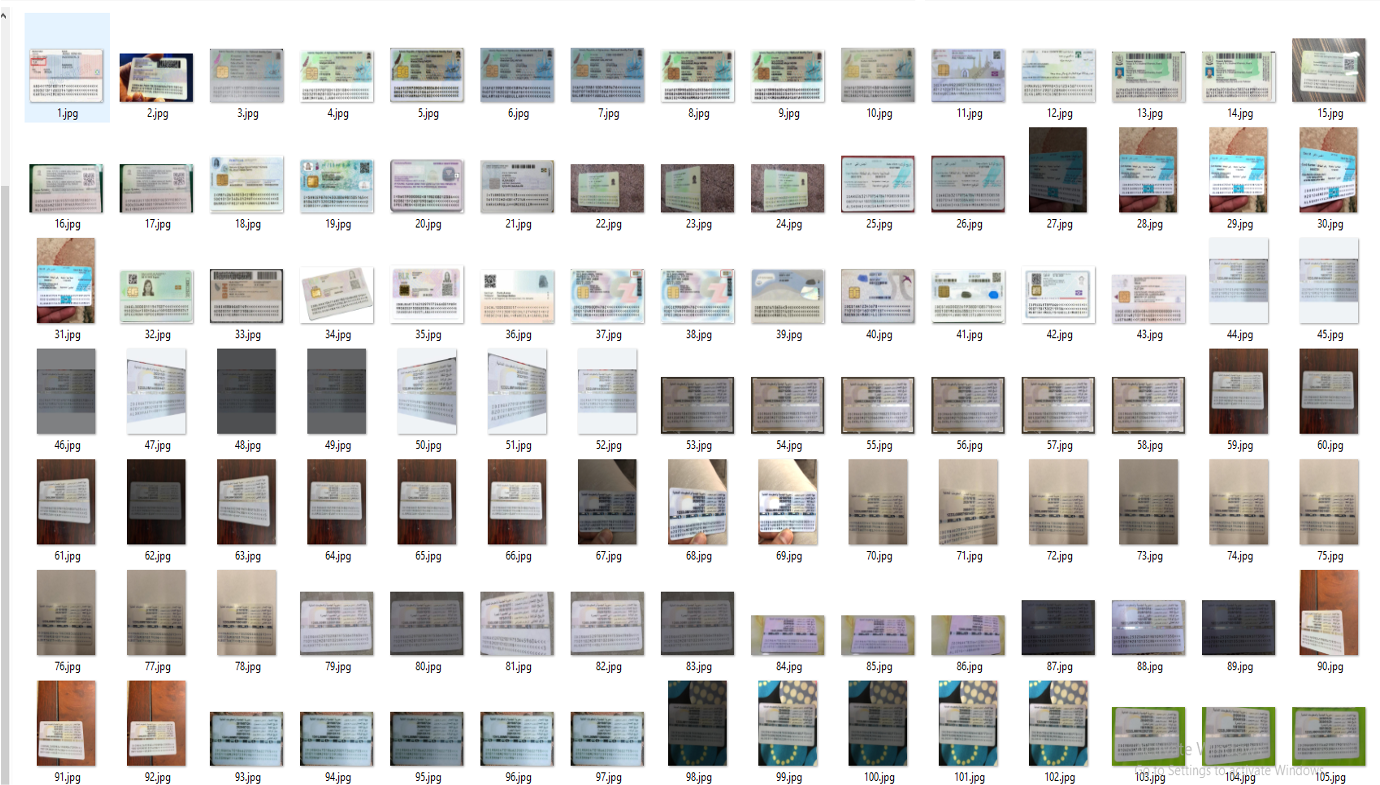
We tested on two datasets: passport images and ID card images captured under standard conditions.
Dataset Characteristics:
- Image Count:
- Passport dataset: 428 images
- ID card dataset: 489 images
- Image Source:
- Images were taken using various smartphones
- Perspective & Quality:
- Most documents are captured horizontally (flat view)
- A minority include angled or slightly skewed views
- Images are from real-world scenarios with non-uniform lighting
- Objective:
- Evaluate MRZ recognition under conditions typical of consumer-grade mobile capture
Accuracy on Passport Images
| SDK A (Dynamsoft) | Scanbot | Scandit | MicroBlink |
|---|---|---|---|
| 91.1% | 83.6% | 32.9% | 32.5% |
Note: Dynamsoft offers the highest passport MRZ accuracy in this test.
Processing Time (Passports)
| Dynamsoft | Scanbot | Scandit | MicroBlink |
|---|---|---|---|
| 180 ms | 1150 ms | 18 ms | 24 ms |
Images at a Glance

Accuracy on ID Card Images
| SDK A (Dynamsoft) | Scanbot | Scandit | MicroBlink |
|---|---|---|---|
| 87.9% | 91.0% | 13.9% | 76.3% |
Dynamsoft and Scanbot lead in ID card accuracy, with Dynamsoft offering significantly faster processing.
Processing Time (ID Cards)
| Dynamsoft | Scanbot | Scandit | MicroBlink |
|---|---|---|---|
| 308 ms | 943 ms | 36 ms | 28 ms |
Images at a Glance
2. Real-World Performance on Video Frames
To simulate mobile scanning conditions, we analyzed MRZ recognition over 30 video frames per document, across 10 different scenarios—ranging from ideal desk placement to partial occlusions.
Scene Types Tested
- Clean table surface
- Cluttered background
- Held in hand
- Over a keyboard
- Partially out of frame
Accuracy Across Scenes (Aggregated)
| Scene | SDK A (Dynamsoft) | Scanbot | Scandit | MicroBlink |
|---|---|---|---|---|
| Table | 70–82% | 71–81% | 46–63% | 20–33% |
| Clutter | 44–59% | 40–55% | 31–37% | 3–29% |
| Hand | 31–43% | 33–49% | 24–35% | 6–31% |
| Keyboard | 53–59% | 49–68% | 29–38% | 14–42% |
| Partial | 36–42% | 32–49% | 21–29% | 0–4% |
In every scene type, Dynamsoft demonstrated strong, consistent recognition—especially under suboptimal conditions like clutter or partial visibility.
Average Processing Time per Frame
| Dynamsoft | Scanbot | Scandit | MicroBlink |
|---|---|---|---|
| 300–700 ms | 1100–2200 ms | 25–40 ms | 22-54 ms |
Key Takeaways
- Best-in-Class Accuracy: Dynamsoft consistently ranked among the most accurate across all datasets.
- High Robustness: Performs reliably across complex real-world scenarios—motion, occlusion, and variable lighting.
- Speed–Accuracy Tradeoff: Dynamsoft strikes a strong balance between high accuracy and moderate processing speed.
Note: This performance comparison was conducted to the best of our knowledge based on publicly available information and controlled testing conditions. While we strived for accuracy, there may be additional optimizations, configurations, or updates in competitor SDKs (Scandit, Scanbot, and MicroBlink) that could influence results. If you believe any aspect of this comparison requires clarification or correction, please contact us.
When to Choose Dynamsoft
If your use case prioritizes MRZ-only extraction—such as automated border control kiosks, visitor check-in systems, or mobile onboarding—Dynamsoft offers a fast, robust SDK that can be easily integrated into your app or workflow.
Want to see how it performs in your environment?
👉 Start your free trial