


 Blog
Blog
The Complete Guide to Web Document Scanning: TWAIN, WIA, and Browser-Based Solutions
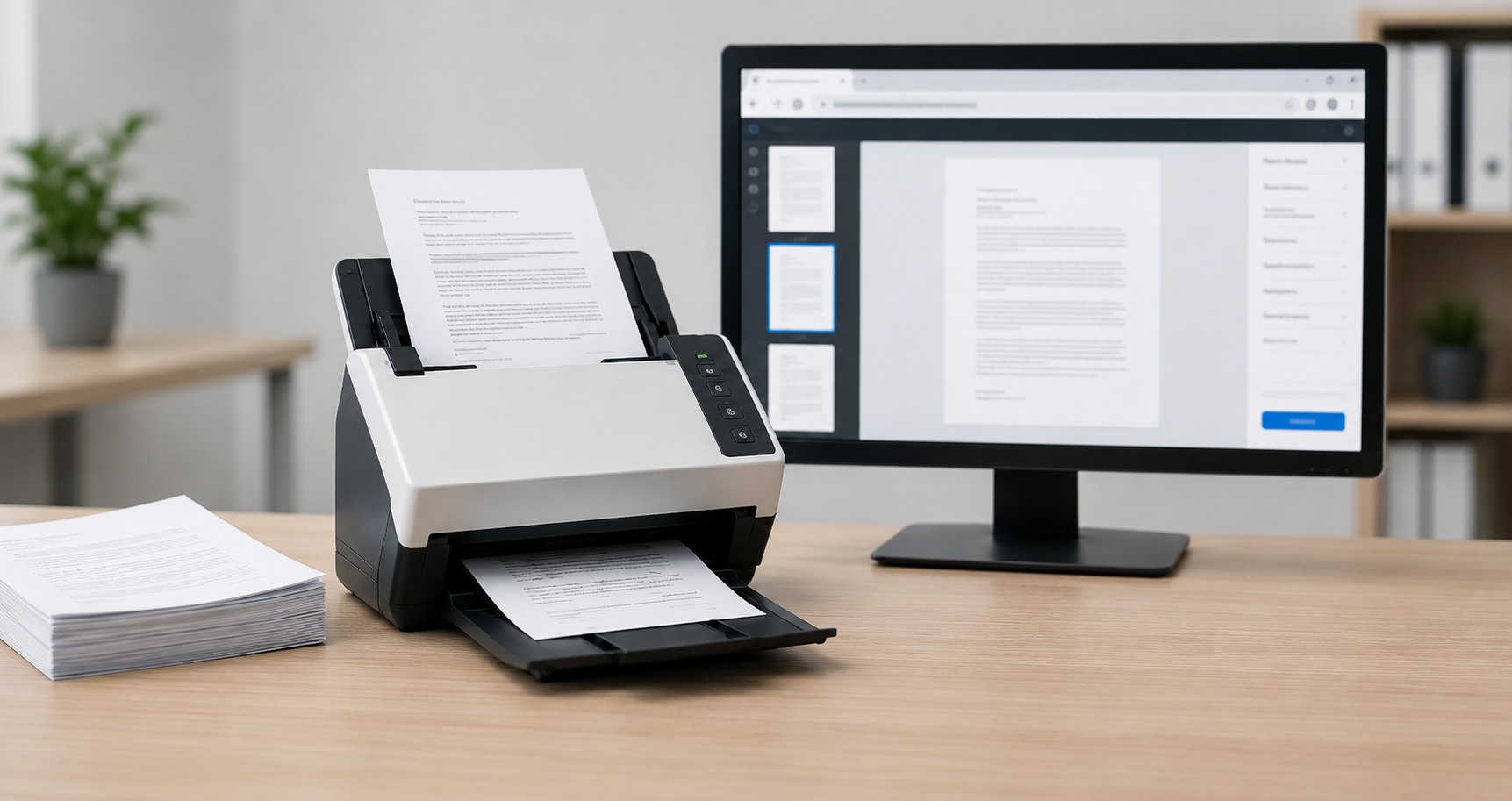
Web document scanning lets browser-based applications capture paper documents directly from a connected scanner - without plugins, downloads, or desktop software - by pairing a JavaScript SDK with a lightweight local service that talks to the scanner via TWAIN, WIA, ICA, or SANE. This solves a specific technical limitation: browsers have no native API for scanners (unlike cameras or microphones), so organizations that still process paper contracts, invoices, insurance claims, or patient records need a way to get scans into their web-based systems.
This guide explains how web document scanning works, compares the major scanner protocols (TWAIN, WIA, ICA, and SANE), and shows how to select and integrate a browser-based scanning solution into an electronic document management system (EDMS).
Key Takeaways
- Browsers cannot natively access document scanners. Web scanning solutions resolve this by using a JavaScript SDK paired with a lightweight local service.
- TWAIN is the most widely supported scanner protocol across Windows, macOS, and Linux; WIA is Windows-specific, ICA is macOS-specific, and SANE is Linux-specific.
- A production-ready web scanning tool should support all major protocols and browsers, including Chrome, Edge, Firefox, and Safari, from a unified codebase.
- Legacy approaches such as ActiveX controls and browser plugins are deprecated and no longer viable for modern web applications.
- Integrating scanning into an EDMS typically involves three steps: capture, in-browser image enhancement, and upload to the repository via standard web APIs, while maintaining document security throughout.
Why Can’t Web Browsers Access Scanners Directly?
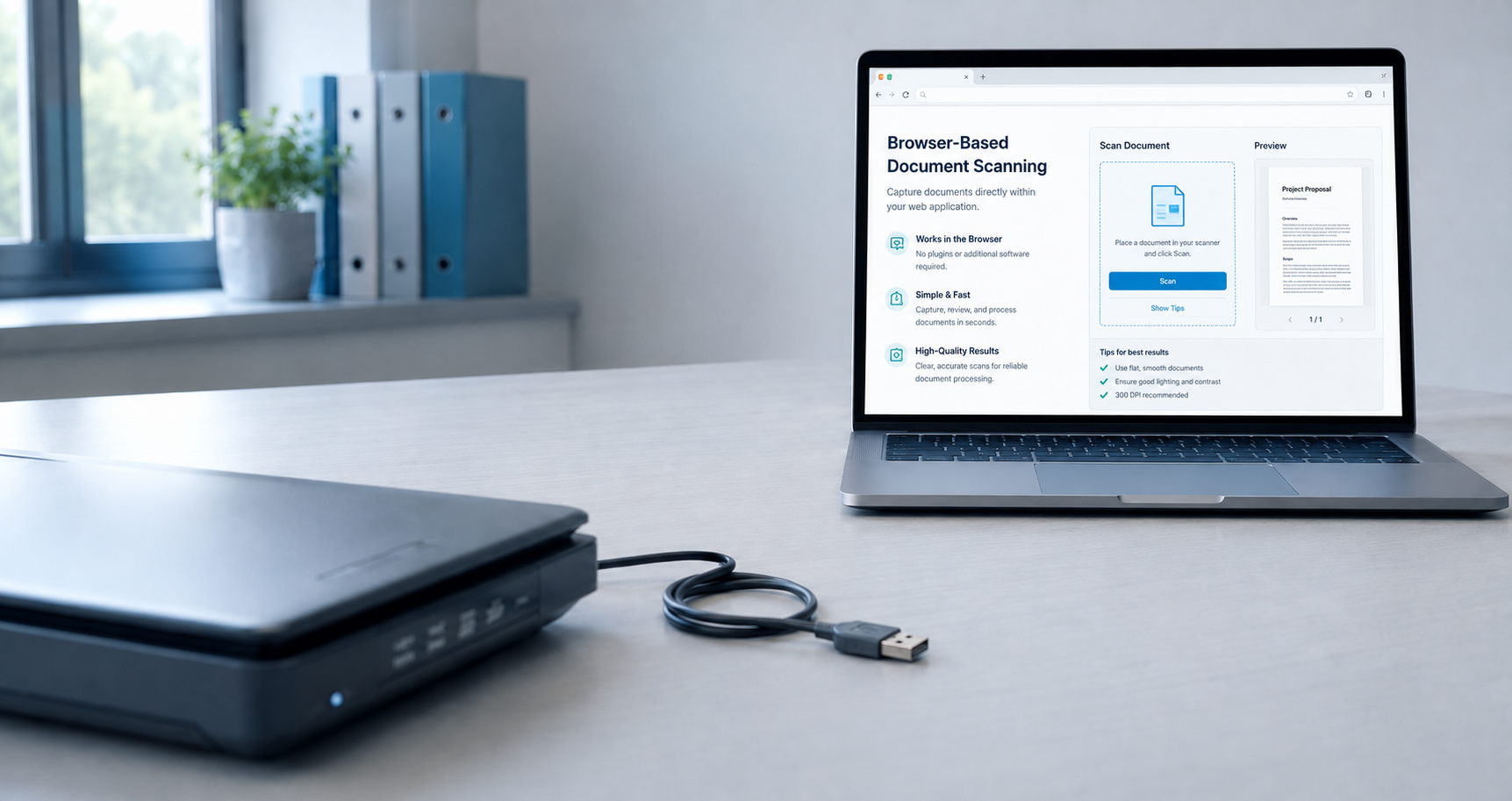
Web browsers can’t access scanners directly because browsers sandbox pages away from local hardware for security, and no standard scanning API exists (unlike the APIs for cameras or microphones). As a result, web pages cannot initiate scans, control settings, or receive images directly.
Each operating system uses a different scanning protocol, which increases compatibility challenges for organizations with diverse device fleets. TWAIN works across Windows, macOS, and Linux; WIA is Windows-only; ICA is macOS-only; and SANE is Linux-only.
| Protocol | Maintained By | Primary Platform(s) | Typical Use |
|---|---|---|---|
| TWAIN | TWAIN Working Group | Windows, macOS, Linux | Industry standard for document scanners; a TWAIN scanner offers the richest feature control |
| WIA | Microsoft | Windows | Built into Windows; a WIA scanner has a simpler feature set |
| ICA | Apple | macOS | Apple’s Image Capture Architecture for scanners and cameras |
| SANE | Open-source community | Linux/Unix | Standard scanner access on Linux; a SANE scanner also supports network scanning |
In plain terms: TWAIN, maintained by the TWAIN Working Group, is the cross-platform industry standard for document scanners and exposes the richest feature control of the four. WIA, maintained by Microsoft, is built into Windows and offers a simpler feature set. ICA is Apple’s Image Capture Architecture, used for scanners and cameras on macOS. SANE, maintained by the open-source community, is the standard way to access scanners on Linux and Unix, and it also supports network scanning.
An enterprise web application may need to support a Windows front desk using a TWAIN scanner or WIA scanner, a design team on Macs using ICA, and Linux workstations using a SANE scanner, all through the same browser-based interface.
Why Don’t ActiveX and Browser Plugins Work for Scanning Anymore?
Many organizations previously addressed this issue, but those solutions have since become liabilities.
ActiveX controls and NPAPI plugins. Early web scanning used browser plugins to access local hardware. Modern browsers, including Chrome, Firefox, and Edge, no longer support these technologies, leaving legacy applications dependent on outdated browsers.
Standalone desktop scanning applications. Some teams use a desktop utility to scan files, save them locally, and manually upload them to the web application. This disrupts workflows, increases the risk of misnamed or lost files, and prevents consistent scan settings or automatic routing to the repository.
Building per-protocol integrations in-house. Developing and maintaining native code for TWAIN, WIA, ICA, and SANE, along with browser communication layers and installers for each operating system, requires significant ongoing engineering resources that most teams cannot justify.
How does Browser-Based Document Scanning Work? (JavaScript SDK + Local Service)
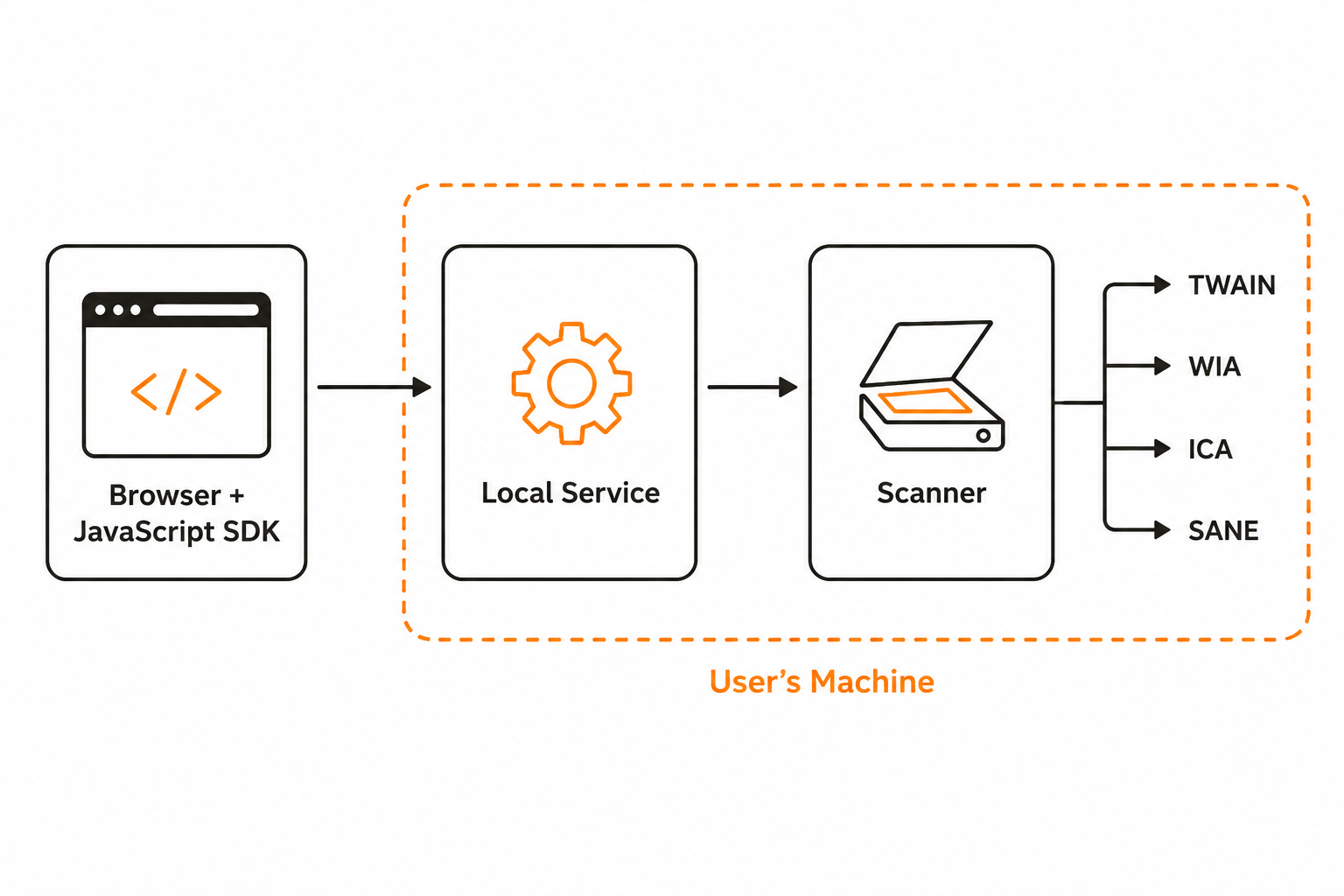
Browser-based scanning works through a two-part architecture: a JavaScript SDK running in the page and a lightweight local service installed once on the user’s machine that communicates with the scanner using its native protocol.
The JavaScript SDK runs within the web page, providing scanning functions such as scanner selection, resolution, color configuration, scan initiation, and image processing. The lightweight local service, installed once on the user’s machine, communicates securely with the SDK and the scanner using the device’s native protocol.
Since the browser interacts only with the JavaScript layer, this design works consistently across Chrome, Edge, Firefox, and Safari, without plugins or browser-specific code. The local service manages protocol differences and presents a unified API for TWAIN, WIA, ICA, and SANE.
What Should You Look for in a Web Scanning Tool?
With this architecture in mind, use the following criteria to identify production-ready tools versus partial solutions.
Cross-Browser and Cross-Platform Coverage
First, confirm that the tool officially supports current versions of Chrome, Edge, Firefox, and Safari, and operates on Windows, macOS, and Linux. If most users work in Chrome, verify reliable performance as a Chrome document scanner before expanding to other browsers. Review the vendor’s documentation and test with your organization’s browser mix.
Full Protocol Support: TWAIN, WIA, ICA, and SANE
Although the TWAIN standard is available on Windows, macOS, and Linux, its driver support is reliable mainly on Windows. On macOS, ICA is preferred, while SANE is preferred on Linux. Tools that rely only on TWAIN may not support many Mac and Linux scanners. Seek native support for all four protocols through a single API, so one implementation can serve every TWAIN scanner, WIA scanner, ICA device, and SANE scanner across your workstations.
Image Processing and Quality Control
Scanned documents often require cleanup before storage, such as deskewing, blank-page removal, cropping, noise reduction, and conversion to PDF, TIFF, JPEG, or PNG. Performing these tasks in the browser before upload reduces server load and improves consistency.
Document Security and Deployment
For regulated industries such as healthcare, pharma, and finance, document security is essential. Ensure the local service uses encrypted communication and supports silent, managed deployment for large device fleets.
Because the local service runs within your environment, scanned documents remain inside your network. Pages are captured, processed, and uploaded through your existing infrastructure rather than being routed through a vendor’s cloud. This is important when data residency is a contractual or regulatory requirement. When evaluating a tool, look for the following controls:
-
Built-in HTTPS support with a configurable SSL certificate, so communication between the browser and the local service is encrypted and can use your organization’s own certificate.
-
Digital signature on the installed components, so IT can verify the local service is authentic and has not been tampered with.
-
Data encrypted in transit and at rest, covering both the scan payload and any temporary storage on disk.
- Explicit authorization required before the SDK accesses local files, so a web page cannot silently read the file system.
- Cached data deleted on unexpected SDK closure, so scanned pages are not left behind on shared or public workstations after a crash or forced browser close.
Combined with silent, managed deployment, these controls enable IT to deploy scanning across hundreds of machines without increasing security risks or violating data residency commitments
Developer Experience
Review the API documentation, sample code for frameworks such as React, Angular, and Vue, and the responsiveness of technical support. A robust SDK should enable a small team to deploy scanning features within days.
How do You Integrate Web Scanning into an Electronic Document Management System?
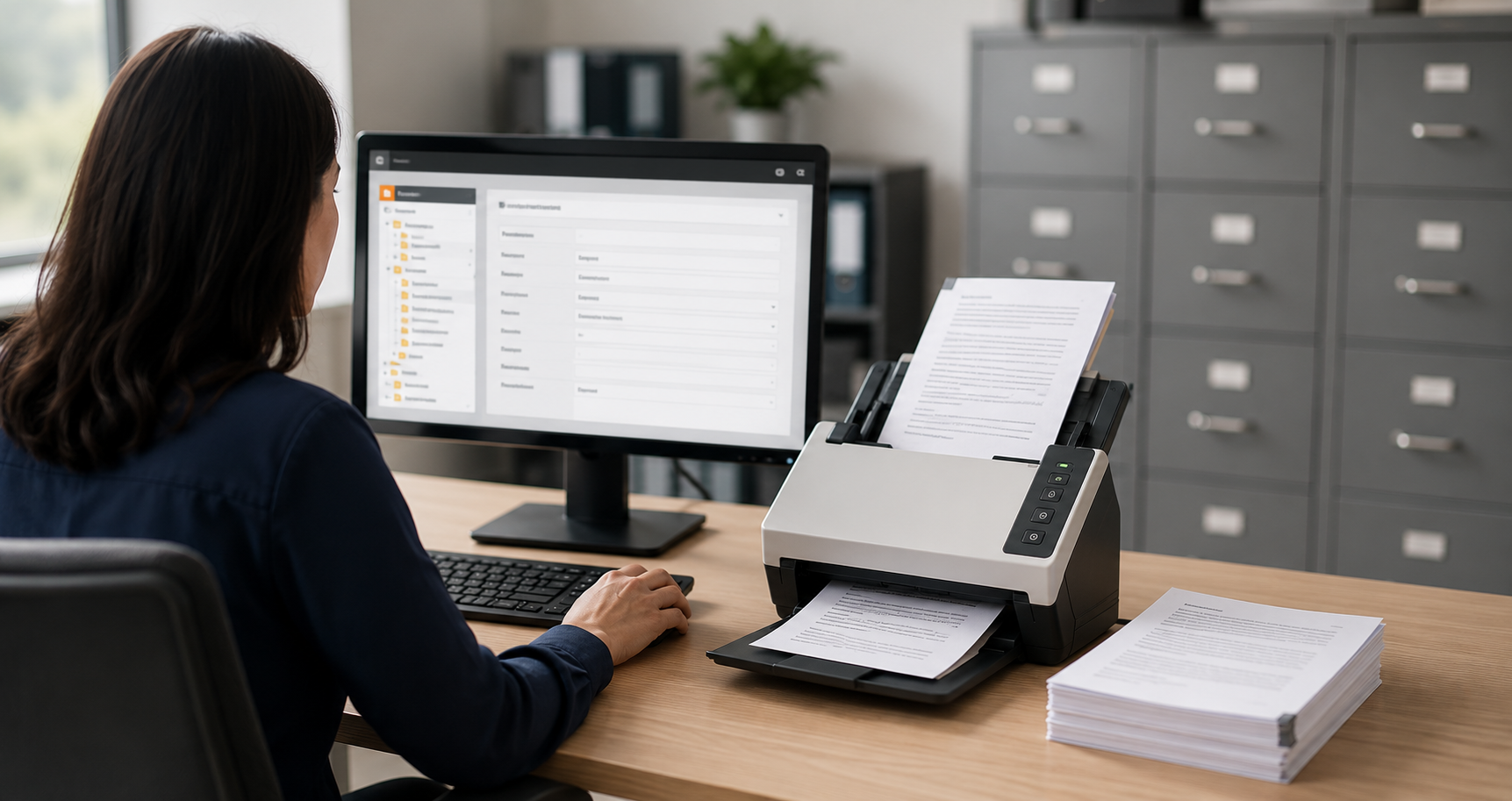
Scanning is rarely the final objective. The scanned document must be delivered to the correct location with appropriate metadata. A typical EDMS integration includes three stages.
- Capture. The user clicks a scan button inside the EDMS web interface. The SDK lists available scanners, applies preset profiles (for example, 300 DPI, duplex, grayscale for invoices), and acquires the pages.
- Enhance and prepare. In the browser, the application deskews pages, removes blank pages, allows the user to reorder or delete pages, and converts the batch into a searchable PDF or TIFF.
- Upload and index. The SDK posts the file to the EDMS through its standard REST API or an HTTP upload endpoint, along with metadata — document type, customer ID, scan date — captured from the form. From there, the EDMS applies its normal indexing, retention, and workflow rules.
Since the entire process occurs on a single web page, users stay within the system of record, and administrators maintain central control over scan settings and routing.
How Dynamic Web TWAIN Solves This
For teams seeking to integrate a proven component rather than build this stack internally, Dynamsoft offers a purpose-built solution.
Dynamic Web TWAIN is a web scanning SDK that implements the architecture described above. It provides a single JavaScript API compatible with Chrome, Edge, Firefox, and Safari, and communicates with scanners via TWAIN, WIA, ICA, and SANE, supporting Windows, macOS, and Linux from a single codebase. Features include image editing and enhancement, blank-page detection, output to multi-page PDF, TIFF, and common image formats, and HTTP upload methods for direct integration with EDMS and content management platforms.
For cases where documents are received via smartphone rather than a desktop scanner, Dynamsoft Mobile Document Scanner enables camera-based capture in mobile browsers, with automatic border detection and image normalization. This provides an effective solution for field teams and customer-facing portals.
You can try the online demo to see browser-based scanning in action or download the 30-day free trial to begin building in your own environment.
Conclusion
Web document scanning no longer requires plugins, desktop workarounds, or separate builds for each operating system. A JavaScript SDK with a local scanning service provides full TWAIN, WIA, ICA, and SANE support across all major browsers and integrates electronic document scanning seamlessly into document management workflows using standard web APIs.
When evaluating tools, prioritize complete protocol coverage, verified cross-browser support, in-browser image processing, and strong document security and documentation. Dynamic Web TWAIN combines these features in a single SDK, enabling teams to quickly add enterprise-grade scanning to web applications. For guidance tailored to your environment, contact a Dynamsoft expert.
Frequently Asked Questions
What is a TWAIN scanner?
A TWAIN scanner is any scanning device that communicates through the TWAIN protocol, the long-standing industry standard maintained by the TWAIN Working Group. It works across Windows, macOS, and Linux and offers the richest feature control of the four major protocols.
How is a WIA scanner different from a TWAIN scanner?
A WIA scanner uses Windows Image Acquisition, Microsoft’s Windows-only protocol. It is built into the operating system and simpler to work with, but it exposes fewer advanced settings than TWAIN. Many devices support both protocols.
Can a SANE scanner be used from a web application?
Yes. With a JavaScript SDK and local service architecture, a SANE scanner on Linux is accessed through the same unified API as TWAIN, WIA, and ICA devices, including SANE’s support for network scanning.
Does Chrome support document scanning natively?
No. Chrome does not have a built-in scanning API, so a Chrome document scanner experience requires a web scanning SDK paired with a lightweight local service that bridges the browser and scanner hardware.
Is browser-based document scanning secure?
Yes, when the SDK and its local service are built for it. Because the local service runs on the user’s own machine, scanned images stay inside your network instead of passing through a third-party cloud. A secure implementation should provide HTTPS communication with a configurable SSL certificate, digitally signed components, encryption of data in transit and at rest, explicit authorization before any local file access, and automatic deletion of cached scans if the SDK closes unexpectedly.