


Tag: browser-scan
-
How to Scan Directly to Cloud Storage from the Browser: S3, Azure Blob, SharePoint, and Google Drive
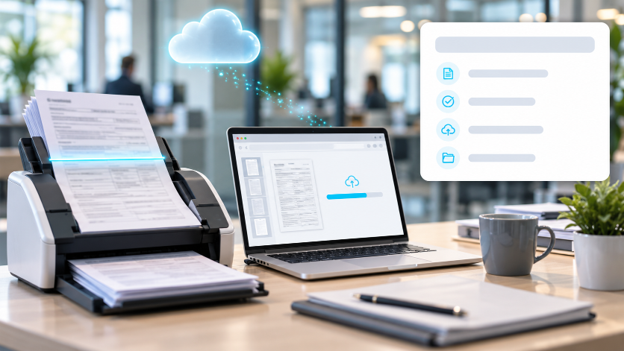
Scanning directly to cloud storage from the browser means capturing a paper document with a physical scanner through a web application and immediately uploading it to a cloud repository such as Amazon S3, Azure Blob Storage, SharePoint, or Google Drive. This process uses a JavaScript scanning SDK that controls the...
Read more › -
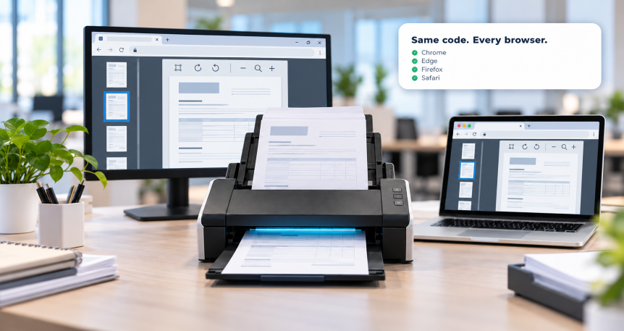
Cross-browser web scanning enables browser-based applications to capture documents from physical scanners in Chrome, Edge, Firefox, and Safari without separate code for each browser. This is achieved by combining a JavaScript SDK embedded in the web page with a lightweight local service on the user’s machine, which communicates with the...
Read more › -
Web document scanning lets browser-based applications capture paper documents directly from a connected scanner - without plugins, downloads, or desktop software - by pairing a JavaScript SDK with a lightweight local service that talks to the scanner via TWAIN, WIA, ICA, or SANE. This solves a specific technical limitation: browsers...
Read more › -
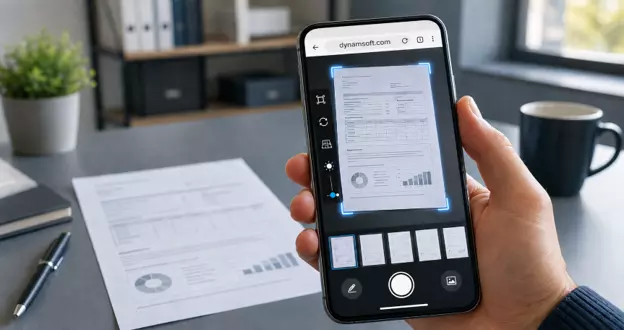
Evaluating a browser document scanning SDK requires assessing multiple capabilities: skew correction, perspective correction, image enhancement, browser/device compatibility, client-side processing, built-in viewer/annotation tools, and integration fit. Auto-crop alone is insufficient as an evaluation criterion. Key Takeaways Auto-crop is foundational, but insufficient on its own as an SDK evaluation criterion. Skew...
Read more › -

Google has announced that the good old user-agent string will be deprecated in the Chrome browser later this year. This change will provide better monitoring abilities, and let people know who is using this information and ultimately improve the end-users’ privacy. It is worth noting that this phase-out is currently...
Read more ›