


 Blog
Blog
Real-World Barcodes ZXing and ZBar Missed — But Dynamsoft Got Right
ZXing and ZBar Are Great—But Not Bulletproof
Open-source libraries like ZXing and ZBar are popular choices for barcode scanning—but how well do they hold up under real-world conditions?
One of our coworkers at Dynamsoft recently ran a controlled test comparing open-source barcode readers with Dynamsoft Barcode Reader (DBR). The results, including all test steps, dataset links, and decoding outcomes, are documented here:
Comparing Python Barcode Libraries: ZXing, ZBar, and Dynamsoft >
Out of 162 images of retail product barcodes, 22 images failed to decode using both ZXing and ZBar. Dynamsoft Barcode Reader, however, decoded all 22 correctly.
Key Takeaways
-
In a real-world test of 162 retail barcode photos, 22 images could not be decoded by either ZXing or ZBar. Dynamsoft Barcode Reader successfully decoded all 22.
-
The most challenging cases involved blur or low focus, curved surfaces, crumpling or damage, and uneven lighting, which are common in phone and consumer-submitted photos.
-
DBR addresses these challenges with adaptive image binarization, blur tolerance, perspective correction, robust quiet-zone handling, and built-in error correction.
-
This was a practical test using real, unprocessed images rather than a synthetic benchmark. The full image set is available for independent evaluation.
-
For details on the methodology, see the companion article Comparing Python Barcode Libraries: ZXing, ZBar, and Dynamsoft, as well as the Barcode Scanning Accuracy Benchmark and Comparison.
Why These 22 Barcodes Are Challenging
All images in the dataset contain 1D retail barcodes like EAN-13 or UPC-A. Decoding them could be difficult in the real-world scenarios due to several factors:
| Failure Type | Count |
|---|---|
| Blurry / Low Focus | 8 |
| Curved Surface | 5 |
| Crumpled or Damaged | 4 |
| Uneven Lighting | 3 |
| Other (e.g., skew, noise) | 2 |
Case-by-Case Review
Below, we’ve grouped the 22 failure cases based on their likely causes and included sample images for each.
These issues are common when scanning barcodes from phones, printed packaging, or consumer-submitted photos.
Blurry / Low Focus (8 images)


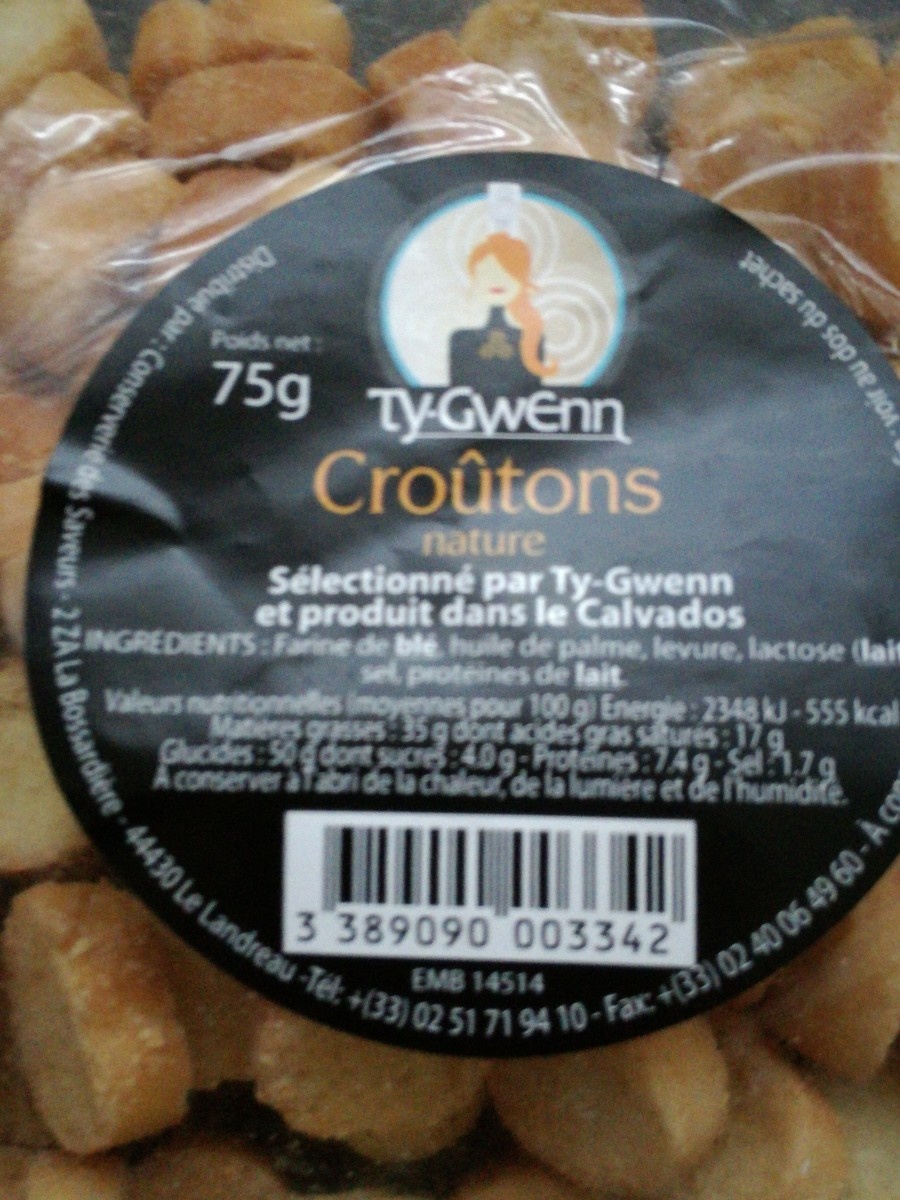
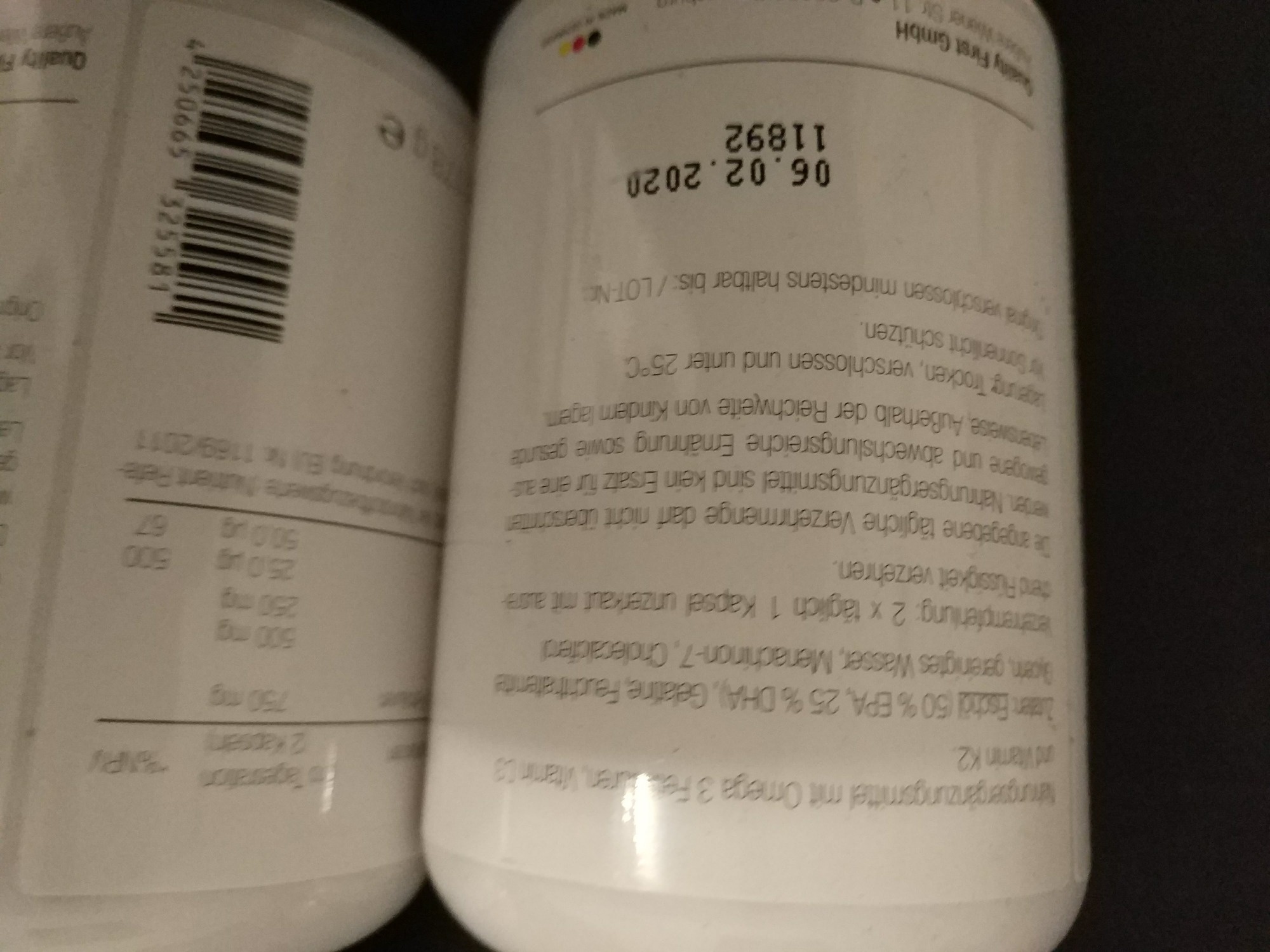


Curved Surface (5 images)


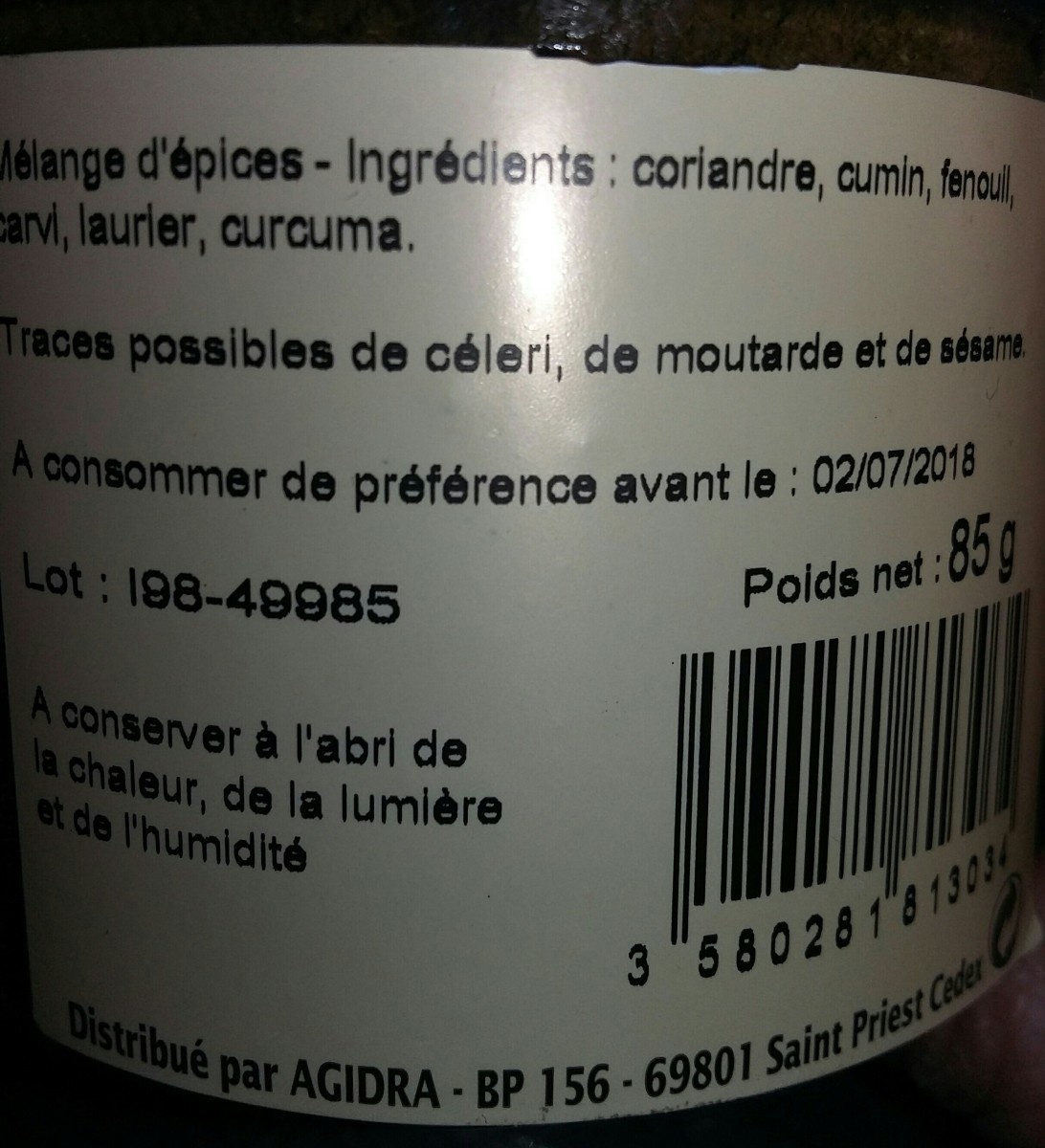
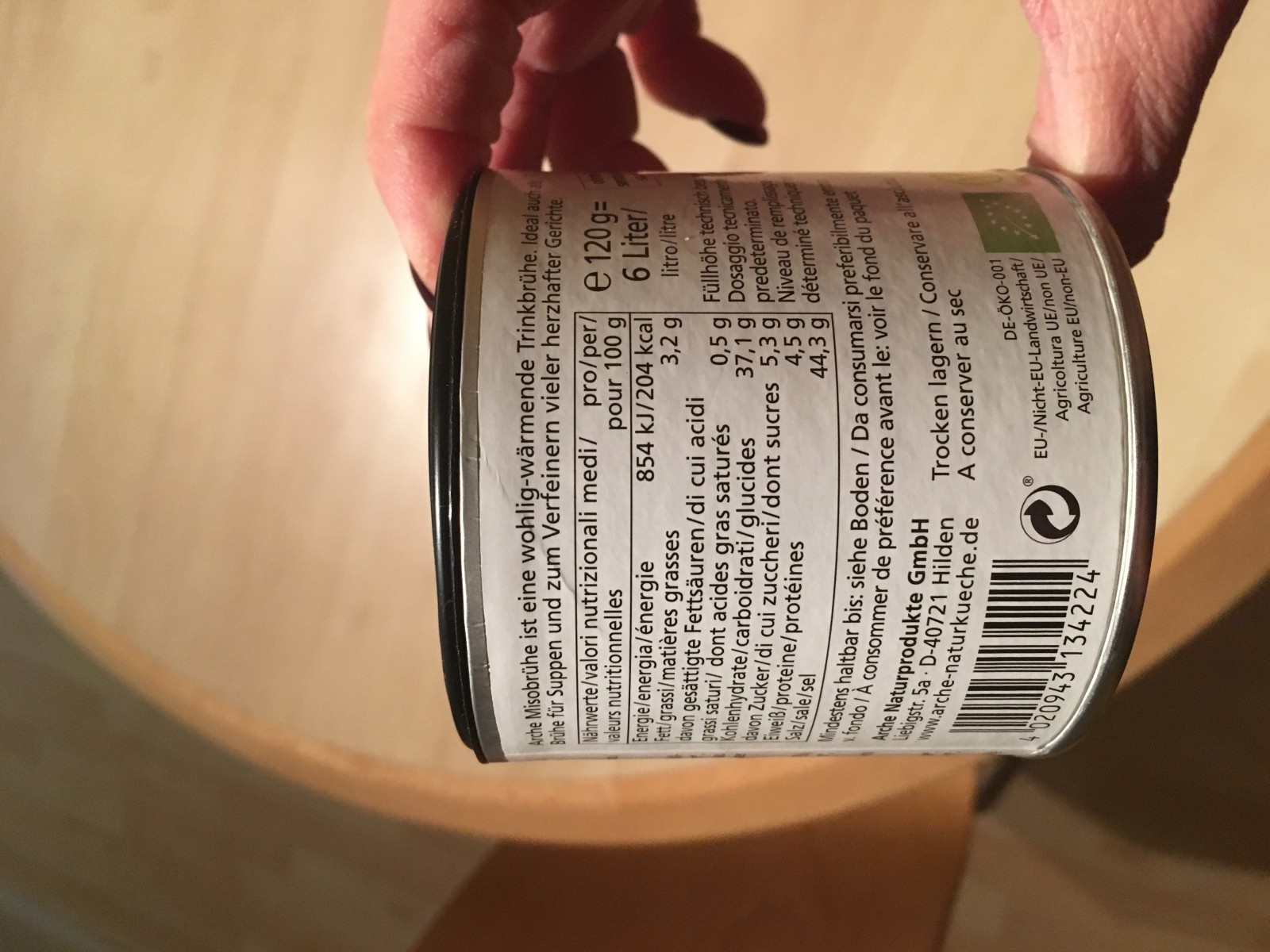

Crumpled or Damaged (4 images)


Uneven Lighting (3 images)

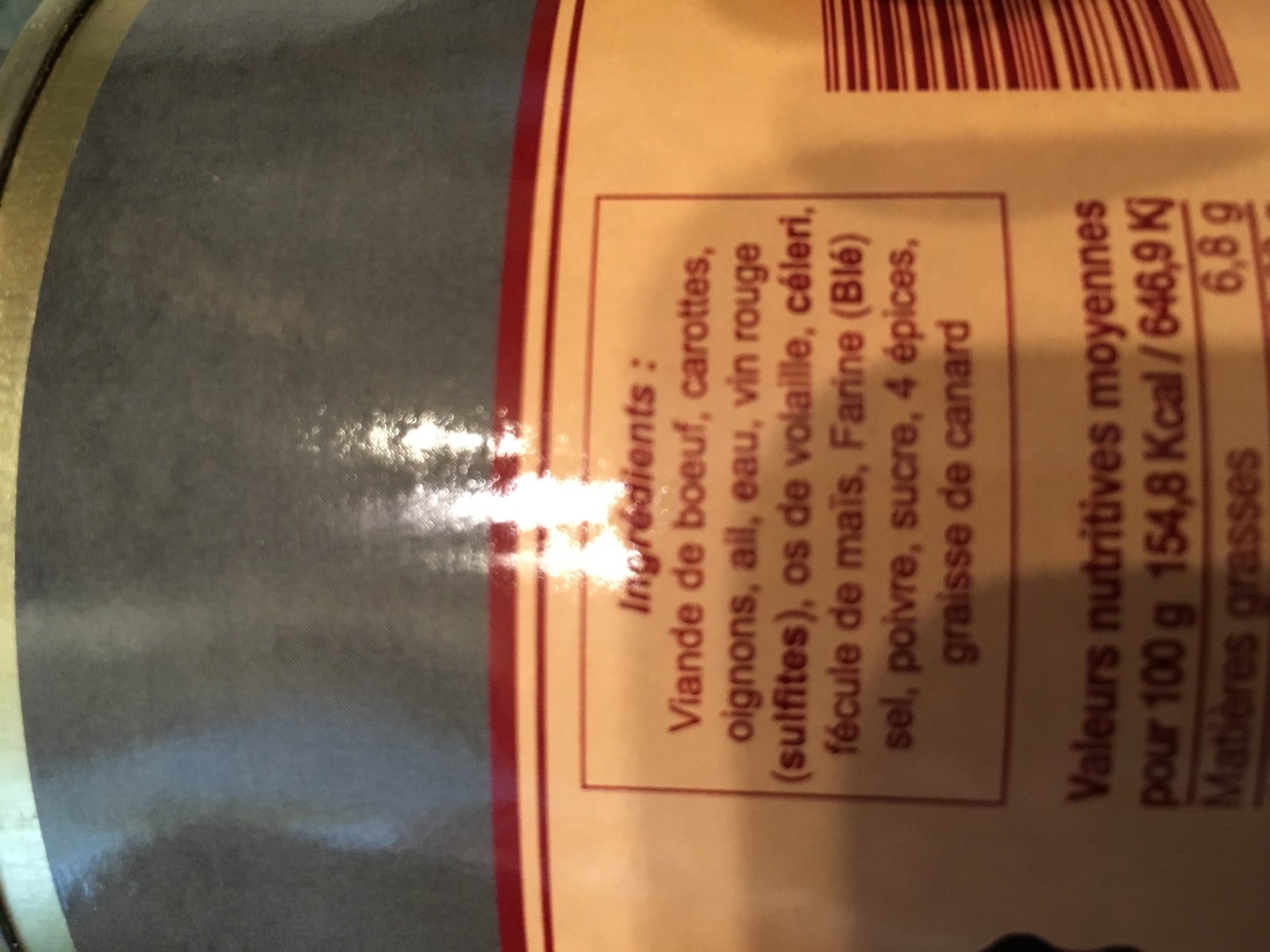

Other (e.g., skew, noise, quiet zone) (2 images)


Why Dynamsoft Barcode Reader Succeeds
DBR is designed for reliability in difficult conditions where basic libraries struggle. Here’s what sets it apart:
- Adaptive image binarization handles low contrast and shadow.
- Blur tolerance using gradient detection and enhancement.
- Perspective correction helps with curved or skewed barcodes.
- Robust quiet-zone handling allows decoding from tight packaging.
- Built-in error correction salvages partial or damaged codes.
Try It Yourself
This wasn’t a synthetic benchmark. It was a practical test using messy, real-world retail barcode photos. You can download or test the full set of images from our GitHub repository:
View Image Folder
Or test your own images using our live tool:
Dynamsoft Barcode Reader Demo