


Barcode Scanner SDK for Mobile Apps
Fast, accurate scanning for iOS, Android, React Native, Flutter & .NET MAUI – engineered for challenging conditions. Start your free trial today.
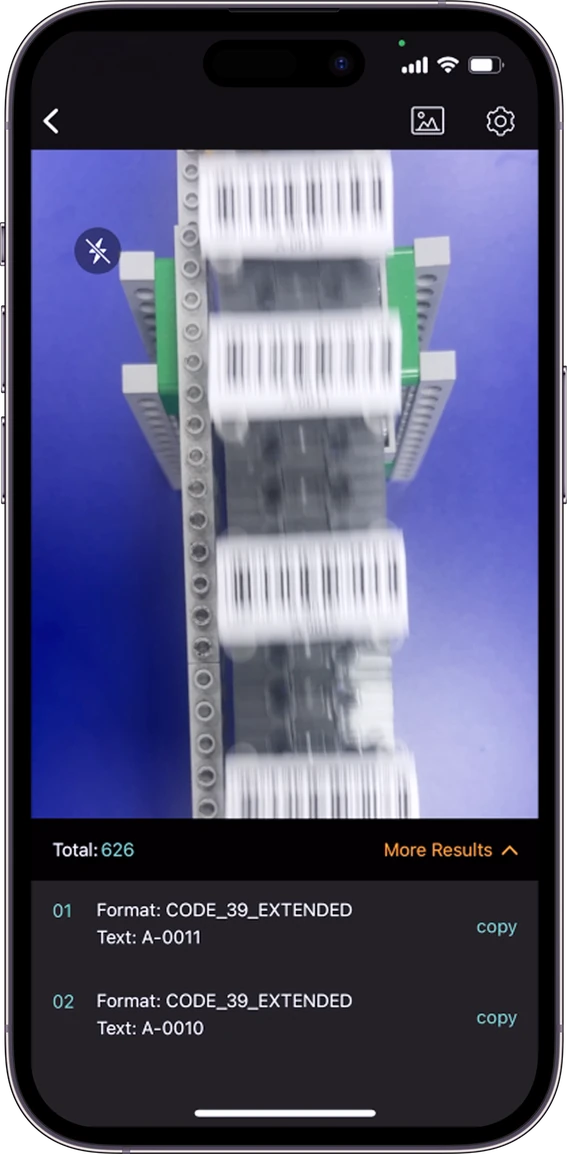
Scan 500+ barcodes per minute
Decode the toughest barcodes
Benchmarks
Trusted by 10,000+ companies worldwide - for over 20 years













Native performance, cross-platform reach.
Native iOS & Android
Build barcode scanning directly into iOS & Android apps with native SDKs for maximum control and flexibility.
- Direct access to native camera APIs
- Fine-tuned scanning behaviour & UI
- Seamless integration with existing native apps
Cross-Platform
Add reliable barcode scanning to iOS & Android apps using your preferred cross-platform framework.
- Supports Flutter, React Native, and .NET MAUI
- Share application code across iOS & Android
- Consistent API model across platforms.
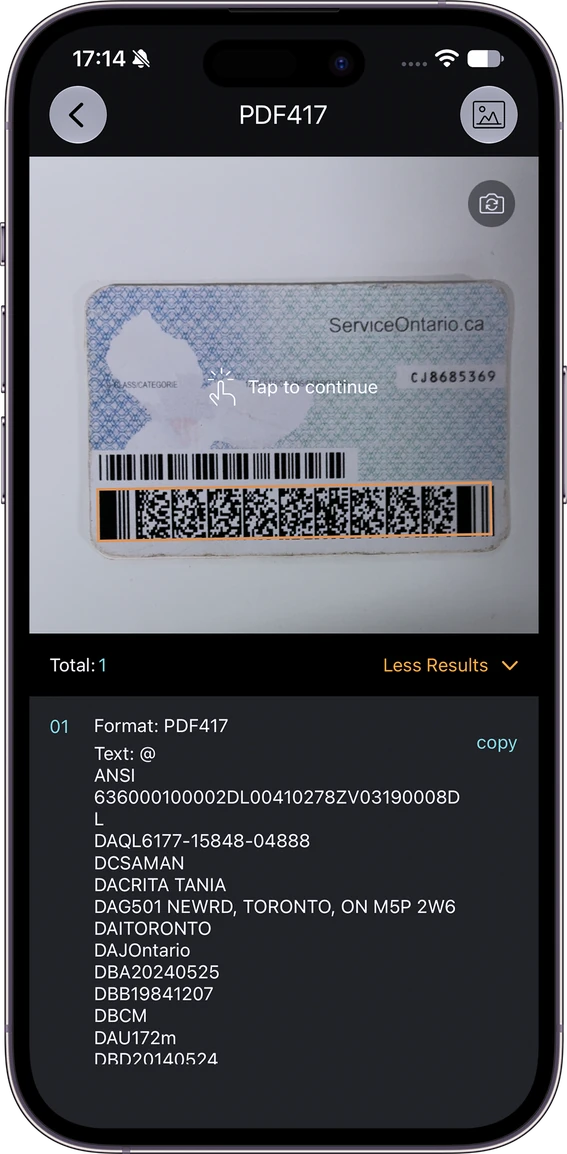
Supports 30+ barcode symbologies — EAN-13/UPC-A, EAN-8/UPC-E, QR, Data Matrix, PDF417, Code 128, Code 39, and more
View allEngineered for mobile cameras
Handheld scanning means constant variables - distance, angle, motion, and light levels all change from one scan to the next. Dynamsoft Barcode Reader is built to handle this.
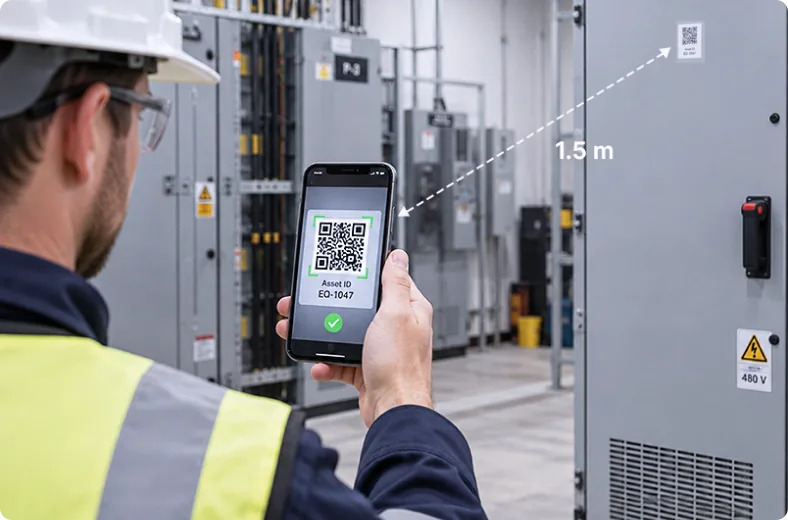
Scan from a distance
Scan from a distance with auto-zoom and auto-focus. No need to move the device.
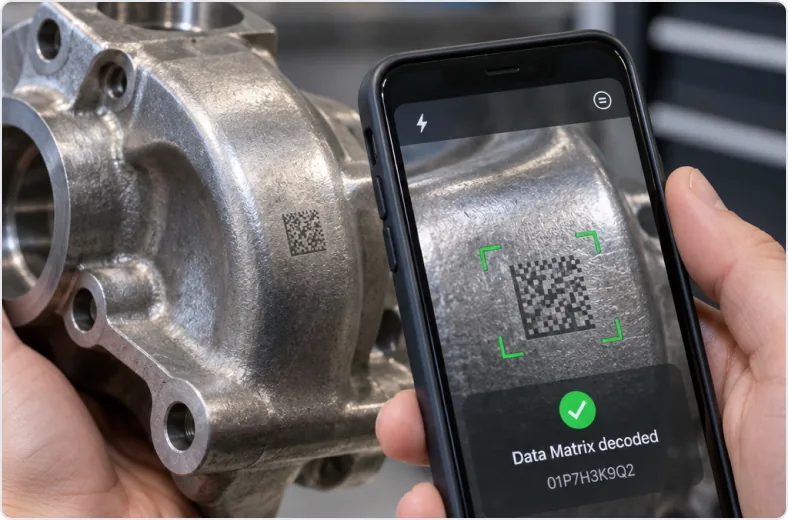
Conquer challenging codes
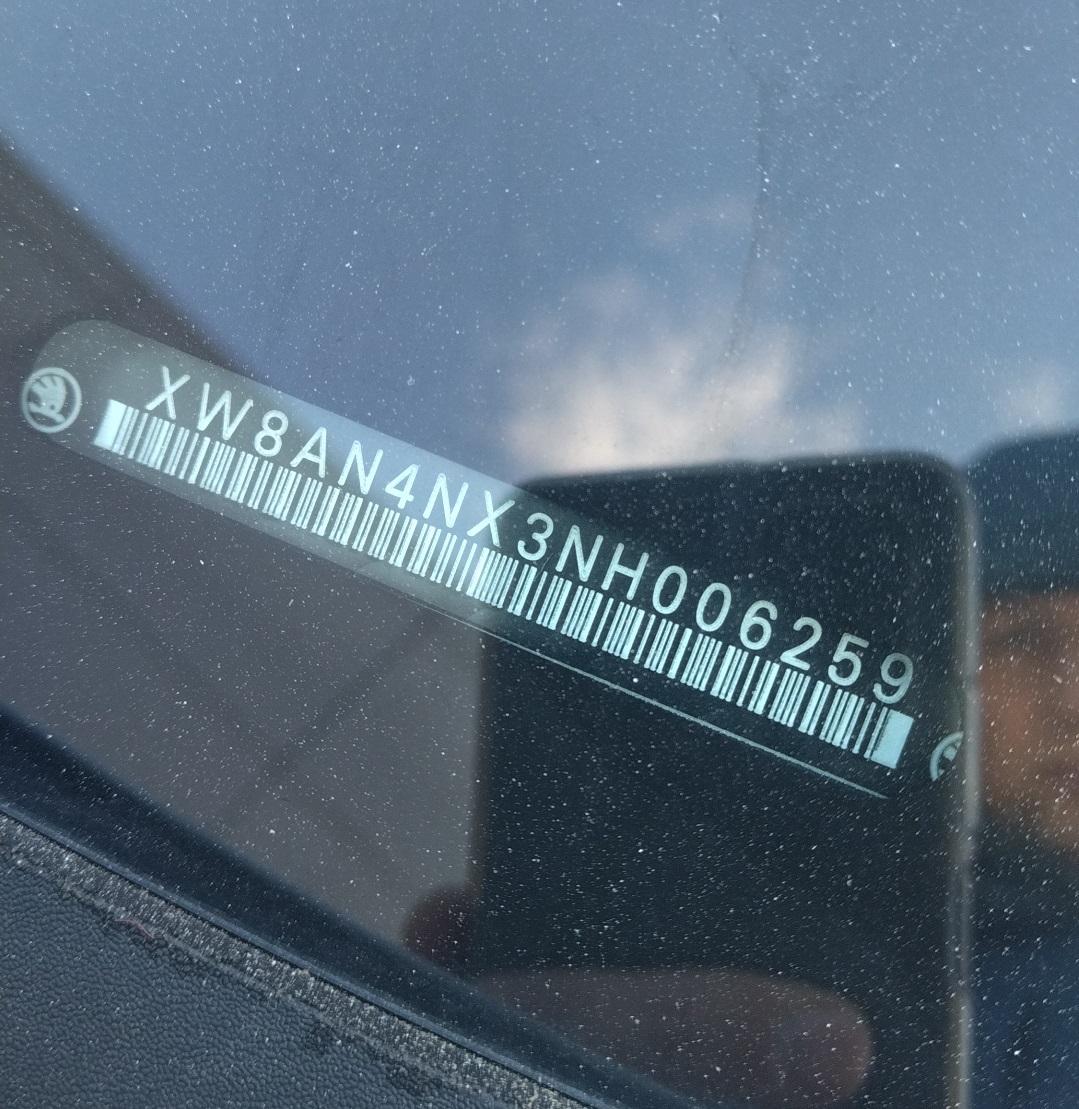
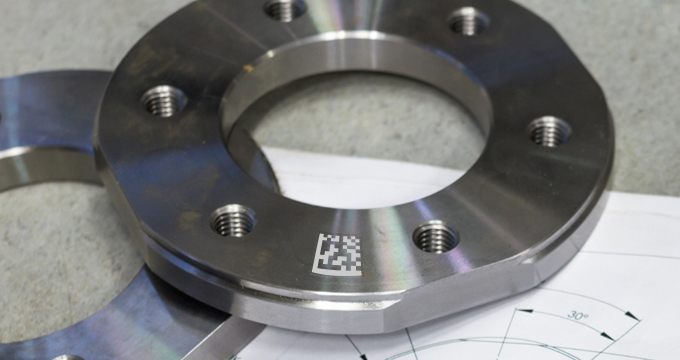
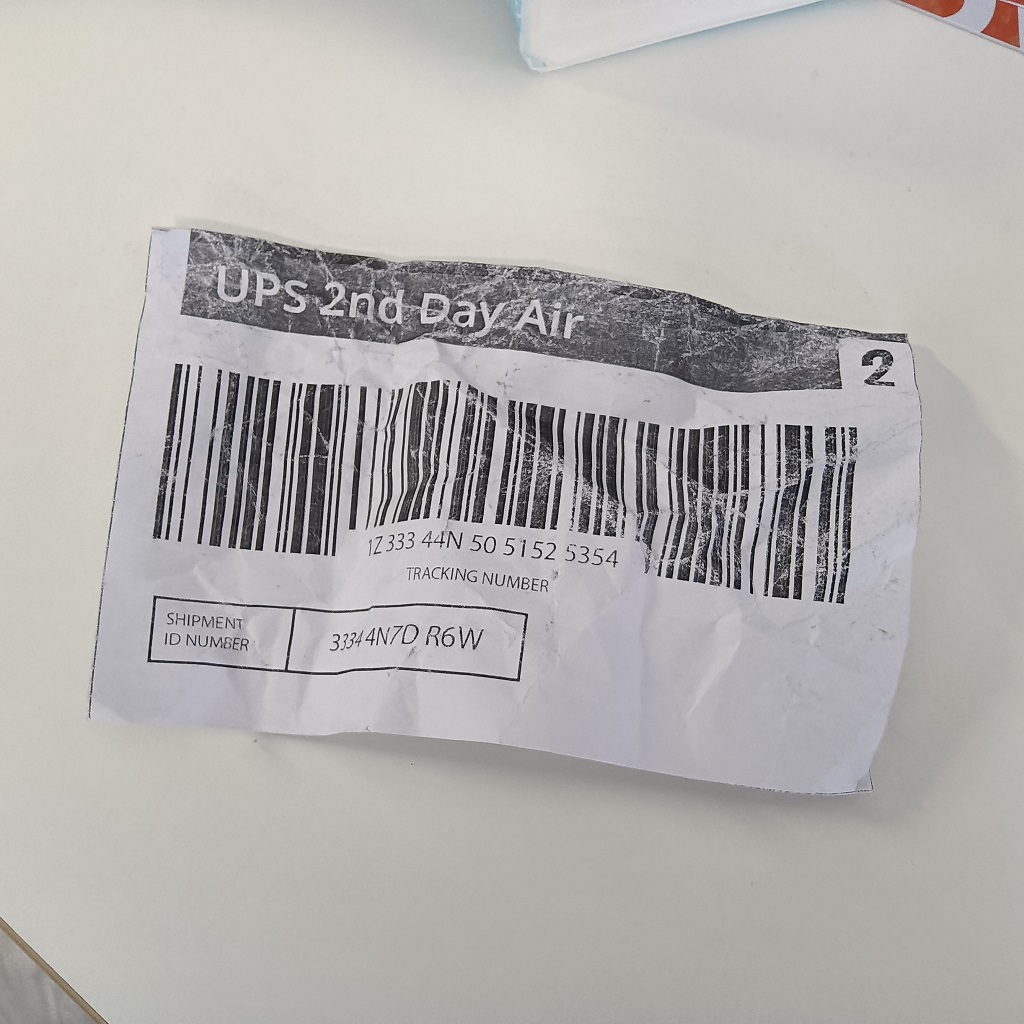
Decode tiny, angled, damaged and DPM barcodes accurately, even on metal or curved surfaces.
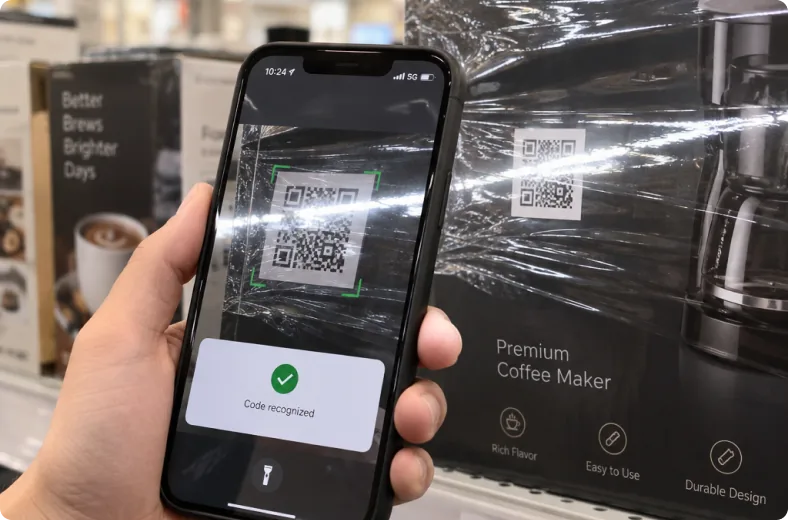
Adapt to tricky lighting
Read barcodes with glare, reflections and in low-light without any manual adjustment.
Get started with mobile barcode scanning
Follow our step-by-step guides to integrate barcode scanning into your mobile applications.
- Android
- iOS
- React Native
- Flutter (Dart)
- .NET MAUI
import com.dynamsoft.cvr.*;
import com.dynamsoft.dbr.*;
import com.dynamsoft.dce.CameraEnhancer;
import com.dynamsoft.dce.CameraView;
import com.dynamsoft.dce.utils.PermissionUtil;
import com.dynamsoft.license.LicenseManager;

public class MainActivity extends AppCompatActivity {
    private CameraEnhancer mCamera;
    private CaptureVisionRouter mRouter;
    private TextView mResult;

    @Override
    protected void onCreate(Bundle savedInstanceState) {
        super.onCreate(savedInstanceState);
        setContentView(R.layout.activity_main);
        mResult = findViewById(R.id.tv_result);

        // 1. Init license
        LicenseManager.initLicense("DLS2eyJvcmdhbml6YXRpb25JRCI6IjIwMDAwMSJ9",
            this, (isSuccess, error) -> {
                if (!isSuccess && error != null) Log.e("DBR", error.getMessage());
            });

        // 2. Wire camera to router, register result receiver
        PermissionUtil.requestCameraPermission(this);
        CameraView cameraView = findViewById(R.id.camera_view);
        mCamera = new CameraEnhancer(cameraView, this);

        mRouter = new CaptureVisionRouter(this);

        mRouter.setInput(mCamera);
        mRouter.addResultReceiver(new CapturedResultReceiver() {
            @Override
            public void onDecodedBarcodesReceived(DecodedBarcodesResult result) {
                BarcodeResultItem[] items = result.getItems();
                if (items == null || items.length == 0) return;
                StringBuilder sb = new StringBuilder();
                for (BarcodeResultItem item : items)
                    sb.append(item.getFormatString()).append(": ").append(item.getText()).append("\n");
                runOnUiThread(() -> mResult.setText(sb.toString()));
            }
        });
    }

    // 3. Start/stop camera and capture with the activity lifecycle
    @Override protected void onResume() {
        super.onResume();
        try { mCamera.open(); } catch (Exception e) { e.printStackTrace(); }
        mRouter.startCapturing(EnumPresetTemplate.PT_READ_BARCODES, (isSuccess, error) -> {});
    }

    @Override protected void onPause() {
        super.onPause();
        mRouter.stopCapturing();
        try { mCamera.close(); } catch (Exception e) { e.printStackTrace(); }
    }
}Speed & accuracy for live camera scanning
In iOS testing on 83 real-world images, Dynamsoft was the only SDK to combine top accuracy with real-time speed. ZXing-CPP was 19× slower, and Apple Vision and ML Kit missed more than half the barcodes Dynamsoft found. On Android, Dynamsoft detected 3.4× more than ML Kit.
Barcode Detection Rate (iOS)
Detection of 354 unique barcodes
Barcode Detection Rate (Android)
Detection of 514 unique barcodes
Boost performance with customized scan templates
Templates let you tune the full decode pipeline - image preprocessing, localization, and decoding - so you get maximum accuracy for the most challenging barcodes.
10K+
10K+
Customers worldwide
1M+
1M+
Active users
23yrs
23yrs
Business since 2003
ISO27001
ISO27001
ISO 27001 certified
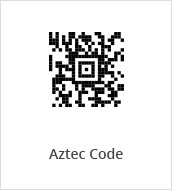
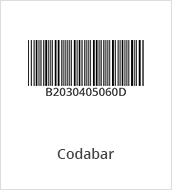
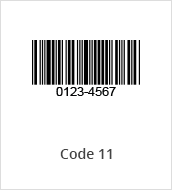
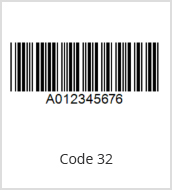
30+ barcode symbologies supported
Linear, 2D, and specialty formats - including niche industrial and postal standards that most SDKs don't cover.
Linear Barcodes (1D)
Code 11
Code 39 & EXT
Code 32
Code 93
Code 128
Codabar
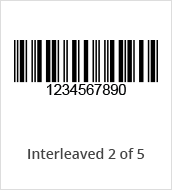
Interleaved 2 of 5
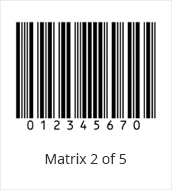
Matrix 2 of 5
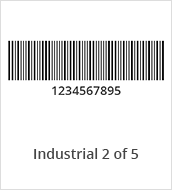
Industrial 2 of 5
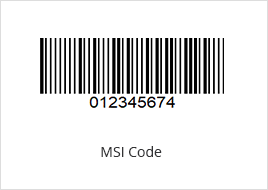
MSI (Modified Plessey)
GS1 DataBar
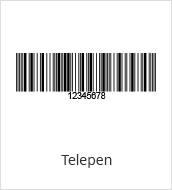
Telepen
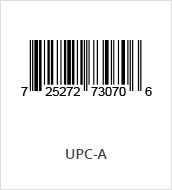
UPC-A
UPC-E
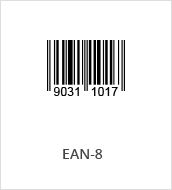
EAN-8
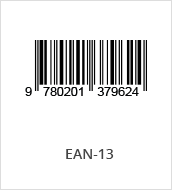
EAN-13
2D Barcodes
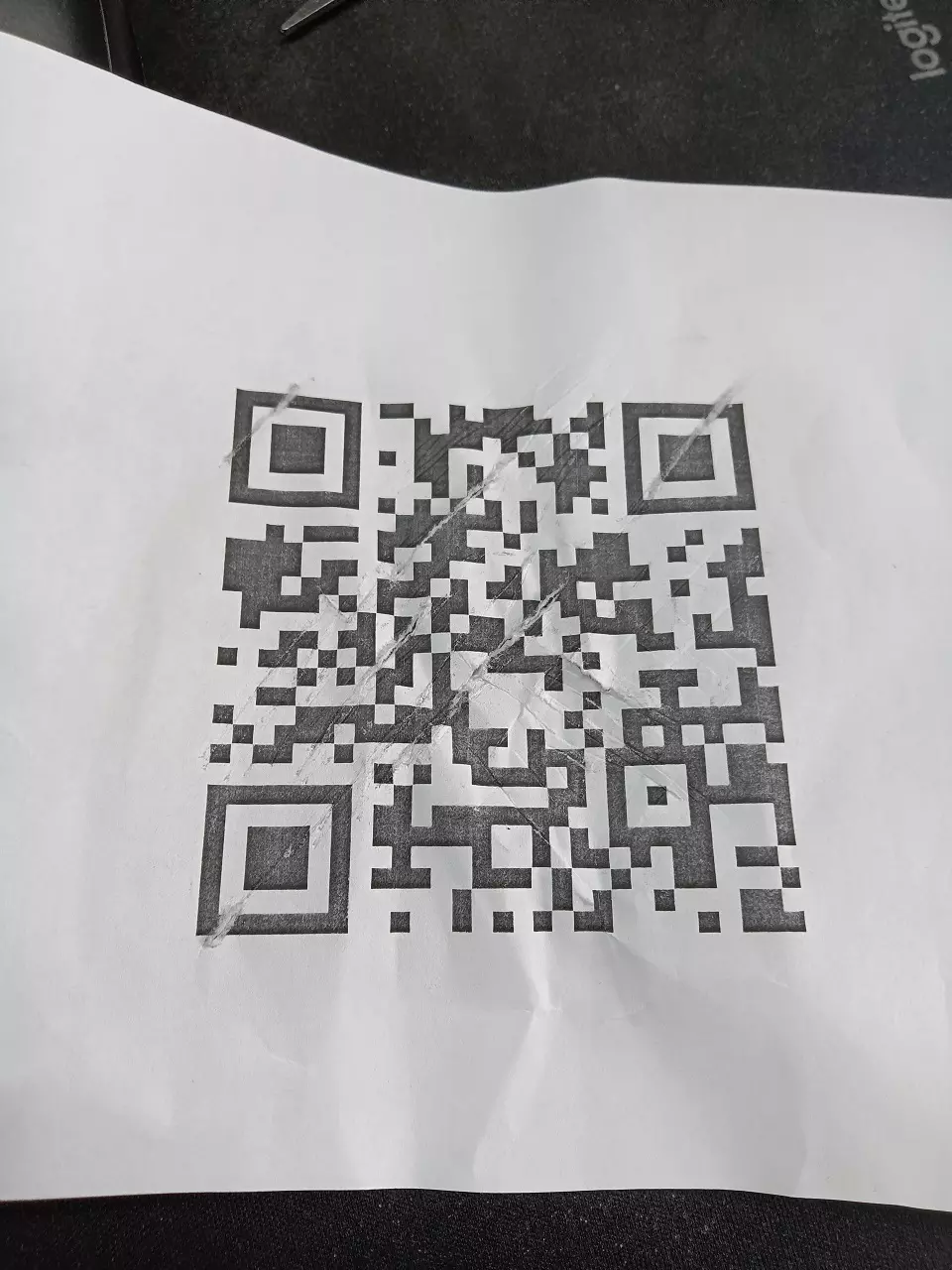
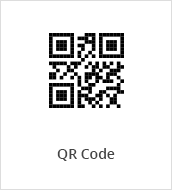
QR Code
Micro QR Code
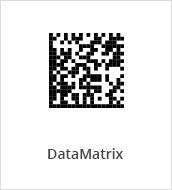
Data Matrix
PDF417
Micro PDF417
Aztec Code
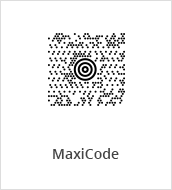
MaxiCode (mode 2-5)
USPS Intelligent Mail
Postnet
Planet
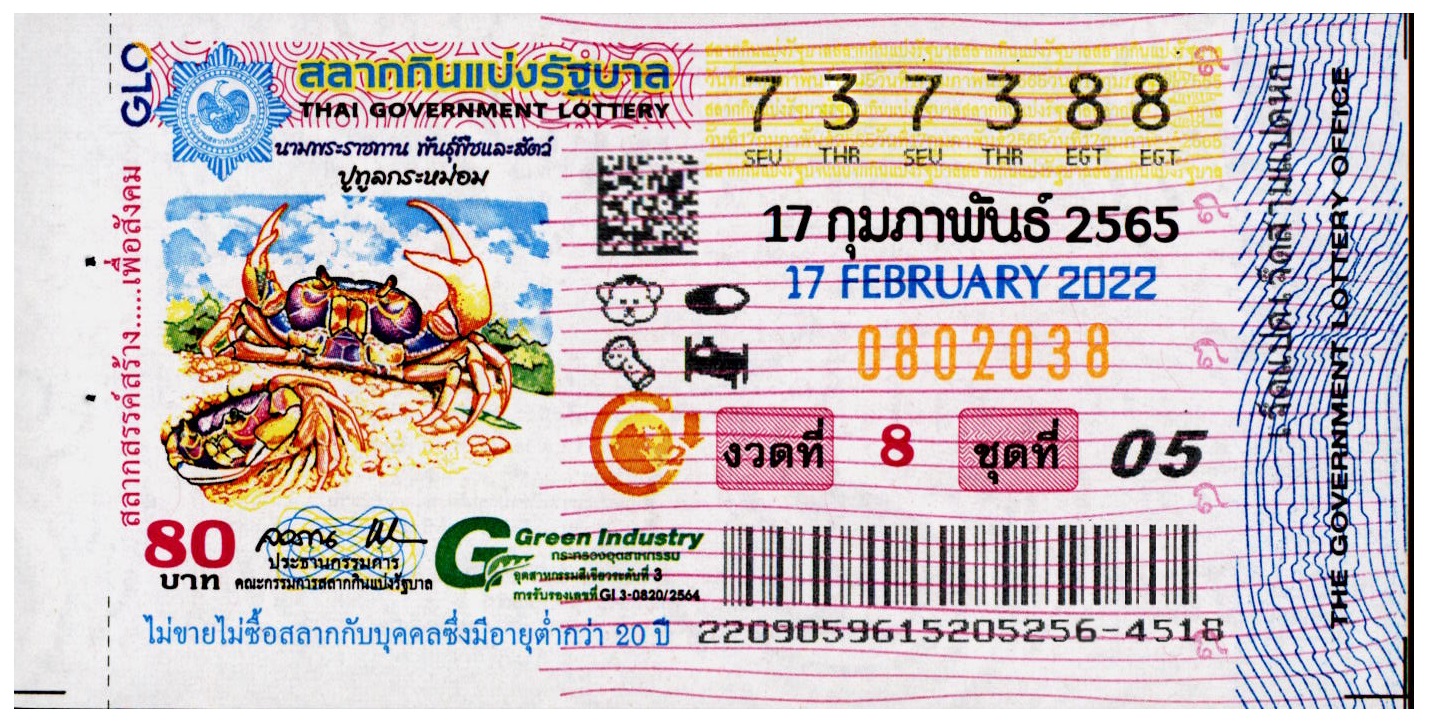
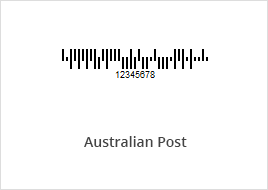
Australian Post
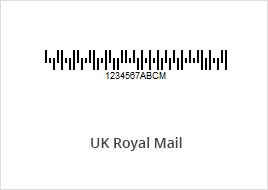
UK Royal Mail
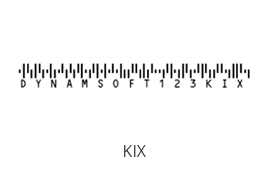
KIX
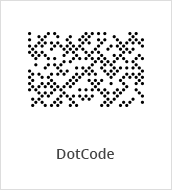
DotCode
Others
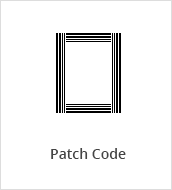
Patch Code
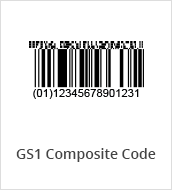
GS1 Composite Code
Pharmacode
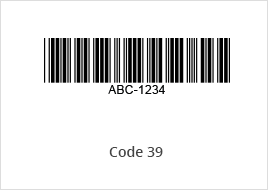
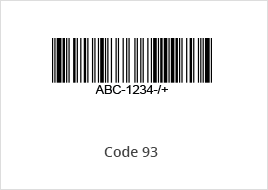
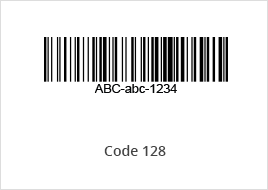
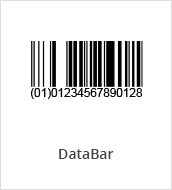
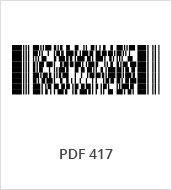
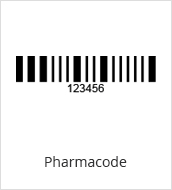
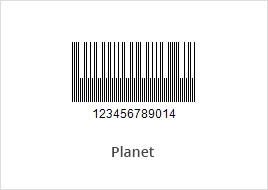
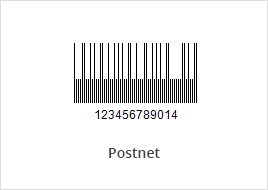
Sample code available on GitHub


Proven strategies, real results.
Teams across manufacturing, healthcare, pharma, logistics, and retail use Dynamsoft to reduce scanning errors, accelerate integration, and meet compliance requirements.
"With Dynamsoft Barcode Reader, we scan batches of 100 Data Matrix codes with close to 100% accuracy."
— Ellen Jameson, Senior Research Associate

“Dynamsoft Barcode Reader’s expertise gives us incredible peace of mind. Its flexibility, efficiency, and reliability are truly unmatched!”
– Cobus Smit, Principal Product Owner, Automate

“Dynamsoft Barcode Reader helped us build a fast, accurate, and automated solution for scanning DataMatrix codes on tools.”
– Maxence, Engineering Manager

Try our demo
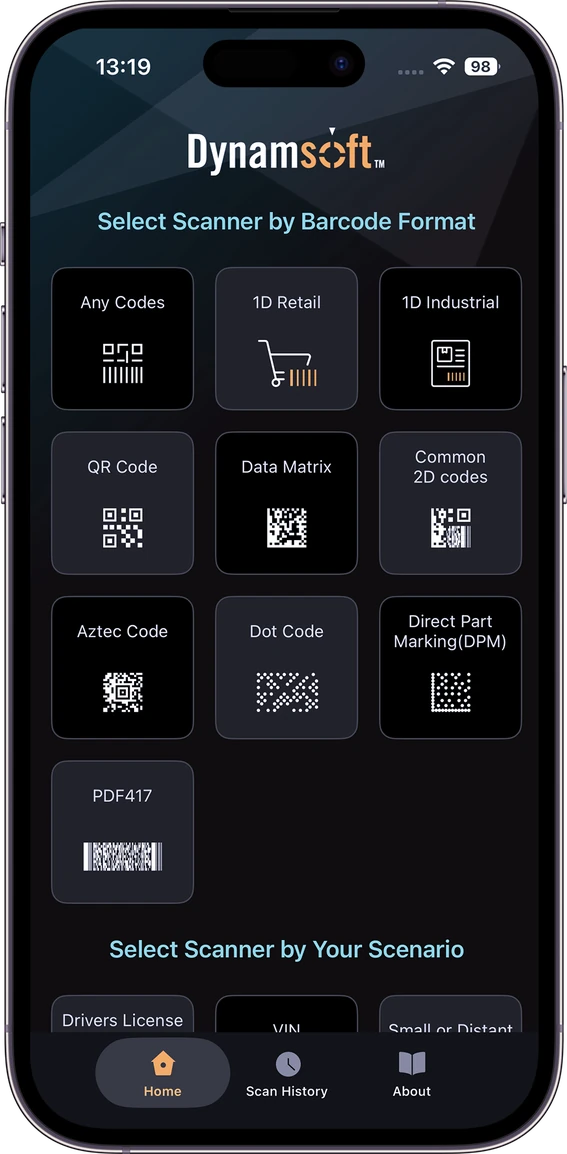
Turn any phone, tablet, or wearable into an enterprise-grade barcode scanner. Download the free demo app and try it on your own device.
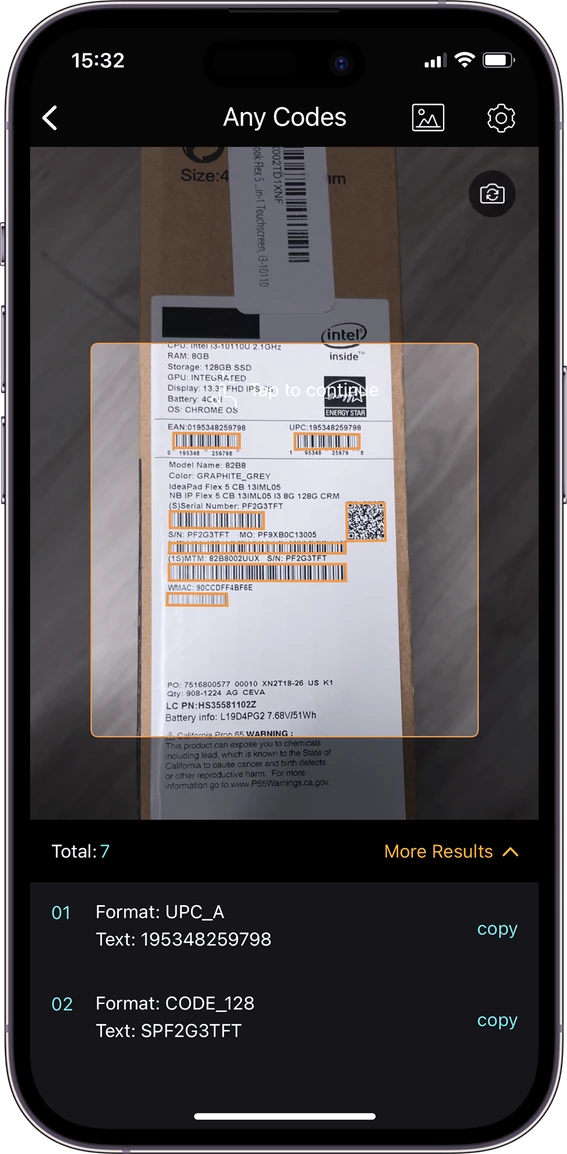
- Scan multiple barcodes in a single image.
- Test barcode scanning with your camera or existing images.
- Now Supports 16 KB Page Size - Fully compliant with Android 15+ requirements


What mobile platforms and frameworks does Dynamsoft Barcode Reader for mobile support?
PlatformsDynamsoft Barcode Reader provides native SDKs for iOS and Android, plus cross-platform support for Flutter, React Native, and .NET MAUI - all sharing a consistent API so your team can reuse scanning logic across platforms.
Does the barcode scanner work offline on iOS and Android devices?
PerformanceYes. The SDK runs fully on-device with no network dependency at runtime on both platforms. No image or barcode data is transmitted to external servers, which matters for apps in healthcare, finance, or other data-sensitive environments.
Is Dynamsoft Barcode Reader secure enough for regulated or sensitive data?
PerformanceDynamsoft Barcode Reader is ISO 27001 and O-TTPS certified. The SDK processes images entirely on-device rather than sending them to an external server for decoding, which supports apps handling sensitive records such as healthcare documents, financial forms or ID verification.
Read Security White PaperCan the barcode scanner read damaged, angled or low-light barcodes on mobile devices?
OfflineYes. Handling tough, real-world conditions is Dynamsoft's core strength. The SDK reads angled, curved, damaged and DPM barcodes, and adjusts for glare, reflections, and low light without manual configuration. Customizable scan templates let you fine-tune the decode pipeline further for the specific conditions your app encounters.
How does Dynamsoft's barcode scanner compare to Apple Vision, Google ML Kit, and ZXing-CPP?
SecurityIn benchmark iOS testing across 83 real-world barcode images, Dynamsoft detected more barcodes than any other SDK tested — more than double Apple Vision and ML Kit, while remaining fast enough for real-time camera use. ZXing-CPP came close on accuracy but was roughly 19× slower. On Android, Dynamsoft outperformed Google ML Kit by 3.4× on challenging images, including healthcare labels, multi-barcode scenes, and damaged codes. Read the full iOS benchmark or Android benchmark.
Is the barcode scanner compatible with the Android 15+ 16KB page size requirement?
CompatibilityYes. Dynamsoft Barcode Reader is fully compliant with the Android 15+ 16 KB memory page size requirement, so it works out of the box on current and upcoming Android devices without additional configuration.
What's included in the 30-day trial?
TrialNo feature restrictions for 30 days — full SDK access, all barcode formats, and complete API functionality. Our technical support team is available throughout your trial from day one.
Start your free trialTry the barcode reader SDK free for 30 days
Full functionality, direct engineer support, no commitment.
Fully Supported Free Trial
Real engineers available on live chat throughout your 30-day trial
No Credit Card Required
Download the SDK and start building immediately. No commitment
Flexible Licensing Options
Choose a licensing model that fits your deployment and scale.
We may reach out about products and services relevant to your trial. You can unsubscribe at any time - see our privacy statement for details.