


Tag: document scanning
-
How to Scan Directly to Cloud Storage from the Browser: S3, Azure Blob, SharePoint, and Google Drive

Scanning directly to cloud storage from the browser means capturing a paper document with a physical scanner through a web application and immediately uploading it to a cloud repository such as Amazon S3, Azure Blob Storage, SharePoint, or Google Drive. This process uses a JavaScript scanning SDK that controls the...
Read more › -
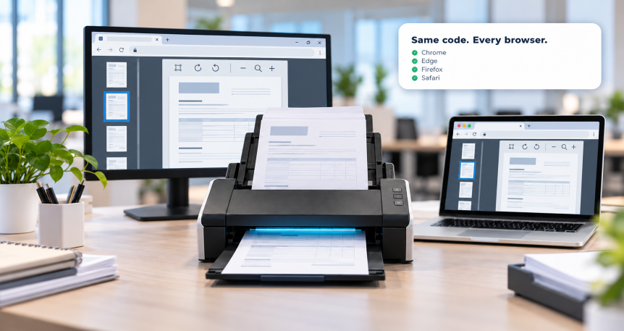
Cross-browser web scanning enables browser-based applications to capture documents from physical scanners in Chrome, Edge, Firefox, and Safari without separate code for each browser. This is achieved by combining a JavaScript SDK embedded in the web page with a lightweight local service on the user’s machine, which communicates with the...
Read more › -

Bulk (or batch) document scanning is the process of digitizing an entire stack of mixed paper documents in one automated pass — feeding, separating, cleaning, indexing, and routing each document — rather than scanning and filing pages one at a time. Healthcare providers, banks, insurers, logistics firms, and government agencies...
Read more › -
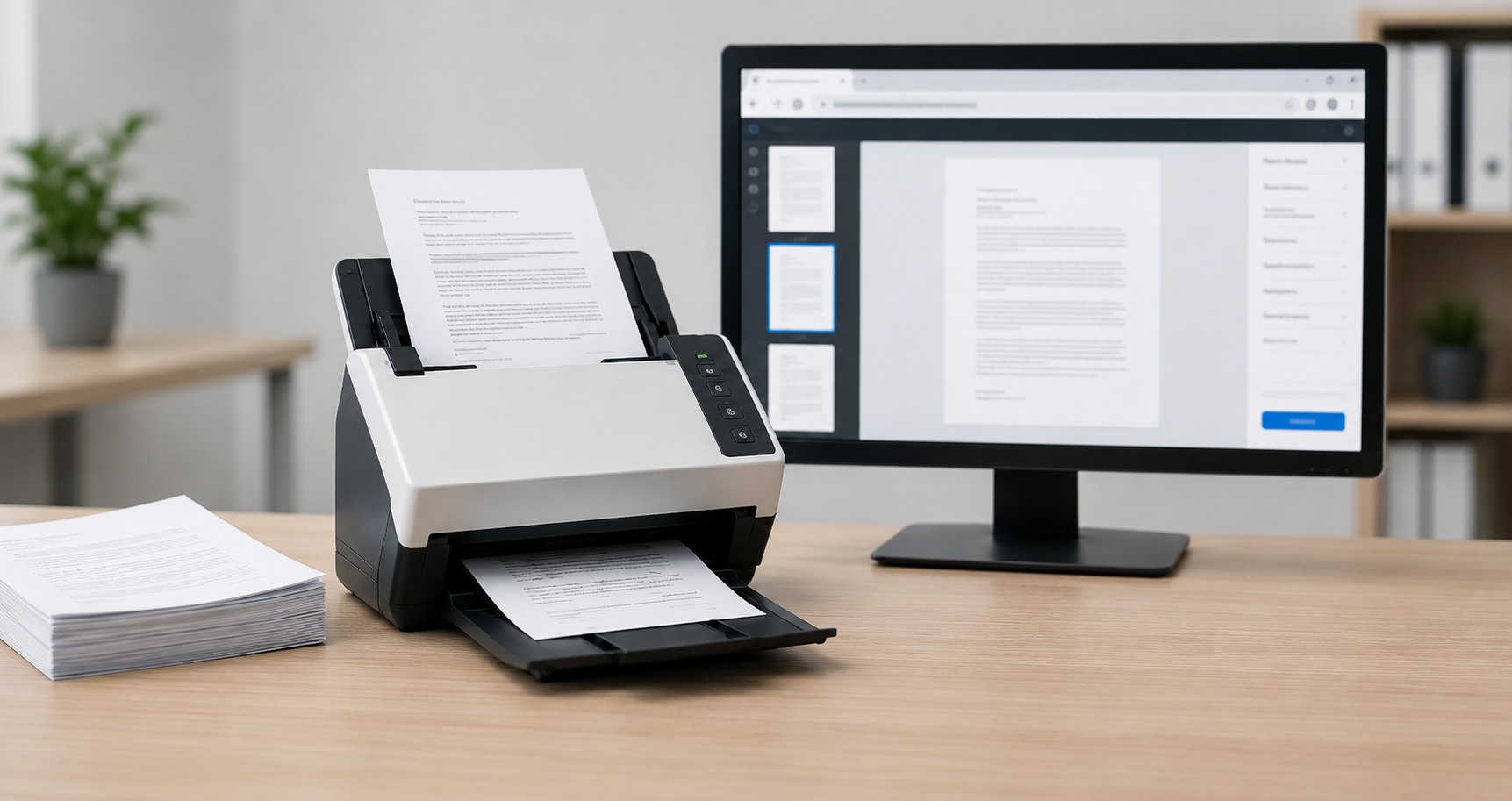
Web document scanning lets browser-based applications capture paper documents directly from a connected scanner - without plugins, downloads, or desktop software - by pairing a JavaScript SDK with a lightweight local service that talks to the scanner via TWAIN, WIA, ICA, or SANE. This solves a specific technical limitation: browsers...
Read more › -

What is a HIPAA-compliant web document scanning SDK? A HIPAA-compliant web document scanning SDK processes protected health information (PHI) without exposing it to unauthorized parties. Key requirements include on-device processing (so PHI stays within your infrastructure), encrypted data transmission, audit logging, no unauthorized third-party data sharing, and a signed Business...
Read more ›