


Accurate Barcode Scanning SDK
for Real-World Conditions
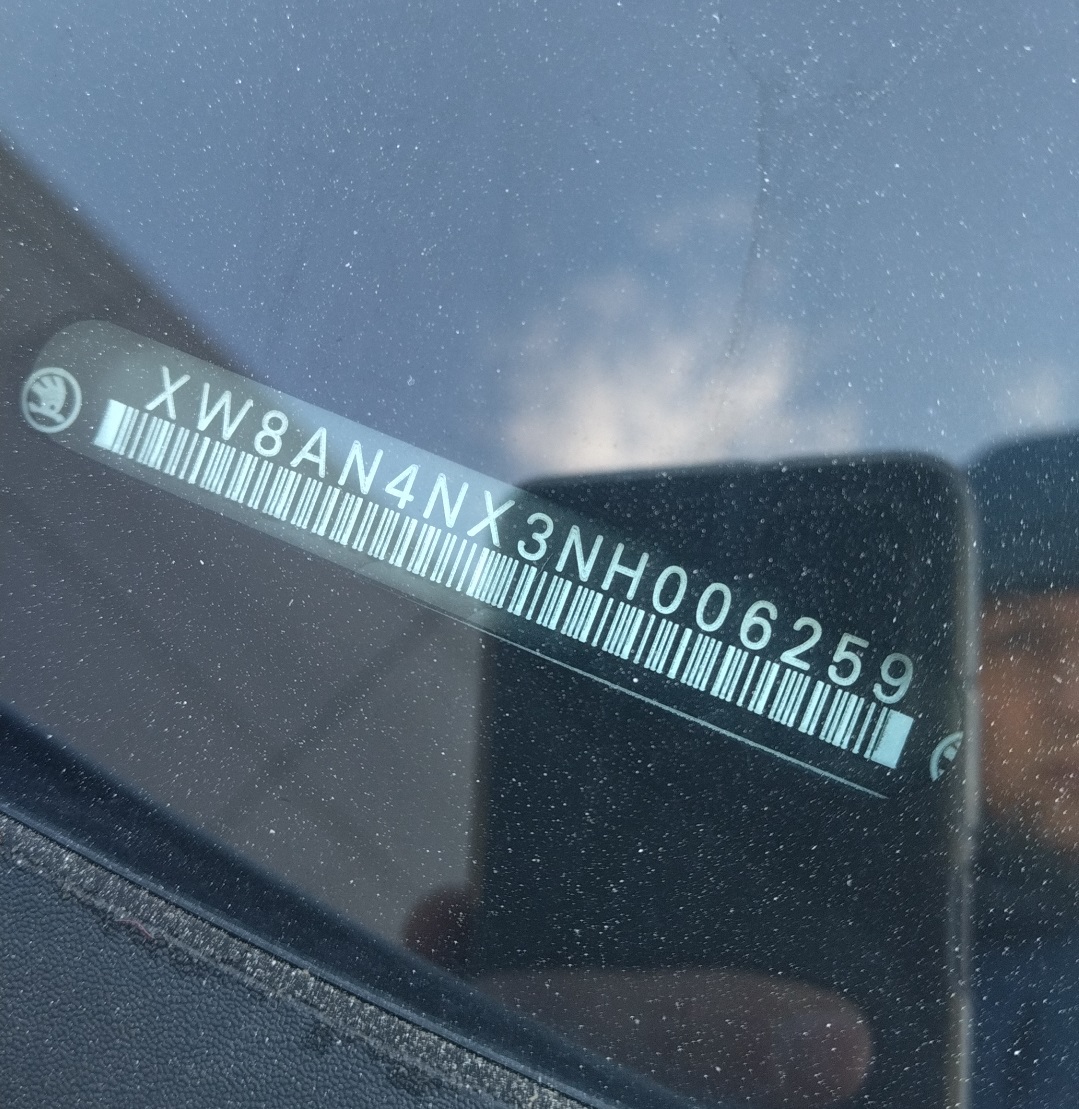
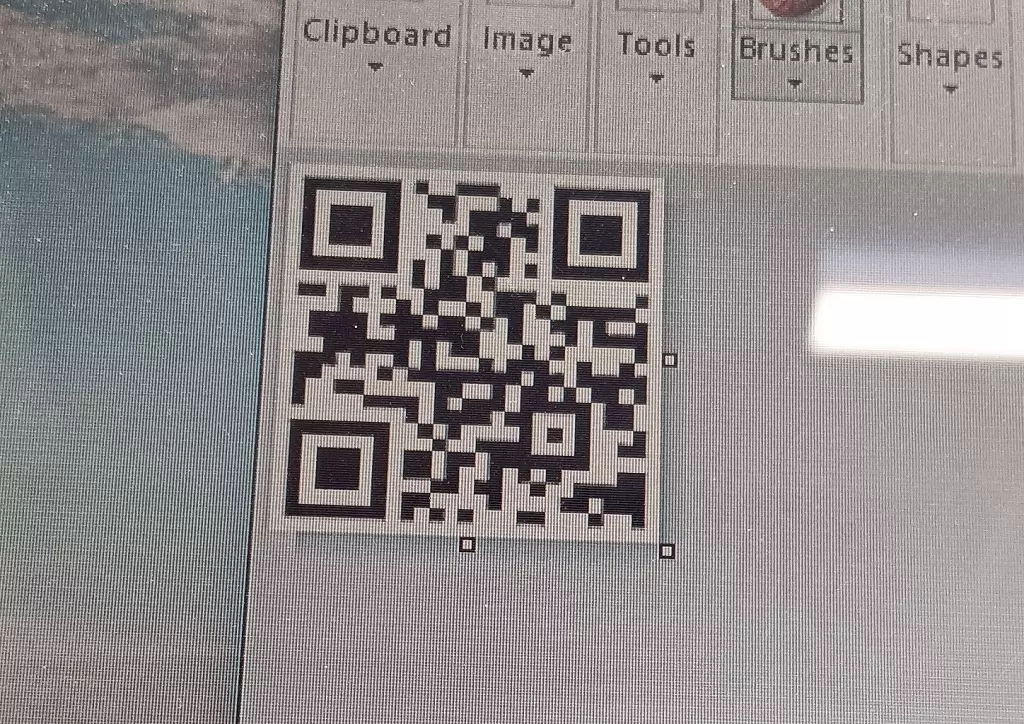
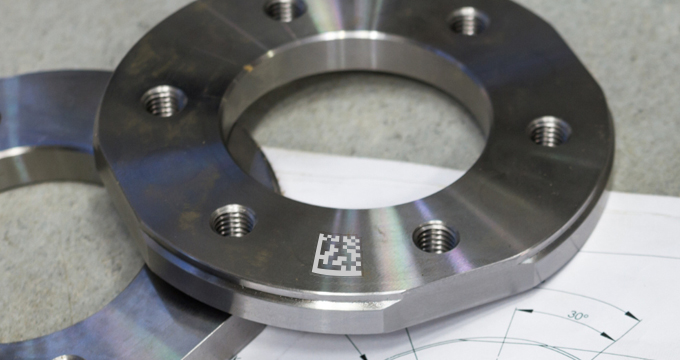
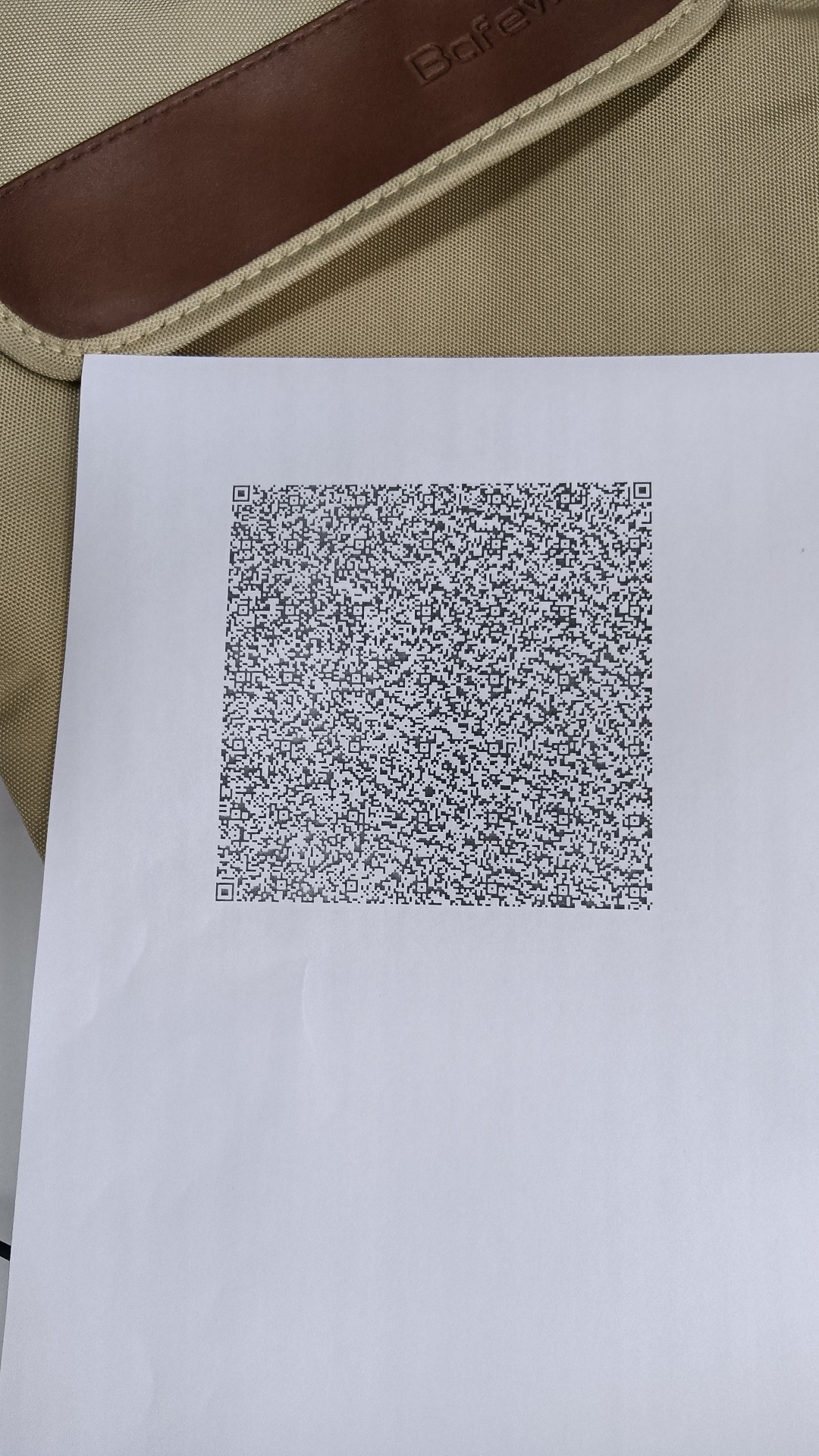
Engineered for blurred, damaged, DPM, and low-light barcodes. At speed.
Scan 500+ barcodes per minute
Decode the toughest barcodes
Best-in-class accuracy
30-day free trial
No-commitment consultation
Flexible licensing options
Trusted by 10,000+ companies worldwide - for over 20 years
















One SDK. Every platform. Consistent APIs.
Web Edition
Scan barcodes in any browser - React, Vue, Angular and PWA supported, with a WebAssembly core for fully offline, on-device decoding.
Mobile Edition
Native SDKs for iOS and Android, plus Flutter, React Native and MAUI - consistent API, real-time camera scanning.
Server/Desktop Edition
Python, Java, .NET, C++, and Node.js - high-throughput batch processing, embedded systems support, and full offline deployment.
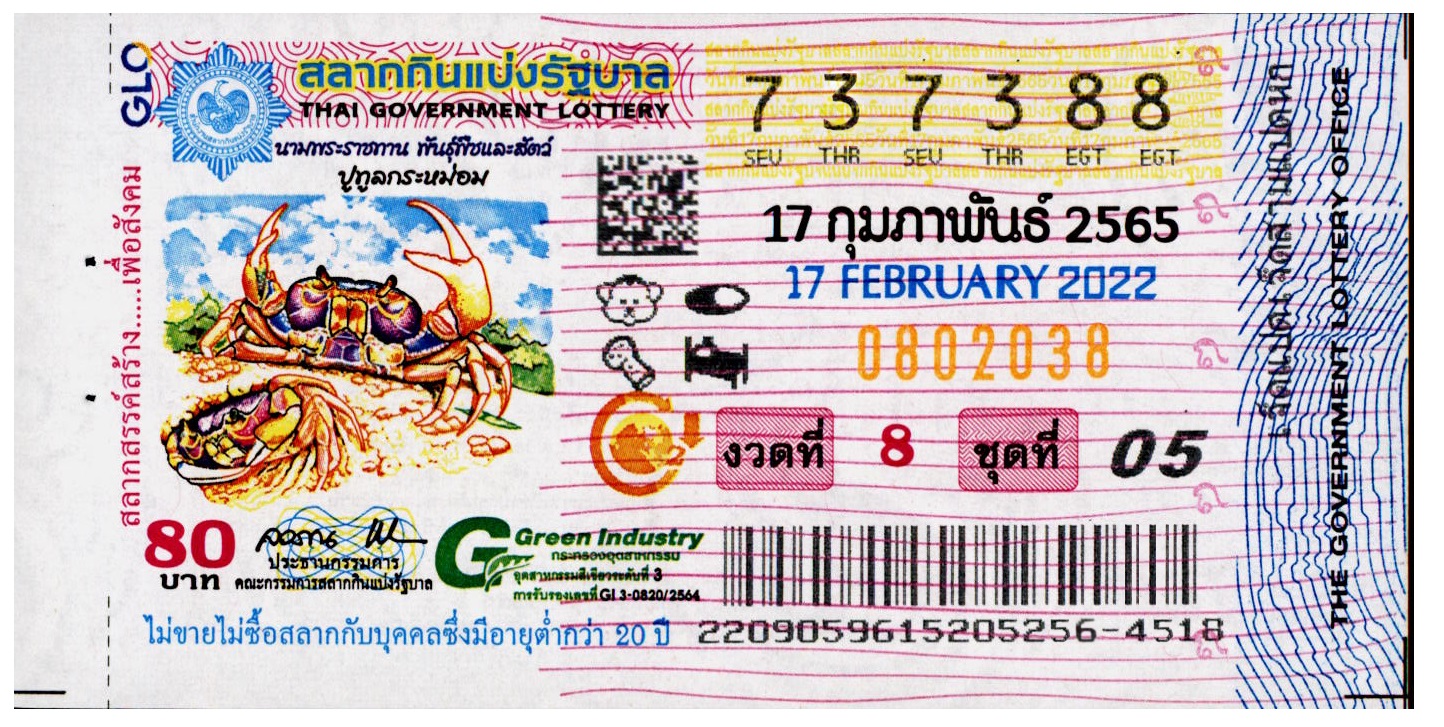
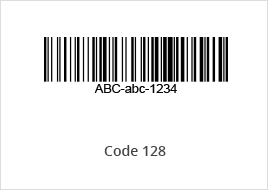
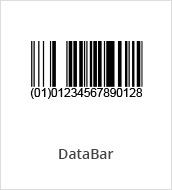
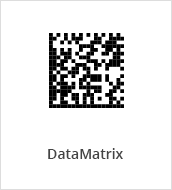
Supports 30+ barcode symbologies - EAN-13/UPC-A, EAN-8/UPC-E, QR, Data Matrix, PDF417, Code 128, Code 39, and more
View allClear documentation & optimized sample code to get started fast
Thorough docs and ready-to-use samples cut integration time from days to hours - so your team ships faster, maintains less, and stays focused on building better product experiences.
-
Sample code and examples in 10+ programming languages
-
Tightly defined APIs and ready-to-use code
-
Worldwide API coverage
-
Metadata support
- JavaScript
- Python
- Java
- .NET (C#)
- C++
- Flutter (Dart)
- React Native
- .NET MAUI
- Android (Java)
- iOS (Swift)
// 1. Init license
Dynamsoft.License.LicenseManager.initLicense("DLS2eyJvcmdhbml6YXRpb25JRCI6IjIwMDAwMSJ9");

// 2. Create a camera view and attach it to the page
const cameraView = await Dynamsoft.DCE.CameraView.createInstance();
document.querySelector("#camera-view-container").append(cameraView.getUIElement());
const camera = await Dynamsoft.DCE.CameraEnhancer.createInstance(cameraView);

// 3. Wire the camera to the Capture Vision Router
const router = await Dynamsoft.CVR.CaptureVisionRouter.createInstance();
router.setInput(camera);
router.addResultReceiver({
    onDecodedBarcodesReceived: (result) => {
        for (const item of result.barcodeResultItems) {
            console.log(item.formatString, item.text);
        }
    }
});

// 4. Start scanning
await camera.open();
await router.startCapturing("ReadSingleBarcode");
from dynamsoft_barcode_reader_bundle import *

# 1. Init license
errorCode, errorMsg = LicenseManager.init_license("DLS2eyJvcmdhbml6YXRpb25JRCI6IjIwMDAwMSJ9")
if errorCode != EnumErrorCode.EC_OK and errorCode != EnumErrorCode.EC_LICENSE_WARNING:
    print("License init failed:", errorMsg)
else:
    # 2. Capture barcodes from an image file
    cvr = CaptureVisionRouter()
    result = cvr.capture("path/to/image.png", EnumPresetTemplate.PT_READ_BARCODES.value)

    # 3. Print decoded items
    barcodes = result.get_decoded_barcodes_result()
    if barcodes is None or len(barcodes.get_items()) == 0:
        print("No barcode detected.")
    else:
        for item in barcodes.get_items():
            print(item.get_format_string() + ": " + item.get_text())
import com.dynamsoft.cvr.*;
import com.dynamsoft.dbr.*;
import com.dynamsoft.license.*;
import com.dynamsoft.core.EnumErrorCode;
public class ReadAnImage {
public static void main(String[] args) throws Exception {
try {
LicenseError licenseError = LicenseManager.initLicense("DLS2eyJvcmdhbml6YXRpb25JRCI6IjIwMDAwMSJ9");
if (licenseError.getErrorCode() == EnumErrorCode.EC_LICENSE_WARNING) {
System.out.println("License initialization warning: " + licenseError.getErrorString());
}
} catch (LicenseException e) {
System.out.println("License initialization failed: ErrorCode: " + e.getErrorCode() + ", ErrorString: " + e.getErrorString());
return;
}
// 2. Capture barcodes from an image file
CaptureVisionRouter cvr = new CaptureVisionRouter();
CapturedResult[] results = cvr.captureMultiPages(
"path/to/image.png", EnumPresetTemplate.PT_READ_BARCODES);
// 3. Print decoded items
for (CapturedResult r : results) {
DecodedBarcodesResult barcodes = r.getDecodedBarcodesResult();
if (barcodes == null) continue;
for (BarcodeResultItem item : barcodes.getItems()) {
System.out.println(item.getFormatString() + ": " + item.getText());
}
}
}
}using Dynamsoft.DBR;
using Dynamsoft.Core;
using Dynamsoft.CVR;
using Dynamsoft.License;
// 1. Init license
int errorCode = LicenseManager.InitLicense(
"DLS2eyJvcmdhbml6YXRpb25JRCI6IjIwMDAwMSJ9", out string errorMsg);
if (errorCode != (int)EnumErrorCode.EC_OK
&& errorCode != (int)EnumErrorCode.EC_LICENSE_WARNING) {
Console.WriteLine("License init failed: " + errorMsg);
return;
}
// 2. Capture barcodes from an image file
using var cvr = new CaptureVisionRouter();
CapturedResult? result = cvr.Capture("path/to/image.png", PresetTemplate.PT_READ_BARCODES);
// 3. Print decoded items
DecodedBarcodesResult? barcodes = result?.GetDecodedBarcodesResult();
if (barcodes == null || barcodes.GetItems().Length == 0) {
Console.WriteLine("No barcode detected.");
} else {
foreach (var item in barcodes.GetItems())
Console.WriteLine(item.GetFormatString() + ": " + item.GetText());
}#include "DynamsoftCaptureVisionRouter.h"
using namespace dynamsoft::license;
using namespace dynamsoft::cvr;
using namespace dynamsoft::dbr;
int main() {
// 1. Init license
char errorMsg[512];
int errorCode = CLicenseManager::InitLicense(
"DLS2eyJvcmdhbml6YXRpb25JRCI6IjIwMDAwMSJ9", errorMsg, 512);
if (errorCode != EC_OK && errorCode != EC_LICENSE_WARNING) {
std::cout << "License init failed: " << errorMsg << std::endl;
return 1;
}
// 2. Capture barcodes from an image file
CCaptureVisionRouter* cvr = new CCaptureVisionRouter;
CCapturedResult* result = cvr->Capture(
"path/to/image.png", CPresetTemplate::PT_READ_BARCODES);
// 3. Print decoded items
CDecodedBarcodesResult* barcodes = result->GetDecodedBarcodesResult();
if (barcodes == nullptr || barcodes->GetItemsCount() == 0) {
std::cout << "No barcode detected." << std::endl;
} else {
for (int i = 0; i < barcodes->GetItemsCount(); ++i) {
const CBarcodeResultItem* item = barcodes->GetItem(i);
std::cout << item->GetFormatString() << ": " << item->GetText() << std::endl;
}
}
if (barcodes) barcodes->Release();
result->Release();
delete cvr;
return 0;
}import 'package:flutter/material.dart';
import 'package:dynamsoft_capture_vision_flutter/dynamsoft_capture_vision_flutter.dart';
class ScannerPage extends StatefulWidget {
@override
State createState() => _ScannerPageState();
}
class _ScannerPageState extends State {
final _cvr = CaptureVisionRouter.instance;
final _camera = CameraEnhancer.instance;
String _display = "";
@override
void initState() {
super.initState();
_setup();
}
Future _setup() async {
// 1. Init license
await LicenseManager.initLicense("DLS2eyJvcmdhbml6YXRpb25JRCI6IjIwMDAwMSJ9");
// 2. Wire camera to router, register result receiver
await _cvr.setInput(_camera);
_cvr.addResultReceiver(CapturedResultReceiver(
onDecodedBarcodesReceived: (result) {
final items = result.items ?? [];
if (items.isEmpty) return;
setState(() => _display = items
.map((b) => "${b.formatString}: ${b.text}")
.join("\n"));
},
));
// 3. Start camera and capture
await _camera.open();
await _cvr.startCapturing(EnumPresetTemplate.readBarcodes);
}
@override
Widget build(BuildContext context) => Scaffold(
body: Stack(children: [
CameraView(cameraEnhancer: _camera),
Positioned(bottom: 24, left: 16, right: 16, child: Text(_display)),
]),
);
} import React, { useEffect, useRef, useState } from 'react';
import { Text, View } from 'react-native';
import {
CameraEnhancer, CameraView, CaptureVisionRouter,
LicenseManager, EnumPresetTemplate,
} from 'dynamsoft-capture-vision-react-native';
export default function App(): React.JSX.Element {
const cameraRef = useRef(null);
const routerRef = useRef(null);
const [display, setDisplay] = useState('');
useEffect(() => {
(async () => {
// 1. Init license
await LicenseManager.initLicense('DLS2eyJvcmdhbml6YXRpb25JRCI6IjIwMDAwMSJ9');
// 2. Wire camera to router, register result receiver
const camera = await CameraEnhancer.createInstance();
const router = await CaptureVisionRouter.createInstance();
await router.setInput(camera);
router.addResultReceiver({
onDecodedBarcodesReceived: (result) => {
const items = result.items ?? [];
if (items.length === 0) return;
setDisplay(items.map(b => `${b.formatString}: ${b.text}`).join('\n'));
},
});
// 3. Start camera and capture
await camera.open();
await router.startCapturing(EnumPresetTemplate.PT_READ_BARCODES);
cameraRef.current = camera;
routerRef.current = router;
})();
return () => {
routerRef.current?.stopCapturing();
cameraRef.current?.close();
};
}, []);
return (
<View style={{ flex: 1 }}>
<CameraView style={{ flex: 1 }} cameraEnhancer={cameraRef.current} />
<Text style={{ padding: 16 }}>{display}</Text>
</View>
);
} using Dynamsoft.CaptureVisionRouter.Maui;
using Dynamsoft.CameraEnhancer.Maui;
using Dynamsoft.License.Maui;
namespace ScanBarcodes;
public partial class ScannerPage : ContentPage, ICapturedResultReceiver
{
private CameraEnhancer _camera;
private CaptureVisionRouter _cvr;
public ScannerPage()
{
InitializeComponent();
// 1. Init license
LicenseManager.InitLicense("DLS2eyJvcmdhbml6YXRpb25JRCI6IjIwMDAwMSJ9");
// 2. Wire camera to router, register result receiver
_camera = new CameraEnhancer();
_camera.SetCameraView(cameraView);
_cvr = new CaptureVisionRouter();
_cvr.SetInput(_camera);
_cvr.AddResultReceiver(this);
}
public void OnDecodedBarcodesReceived(DecodedBarcodesResult result)
{
if (result.Items == null || result.Items.Length == 0) return;
MainThread.BeginInvokeOnMainThread(() =>
{
label.Text = string.Join("\n",
result.Items.Select(b => b.FormatString + ": " + b.Text));
});
}
// 3. Start/stop camera and capture with the page lifecycle
protected override async void OnAppearing()
{
base.OnAppearing();
await Permissions.RequestAsync();
_camera.Open();
_cvr.StartCapturing(EnumPresetTemplate.PT_READ_BARCODES);
}
protected override void OnDisappearing()
{
base.OnDisappearing();
_cvr.StopCapturing();
_camera.Close();
}
} import com.dynamsoft.cvr.*;
import com.dynamsoft.dbr.*;
import com.dynamsoft.dce.CameraEnhancer;
import com.dynamsoft.dce.CameraView;
import com.dynamsoft.dce.utils.PermissionUtil;
import com.dynamsoft.license.LicenseManager;
public class MainActivity extends AppCompatActivity {
private CameraEnhancer mCamera;
private CaptureVisionRouter mRouter;
private TextView mResult;
@Override
protected void onCreate(Bundle savedInstanceState) {
super.onCreate(savedInstanceState);
setContentView(R.layout.activity_main);
mResult = findViewById(R.id.tv_result);
// 1. Init license
LicenseManager.initLicense("DLS2eyJvcmdhbml6YXRpb25JRCI6IjIwMDAwMSJ9",
this, (isSuccess, error) -> {
if (!isSuccess && error != null) Log.e("DBR", error.getMessage());
});
// 2. Wire camera to router, register result receiver
PermissionUtil.requestCameraPermission(this);
CameraView cameraView = findViewById(R.id.camera_view);
mCamera = new CameraEnhancer(cameraView, this);
mRouter = new CaptureVisionRouter(this);
mRouter.setInput(mCamera);
mRouter.addResultReceiver(new CapturedResultReceiver() {
@Override
public void onDecodedBarcodesReceived(DecodedBarcodesResult result) {
BarcodeResultItem[] items = result.getItems();
if (items == null || items.length == 0) return;
StringBuilder sb = new StringBuilder();
for (BarcodeResultItem item : items)
sb.append(item.getFormatString()).append(": ").append(item.getText()).append("\n");
runOnUiThread(() -> mResult.setText(sb.toString()));
}
});
}
// 3. Start/stop camera and capture with the activity lifecycle
@Override protected void onResume() {
super.onResume();
try { mCamera.open(); } catch (Exception e) { e.printStackTrace(); }
mRouter.startCapturing(EnumPresetTemplate.PT_READ_BARCODES, (isSuccess, error) -> {});
}
@Override protected void onPause() {
super.onPause();
mRouter.stopCapturing();
try { mCamera.close(); } catch (Exception e) { e.printStackTrace(); }
}
}import UIKit
import DynamsoftCaptureVisionBundle
class ViewController: UIViewController, LicenseVerificationListener, CapturedResultReceiver {
var cameraView: CameraView!
let camera = CameraEnhancer()
let cvr = CaptureVisionRouter()
let label = UILabel()
override func viewDidLoad() {
super.viewDidLoad()
// 1. Init license
LicenseManager.initLicense(
"DLS2eyJvcmdhbml6YXRpb25JRCI6IjIwMDAwMSJ9",
verificationDelegate: self)
// 2. Wire camera to router, register result receiver
cameraView = CameraView(frame: view.bounds)
cameraView.autoresizingMask = [.flexibleWidth, .flexibleHeight]
view.insertSubview(cameraView, at: 0)
camera.cameraView = cameraView
try! cvr.setInput(camera)
cvr.addResultReceiver(self)
}
// 3. Start/stop camera and capture with the view lifecycle
override func viewWillAppear(_ animated: Bool) {
super.viewWillAppear(animated)
camera.open()
cvr.startCapturing(PresetTemplate.readBarcodes.rawValue) { _, _ in }
}
override func viewWillDisappear(_ animated: Bool) {
super.viewWillDisappear(animated)
cvr.stopCapturing()
camera.close()
}
func onDecodedBarcodesReceived(_ result: DecodedBarcodesResult) {
guard let items = result.items, !items.isEmpty else { return }
let text = items.map { "\($0.formatString): \($0.text)" }.joined(separator: "\n")
DispatchQueue.main.async { self.label.text = text }
}
func onLicenseVerified(_ isSuccess: Bool, error: Error?) {
if !isSuccess, let error = error { print(error.localizedDescription) }
}
}Boost performance with customized scan templates
Templates let you tune the full decode pipeline - image preprocessing, localization, and decoding - so you get maximum accuracy for the most challenging barcodes.
Proven speed & accuracy in
challenging conditions
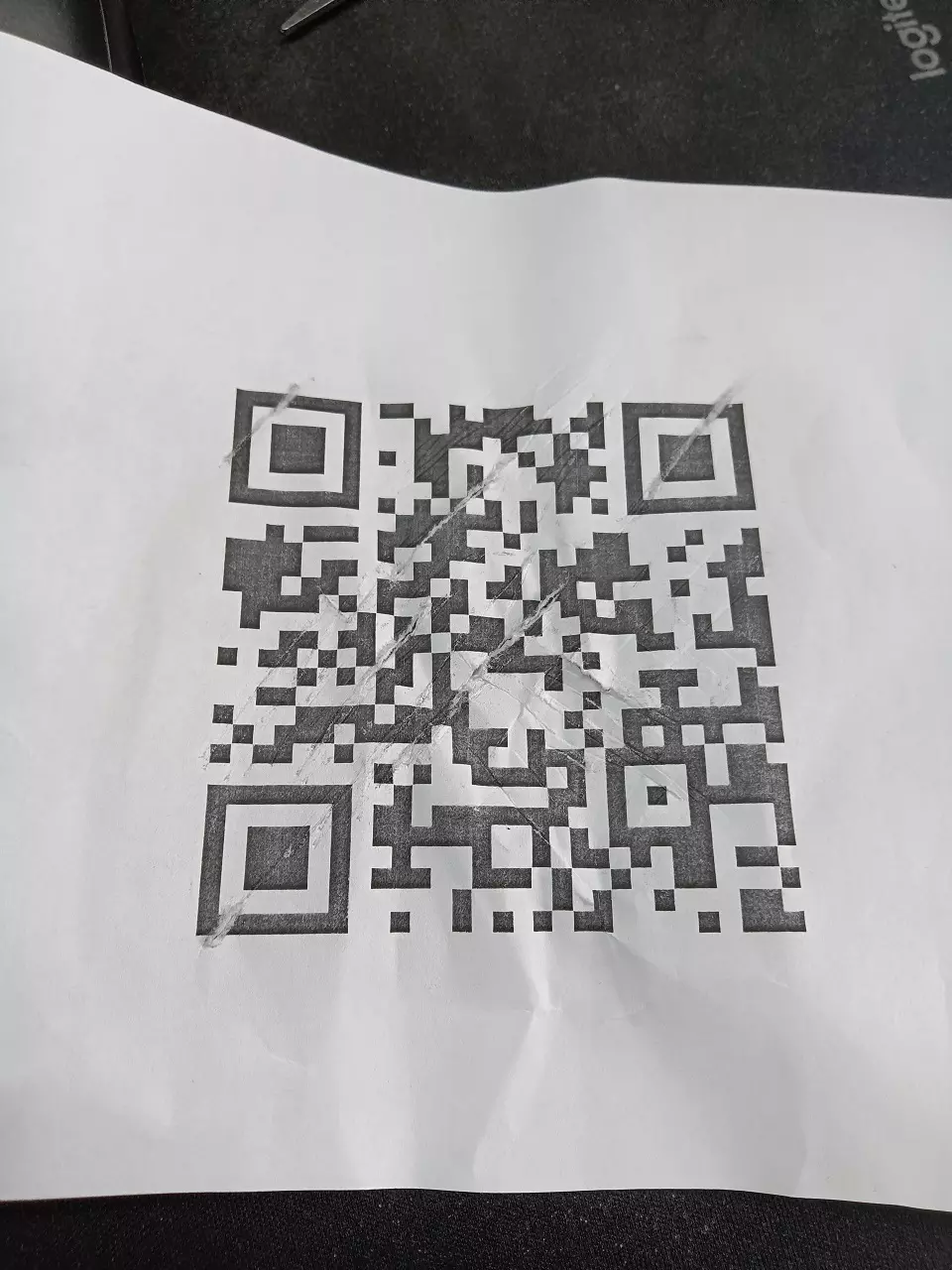
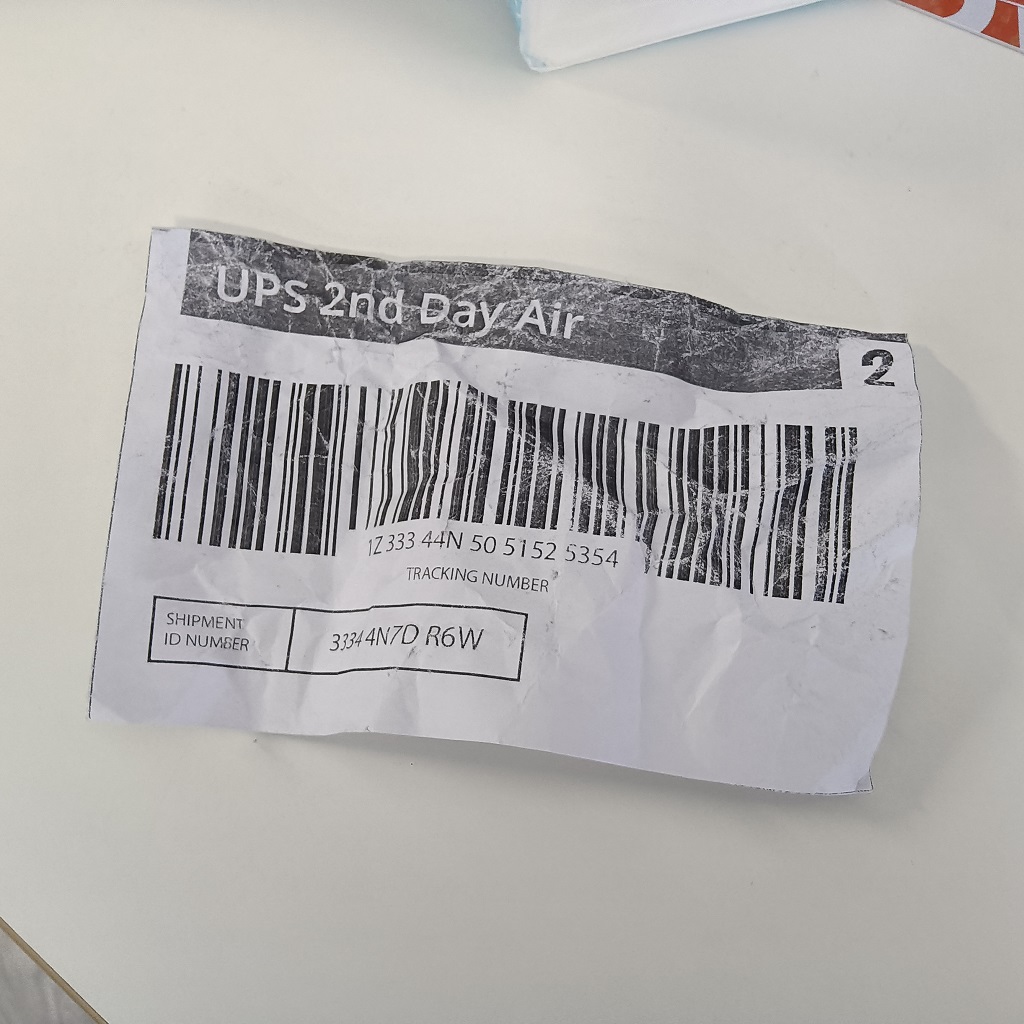
In benchmark testing across 337 unique barcodes and 16 real-world image quality categories - including motion blur, low contrast, partial occlusion, and reflective surfaces - Dynamsoft recognized 32.7% more barcodes than the next best SDK tested.
View full benchmark resultsBarcode Detection Rate
Detection of 337 unique barcodes
Barcode Decode Speed
Average time / image - lower is better
Trusted enterprise-grade solutions over 20 years
From early-stage evaluation to enterprise production - we support every stage of your development lifecycle.
23yrs
23yrs
Business since 2003
10K+
10K+
Customers worldwide
1M+
1M+
Active users

Built in Canada
Decades of Trust & Success
Over 10,000 customers and 20 years of continued investment in capture technology.
Fully Supported Free Trial
Every trial includes direct access to our technical team - not a ticket queue.
Optimized Scan Templates
Pre-built or fully custom - optimized for the barcodes other SDKs miss.
Best-in-Class Speed & Accuracy
Proven speed & accuracy in challenging conditions
Security a Top Priority
On-device and fully offline processing available across all platforms. ISO 27001 and O-TTPS certified.
View security white paper

Proven strategies, real results.
Teams across manufacturing, healthcare, pharma, logistics, and retail use Dynamsoft to reduce scanning errors, accelerate integration, and meet compliance requirements.
60%
Faster client validation time

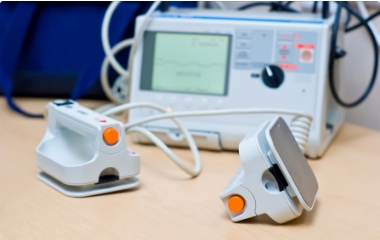
Achieving complete traceability
"Dynamsoft is key to ensuring integrity of data within our system for traceability within the manufacturing process."
60%
Reduction in returns processing costs

3.5 years bank teller time saved
"Automating the ID card capture process will save us 3.5 years of bank teller time - just on account openings."
"Dynamsoft Barcode Reader has sped up the process of receiving samples into inventory. We can now decode vials in batches of 100 with close to 100% accuracy."

2wks
The solution was ready to deploy.

30,000
Installs per month globally
"Our customers can now click-to-add enterprise-grade barcode reading to their apps."
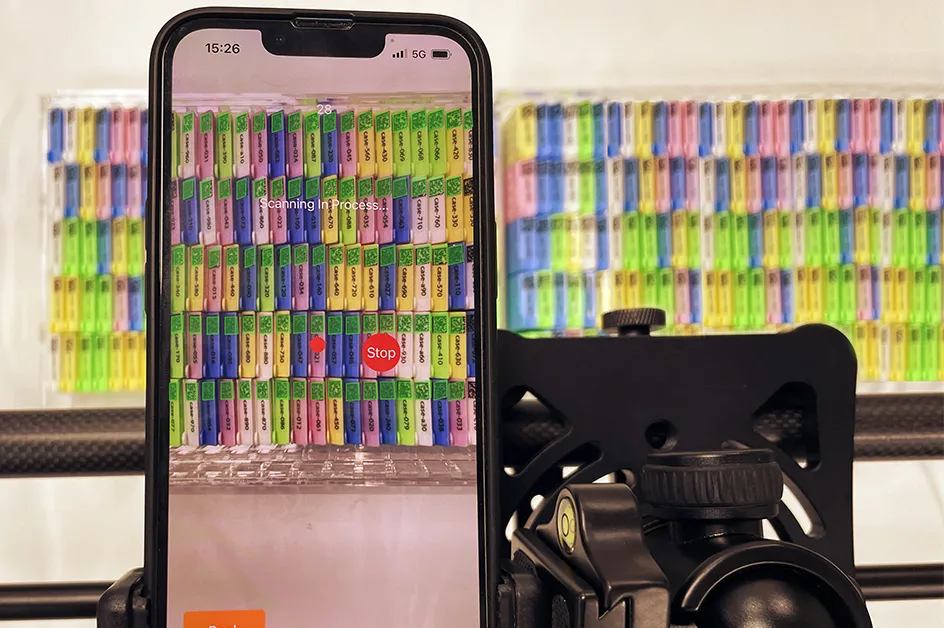
Accurate scanning of codes with speed
Within 20 seconds, we can scan up to 180 DataMatrix barcodes with better than 99.9% accuracy.
30+ barcode symbologies supported
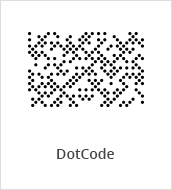
Linear, 2D, and specialty formats - including niche industrial and postal standards that most SDKs don't cover.
Linear Barcodes (1D)
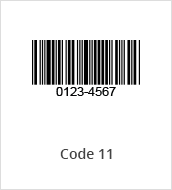
Code 11
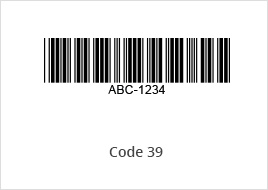
Code 39 & EXT
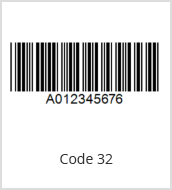
Code 32
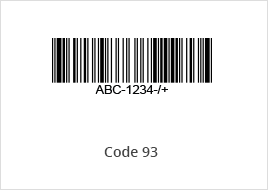
Code 93
Code 128
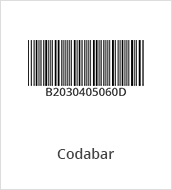
Codabar
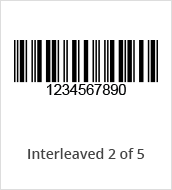
Interleaved 2 of 5
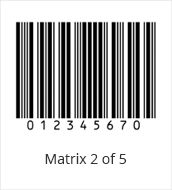
Matrix 2 of 5
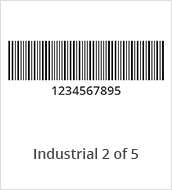
Industrial 2 of 5
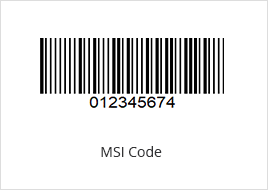
MSI (Modified Plessey)
GS1 DataBar
Telepen
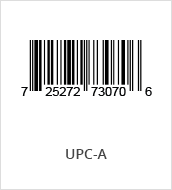
UPC-A
UPC-E
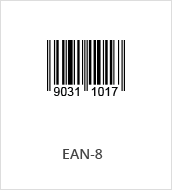
EAN-8
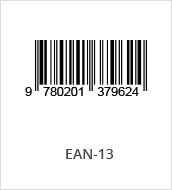
EAN-13
2D Barcodes
QR Code
Micro QR Code
Data Matrix
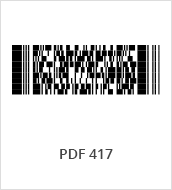
PDF417
Micro PDF417
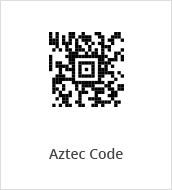
Aztec Code
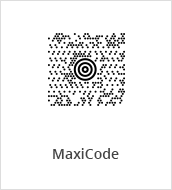
MaxiCode (mode 2-5)
USPS Intelligent Mail
Postnet
Planet
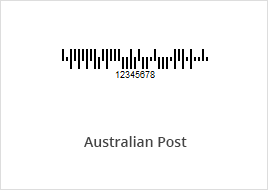
Australian Post
UK Royal Mail
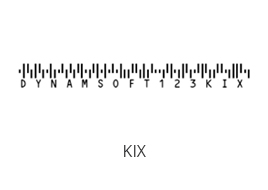
KIX
DotCode
Others
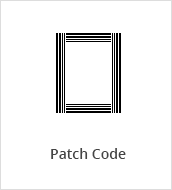
Patch Code
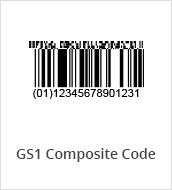
GS1 Composite Code
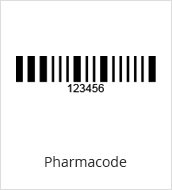
Pharmacode
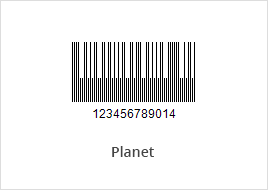
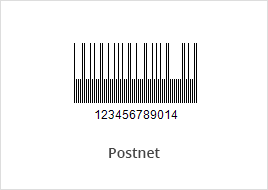
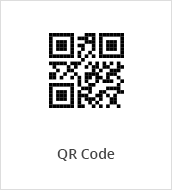
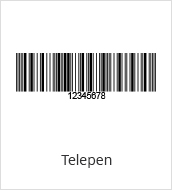

What barcode symbologies does Dynamsoft Barcode Reader support?
SymbologiesDynamsoft Barcode Reader supports 30+ symbologies including QR Code, Data Matrix, PDF417, Code 128, Code 39, EAN-13, UPC-A, Aztec, MaxiCode, Micro QR, DotCode, Pharmacode, GS1 DataBar, GS1 Composite, and several postal symbologies.
Which platforms and programming languages are supported?
PlatformsDynamsoft Barcode Reader supports JavaScript (React, Vue, Angular) for web, native SDKs for iOS and Android, Flutter, React Native, and MAUI for cross-platform mobile, and Python, Java, .NET, C++, and Node.js for server and desktop. All platforms share a consistent API model.
How does Dynamsoft Barcode Reader perform compared to other barcode SDKs?
PerformanceIn benchmark testing across 1,000+ QR codes and 16 real-world image quality categories - including blur, low contrast, and partial damage - Dynamsoft recognized 32.7% more barcodes than the next best SDK. Read more about the full methodology and results in our benchmark blog series.
Can the SDK handle damaged, blurry, or low-light barcodes?
PerformanceYes - handling difficult real-world barcodes is Dynamsoft's core strength. The SDK includes specialized algorithms for blurry and out-of-focus barcodes, damaged or partially obscured codes, low-light and high-glare environments, direct part marking (DPM) on metal and curved surfaces, wrinkled or deformed labels, and dense or high-version QR codes. Customizable scan templates let you tune the decode pipeline specifically for the conditions your application encounters, rather than relying on generic settings.
Does Dynamsoft Barcode Reader support offline scanning?
OfflineYes - Dynamsoft Barcode Reader supports fully offline, on-device scanning across all platforms. The SDK runs entirely on-device with no network dependency required at runtime. For web, this is achieved via WebAssembly; for mobile and server/desktop, the native SDK operates fully offline out of the box. No image or barcode data is transmitted to external servers.
Licensing is equally flexible. Options include subscription licenses, usage-based licensing, and license-server-based deployment for organizations that need centralized license management across large or distributed teams. Offline licensing is available for security-sensitive environments.
How does the free trial work - and what support is included?
TrialThe 30-day trial is fully functional with no feature restrictions and no credit card required. Every trial includes direct access to Dynamsoft tech specialists via live chat for integration help, scan template tuning, and performance questions - not a ticket queue or documentation links.
Try the barcode reader SDK free for 30 days
Full functionality, direct engineer support, no commitment.
Fully Supported Free Trial
Real engineers available on live chat throughout your 30-day trial
No Credit Card Required
Download the SDK and start building immediately. No commitment
Flexible Licensing Options
Choose a licensing model that fits your deployment and scale.
We may reach out about products and services relevant to your trial. You can unsubscribe at any time - see our privacy statement for details.